 NexSms官方博客
In the overseas social media operations and cross-border transactions of 2026, many users have encountered this frustrating scenario: the screen stays on the security verification interface, fingers repeatedly click "Resend", but the phone or code reception backend remains blank.
As Meta's automated risk control system tightens, Facebook verification code reception is no longer limited to the "new account registration" step. From sudden login locks (Checkpoint), the "180-day golden appeal period" after account suspension, to enabling or restoring Facebook Marketplace second-hand trading permissions, SMS verification codes run through every key self-rescue moment in the account lifecycle.
Previously, we discussed solutions for Meta Account Center and BM re-verification being forced to redirect to WhatsApp. This article focuses on the high-incidence scenarios in 2026 of personal account suspension appeals, security checks, and trading permission recovery, dissects the underlying reasons for Facebook SMS delivery failures, and provides corresponding number selection strategies.
I. In 2026, Which High-Risk Scenarios Most Test "Facebook Verification Code Reception"?
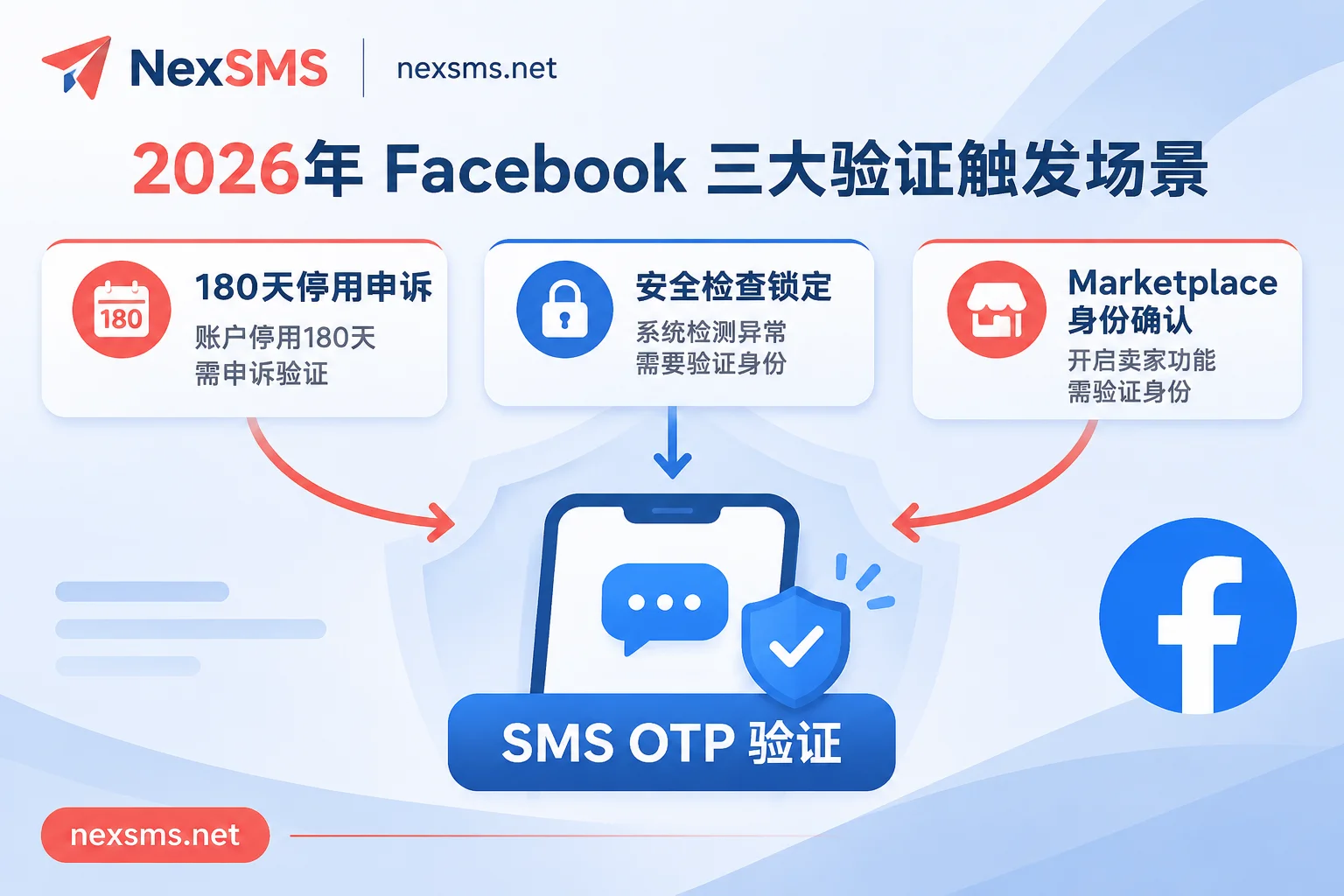
Many operators think that as long as they register an account and bind an authenticator (2FA), they can rest easy. In reality, in the following three high-frequency risk control scenarios triggered in 2026, SMS verification codes remain an irreplaceable "pass" (for the relationship between authenticators and phone numbers, you can read why you still need a long-term code reception number after binding an authenticator):
1. The First Step That Triggers the "180-Day Appeal" Countdown
When the system determines that an account has abnormal operations or suspected violations of community guidelines, a prompt appears: "Your account has been suspended, you have 180 days remaining to request a review." Before entering the stage of uploading ID documents or recording a video selfie, the system's first step is often to send a verification code to the bound phone number to confirm basic identity. If the original number is no longer valid and Facebook verification code reception cannot be completed, even the entry point to submit appeal materials cannot be opened.
2. Checkpoint Security Check and Login Lock from Different Locations
When changing login devices, clearing browser cache, or network node fluctuations, Checkpoint locks are easily triggered (prompting "Your account has been locked"). The fastest way to prove "you are you" is to receive the security code sent to the bound phone or email.
3. Facebook Marketplace Seller Identity Confirmation and Recovery
In 2026, many sellers find that the Marketplace icon at the bottom of the app suddenly disappears, or when listing items, a "Confirm Identity" request pops up. Besides checking account age and regional restrictions, Meta often filters out fake sellers by forcing phone number verification.
II. Why Does the Page Show "Sent" but You Don't Receive the Code?
When you wait in front of the screen but don't receive the SMS, it's usually not a Facebook server outage, but rather being blocked by the following four interception mechanisms:
- Triggered 60-minute anti-abuse cooldown timer: This is the most common invisible trap. If you click "Resend verification code" multiple times in a short period, Facebook's anti-abuse system will flag the request as a spam attack and automatically pause sending SMS to that number. The page may still show "Sent", but the backend has actually entered a silent cooldown of up to 60 minutes.
- Number segment attributes identified by risk control: If you use a free virtual number segment that has been repeatedly abused by many users, or a "second-hand recycled number" that was previously bound to a banned account, Meta will directly intercept the delivery during the OTP (one-time password) generation stage.
- International routing packet loss and carrier filtering: International verification SMS needs to be forwarded through multiple telecom routes. Some local carriers are extremely strict in intercepting automated A2P (application-to-person) short code messages, causing verification codes to be silently dropped during transmission.
- Conflict between network location and number attribution: When the system detects obvious anomalies in the environment requesting verification, or if the number format or area code is filled incorrectly, it will also delay or restrict the delivery of verification codes.
III. Number Selection by Scenario: How to Use NexSMS to Stably Complete Facebook Verification Code Reception?
Facing complex risk control and cross-border communication barriers, blind trial and error will only waste precious appeal opportunities. On the NexSMS platform, we recommend users configure numbers in layers based on the actual use and lifecycle of the account (for more number allocation logic, refer to how to avoid verification code failure risks through "number layering").
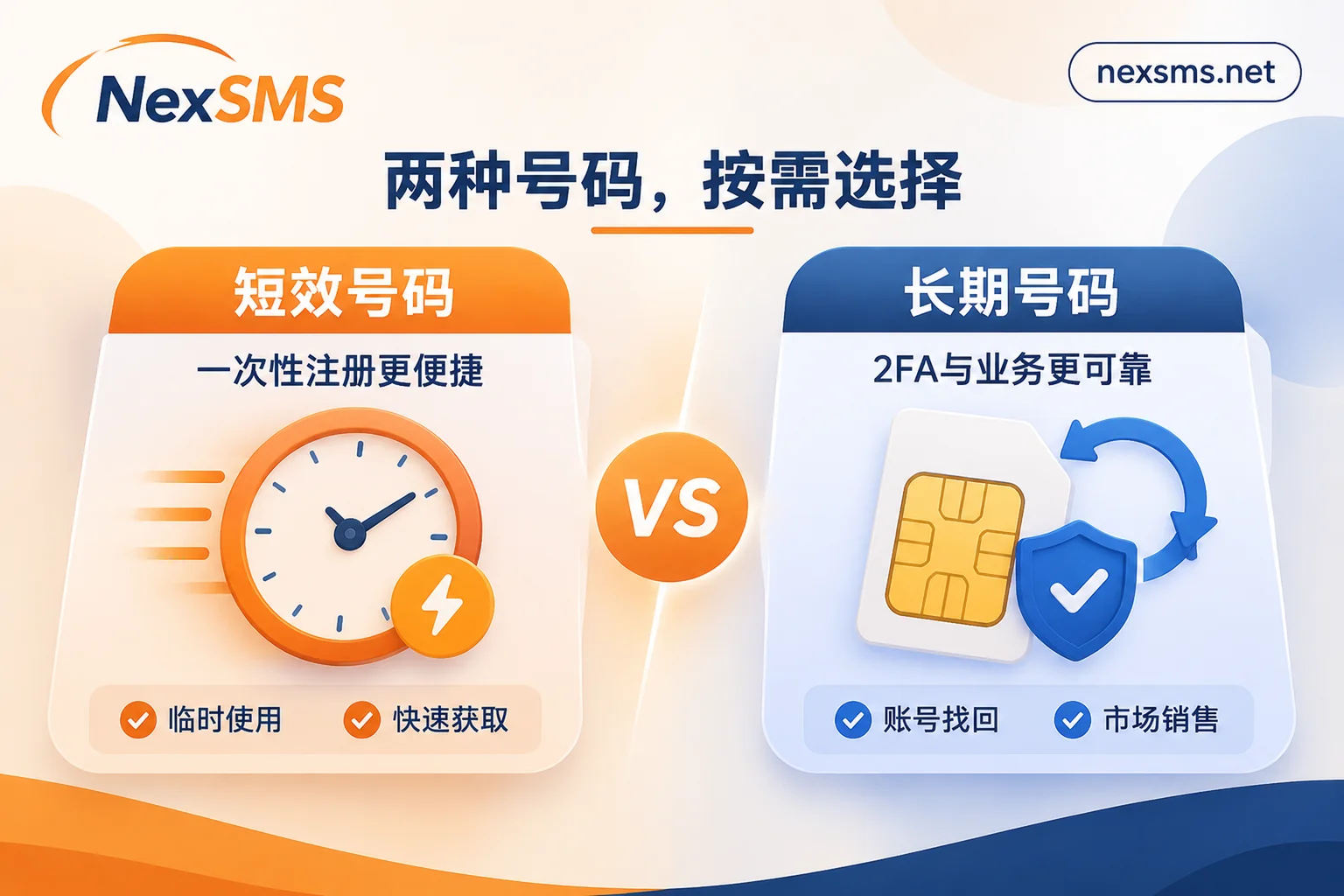
Scenario A: One-time New Account Registration and Temporary Testing → Choose "Short-term Ordinary Number"
If you only need to register a new account for short-term testing, or complete a temporary verification that requires no subsequent maintenance, you can use NexSMS's short-term ordinary number.
- Billing and rules: Pay-per-use, short validity period, one number is only used to receive one verification code, no renewal supported, and the same number cannot be used to receive codes again.
- Usage suggestion: Before ordering, you can filter the target country and Facebook app on the number selection by country page or price and inventory page to view real-time inventory and starting prices. For example, if you plan to use a US area code, you can directly check the US code reception dedicated page for local number details.
Scenario B: Daily Operation of Main Accounts, Marketplace Sellers, and Anti-Ban Backup → Choose "Long-term Premium Number"
For main personal accounts that need long-term login, accounts bound to advertising assets, or seller accounts operating on Marketplace, it is strongly not recommended to use one-time short-term numbers or free numbers. Once a Checkpoint lock or 180-day suspension appeal is triggered weeks later, being unable to retrieve the original number means permanent loss of the account.
- Real carrier local numbers: NexSMS's long-term premium numbers use real carrier local numbers (based on local physical cards and eSIMs, not cheap virtual landing numbers), which have higher credibility when dealing with platform number segment screening.
- Unlimited code reception and renewal retention: Within the validity period, the same number can receive verification codes unlimited times, displayed in real-time on the web page; before expiration, renewal is supported to continue holding the number, very suitable for two-factor authentication, account recovery, and long-term binding across multiple platforms.
Scenario C: Team Batch Management and Automated Code Reception → Access the "Developer API"
For operations teams maintaining multiple overseas accounts or developers who need to embed number acquisition and code reception processes into their own programs, manually refreshing web pages is obviously inefficient. NexSMS supports integrating the developer API into programs to achieve code reception in parallel with the web端. To learn about specific API integration methods, you can find 7×24 online Telegram customer service through the contact customer service page for support.
Security boundary reminder: Although the NexSMS official website provides several US free public numbers (log in to the user dashboard to view real-time verification codes), SMS received by public numbers are visible to everyone. The official clearly states: Never use free public numbers for Facebook main accounts or any important accounts, to avoid others resetting passwords or maliciously appealing through the phone number (see why free public numbers are not safe).
IV. 3 Practical Details to Improve Facebook Code Reception and Appeal Success Rate
- Control your hands, strictly prohibit high-frequency clicking of "Resend": If you have waited 1-2 minutes on the NexSMS web backend and still do not see the verification code, first check whether the area code and number filled in are accurate. Never frantically click resend on the Facebook interface; if multiple failures have occurred, it is recommended to pause operations and wait at least 60 minutes, then try requesting again or change the number after the platform's cooldown timer resets.
- Keep account information consistent with verification rhythm: During the 180-day appeal or new account verification, the submitted name, birthday, and other information must be consistent with the documents that may be required for upload later; after submission for review, it usually takes 24 to 72 hours, during which do not repeatedly submit the form to avoid resetting the queue order.
- Flexibly manage code reception budget: When recharging on the NexSMS user portal, Alipay, WeChat, and cryptocurrency (USDT/BTC) are supported. Account balance does not expire (non-transferable), and operators can adjust the ratio of short-term to long-term numbers at any time according to peak and off-season demand.
Objectively speaking, no code reception platform can promise 100% bypass of all reviews—whether verification ultimately passes is always determined by Facebook's risk control rules at the time and the comprehensive state of the account. However, choosing real local carrier numbers, avoiding contaminated public number segments, and leaving a long-term renewable code reception backup for important assets is undoubtedly the most reliable foundation for ensuring the survival of overseas social media accounts in 2026.