 NexSms官方博客
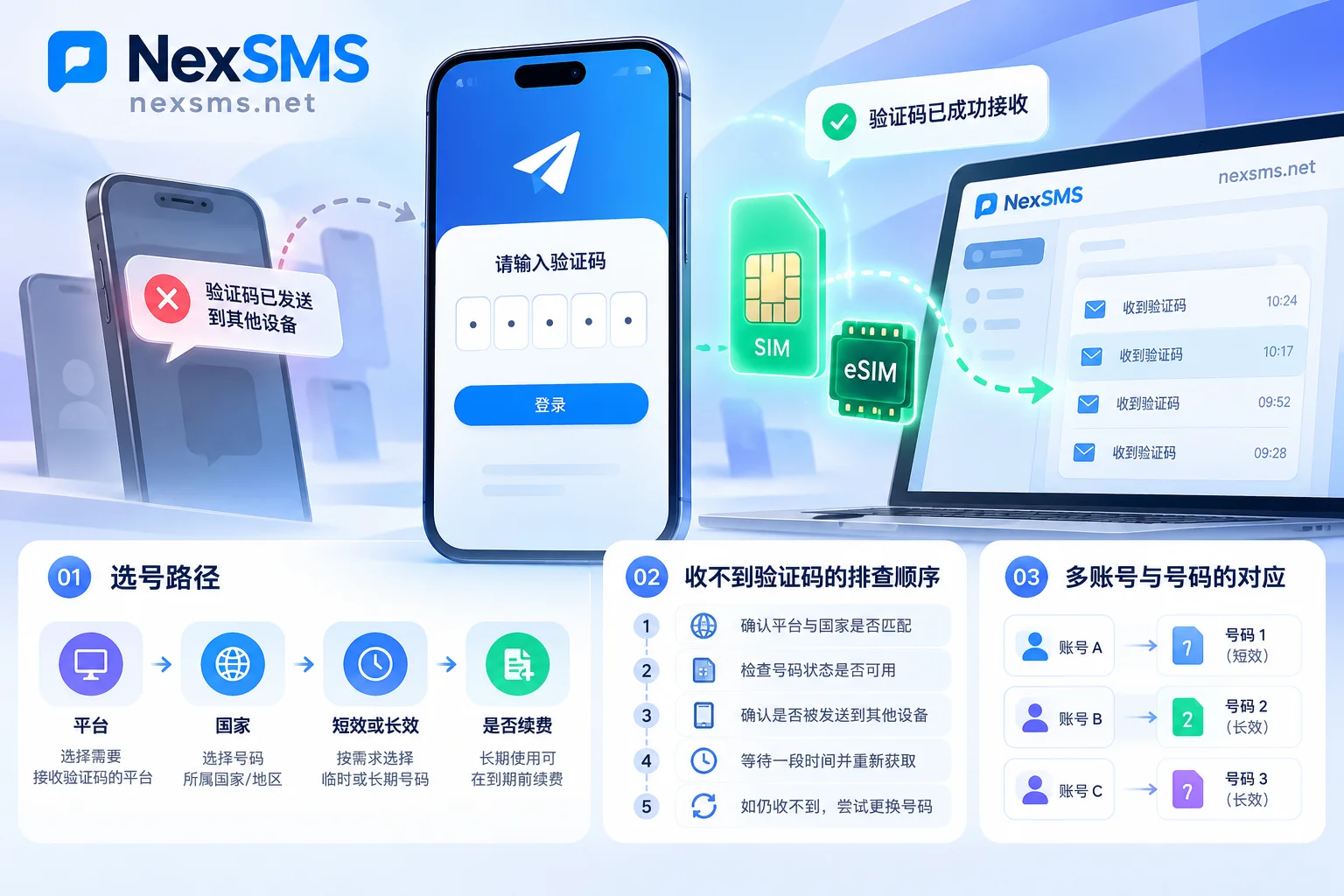
Telegram Verification Code Not Received or "Sent to Another Device"? 2026 Full Troubleshooting and Secure Code Guide
Addressing the three major pain points in 2026 Telegram registration and login: the high frequency of "verification code sent to another device", silent SMS channel blocking, and number rebinding being "hijacked", this article breaks down Telegram's verification code delivery priority mechanism and provides a complete solution from client switching and network troubleshooting to short-term/long-term number selection.
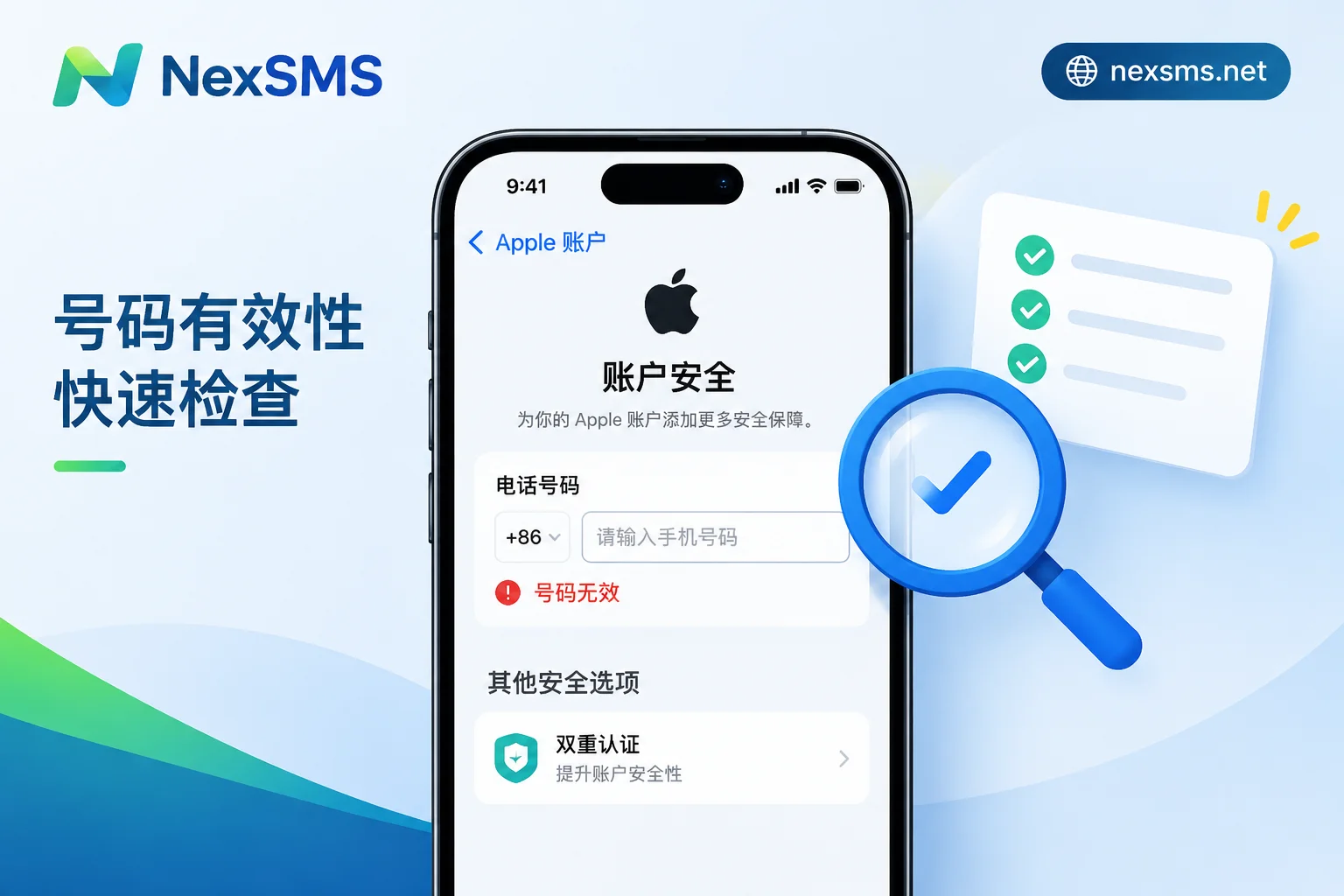
Apple ID Phone Number "Invalid" Error: Troubleshoot in Order and Choose a Number That Can Still Receive Codes
When binding a trusted phone number to your Apple ID, the "invalid number" error usually comes down to four causes: wrong format, number type not accepted, too frequent binding/unbinding, or device/network risk control. This article provides a step-by-step troubleshooting order and explains how to choose a number that can reliably receive codes in the future, so you won't be locked out when logging in or resetting your password.
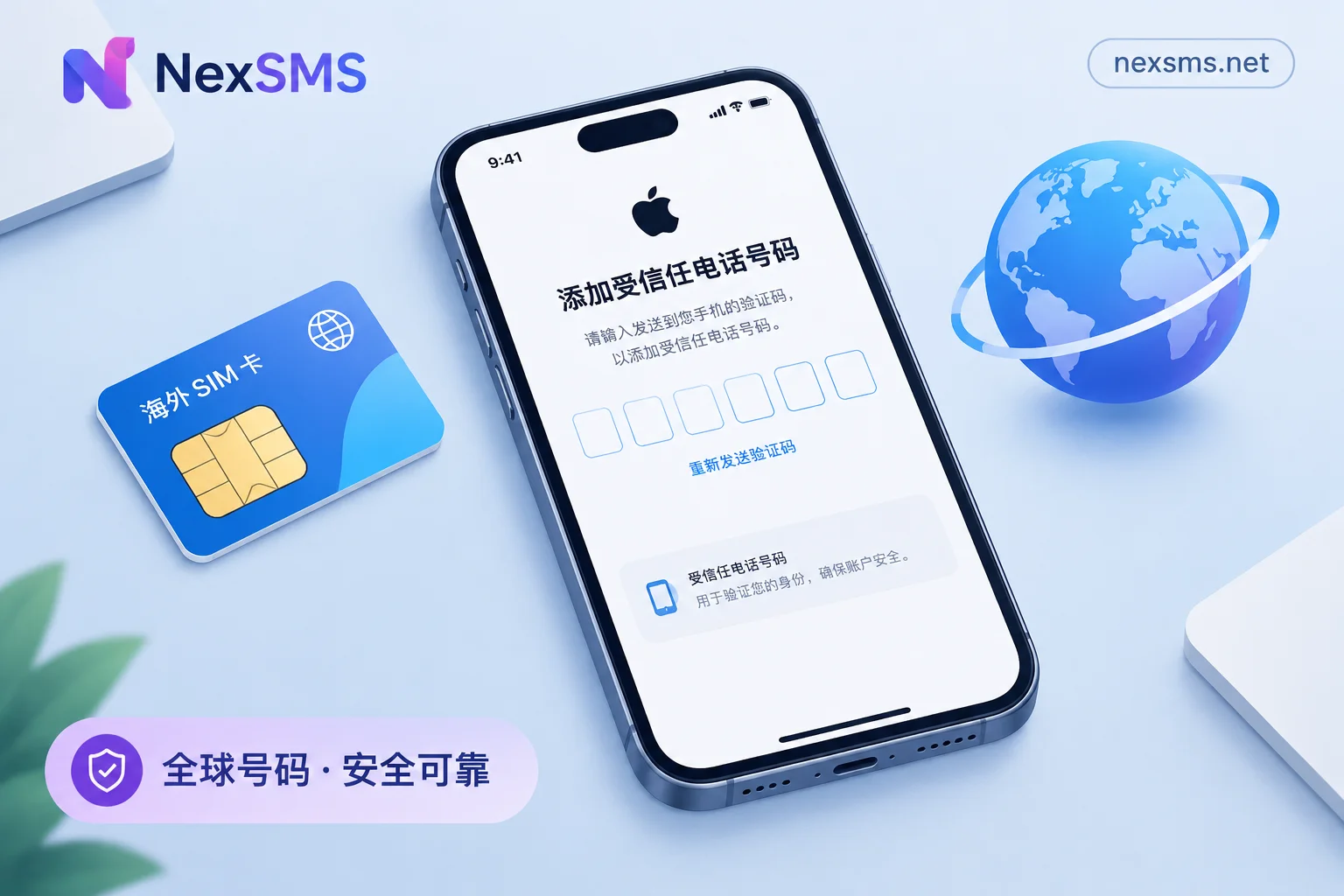
Apple ID Overseas Phone Number Verification Code Not Received: Troubleshooting Order and Choosing a Number That Can Still Receive Codes Later
Troubleshooting steps when Apple ID doesn't receive verification codes on an overseas number, plus how to choose a trusted number that can receive codes long-term.
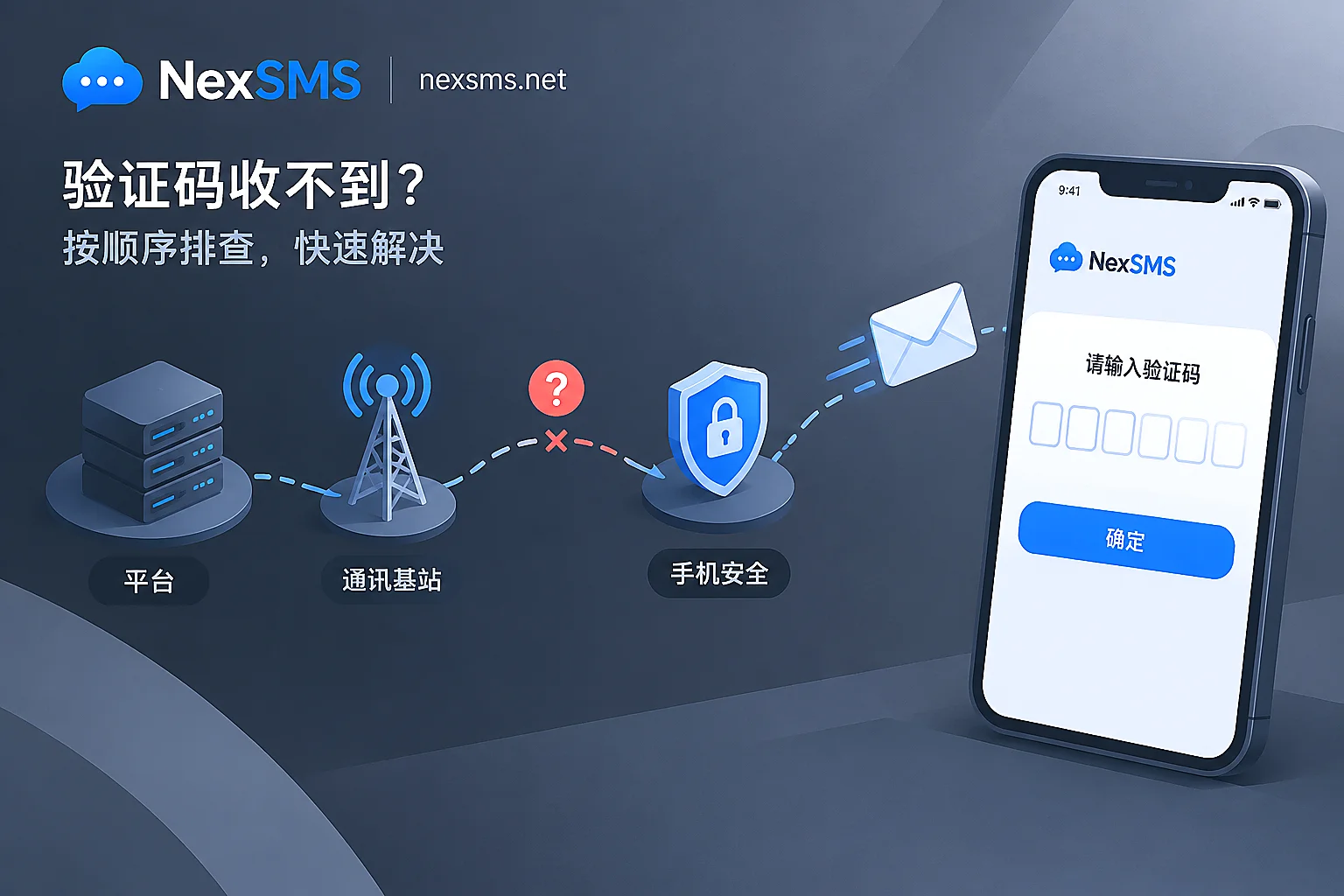
Frequently Not Receiving Verification Codes: Is It Carrier Blocking?
When you don't receive verification codes, it could be carrier blocking, platform risk control, sending channels, or phone filtering. This article explains three common carrier blocking scenarios and how to identify platform rejection of virtual numbers, rate limiting, silent phone archiving, and cross-border channel packet loss, and provides a troubleshooting order and criteria for switching numbers.
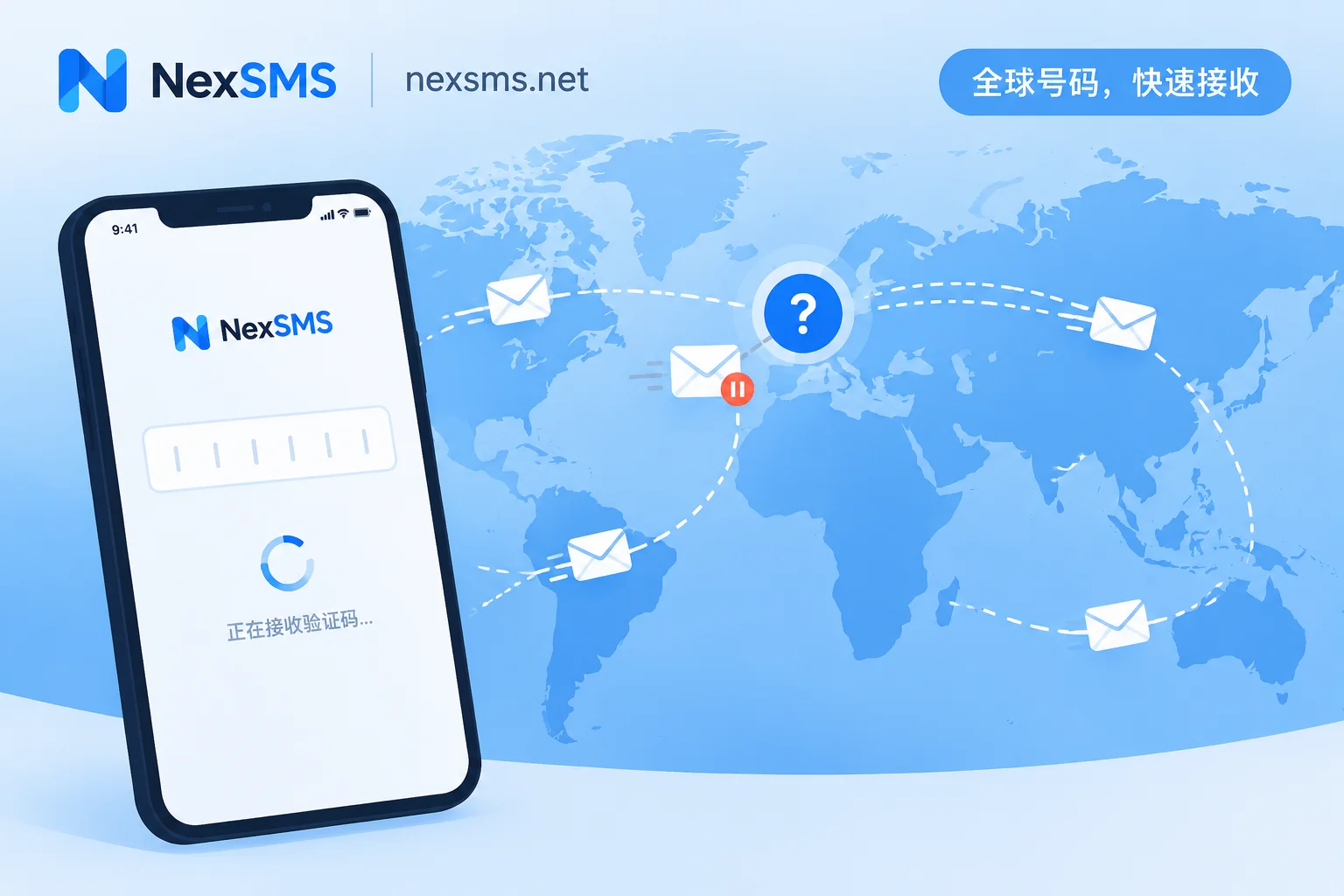
Cross-Border SMS Verification Code Not Received? First Check If It Was Sent, Then Troubleshoot Layer by Layer
When you don't receive a cross-border verification code, it's often not a signal issue but because the platform never sent it: the number type is not accepted, the format is wrong, or frequency controls were triggered. This article explains how to check each layer in the order: platform—format—frequency—carrier—phone—network. Finally, it explains how to choose between short-term and long-term numbers when you need to change numbers, based on whether you'll need to receive codes again in the future.