 NexSms官方博客
Recently, many developers have been searching for Codex phone verification tutorials. As OpenAI tightens its risk control policies, many users suddenly encounter phone verification when using ChatGPT Codex, Codex CLI, or applying for an OpenAI API Key.
This article explains why Codex requires phone verification and provides a practical SMS reception solution for Chinese users to complete the verification process more quickly. It also mentions related SMS reception options like NexSMS.
I. Why does Codex suddenly require phone verification?
Many people wonder: why does a regular ChatGPT account work fine, but suddenly require phone verification when calling Codex or generating an API key?
The root cause is that OpenAI is cracking down on abuse and enhancing account risk control.
In recent months, many relay services have been using registration bots to create free accounts in bulk, especially with Outlook emails, to maliciously consume free Codex credits. Such large-scale usage drains OpenAI's computing resources and affects the available quota for legitimate free users.
To combat this abuse and the risks from numerous cheap Plus accounts, OpenAI now mandates phone verification for accounts with suspicious login IPs or risky environments. Newly registered free accounts are particularly likely to be flagged.
💡 Tip: ChatGPT Plus/Pro subscribers are much less likely to encounter phone verification. If you want to avoid the hassle and use a more stable service, reply sora in the WeChat public account: Mac's Lab.
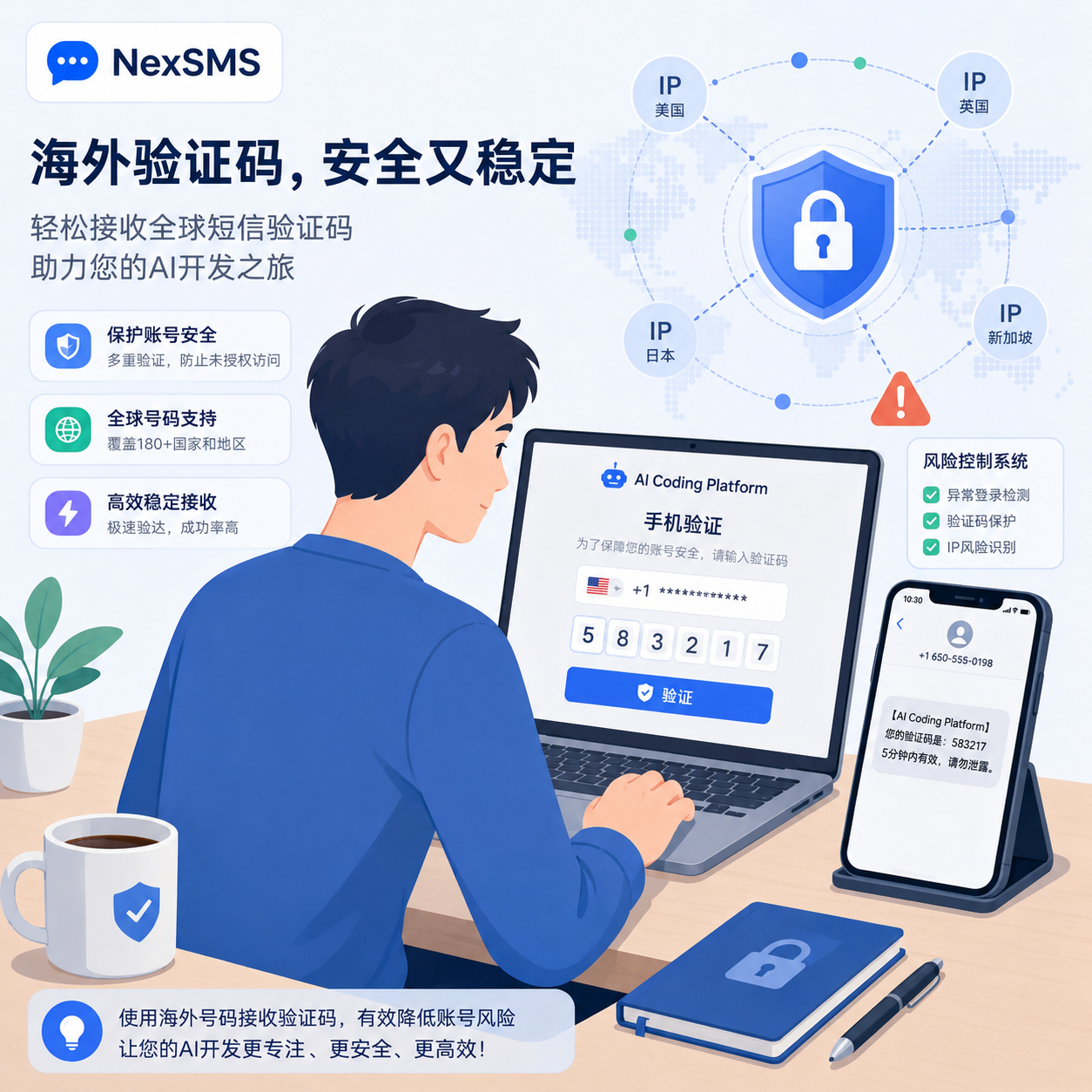
II. Can a Chinese (+86) phone number verify Codex/OpenAI?
Basically, no. OpenAI's services are not directly available in mainland China, so the verification page usually doesn't support +86 numbers.
If domestic users try anyway, they often encounter these issues:
- SMS verification codes are not received at all.
- The page shows "Unsupported country."
- The system says too many requests and locks the account.
- The current IP node doesn't match the account registration region, triggering stricter checks.
- The number has been used by many others, hitting the verification limit.
Therefore, Chinese users usually need an overseas real phone number or a third-party SMS reception platform to complete verification.
III. How to solve Codex phone verification? (Detailed tutorial)
Considering stability and cost, these two methods are currently the most efficient.
Method 1: Use your own real overseas phone number (most stable)
If you or a friend has a physical overseas SIM card (e.g., US, UK, Japan, Singapore), this is the most reliable way.
Advantages:
- Clear account ownership, lower risk of triggering bans.
- No conflict from others using the same number.
- Easier account recovery or secondary verification later.
Difficulty: For most Chinese users, obtaining an overseas physical SIM card is not easy.
Method 2: Use an SMS reception platform to receive verification codes (most convenient)
If you only need to generate an API key or complete a one-time Codex verification, SMS platforms are cheaper and faster.
Steps:
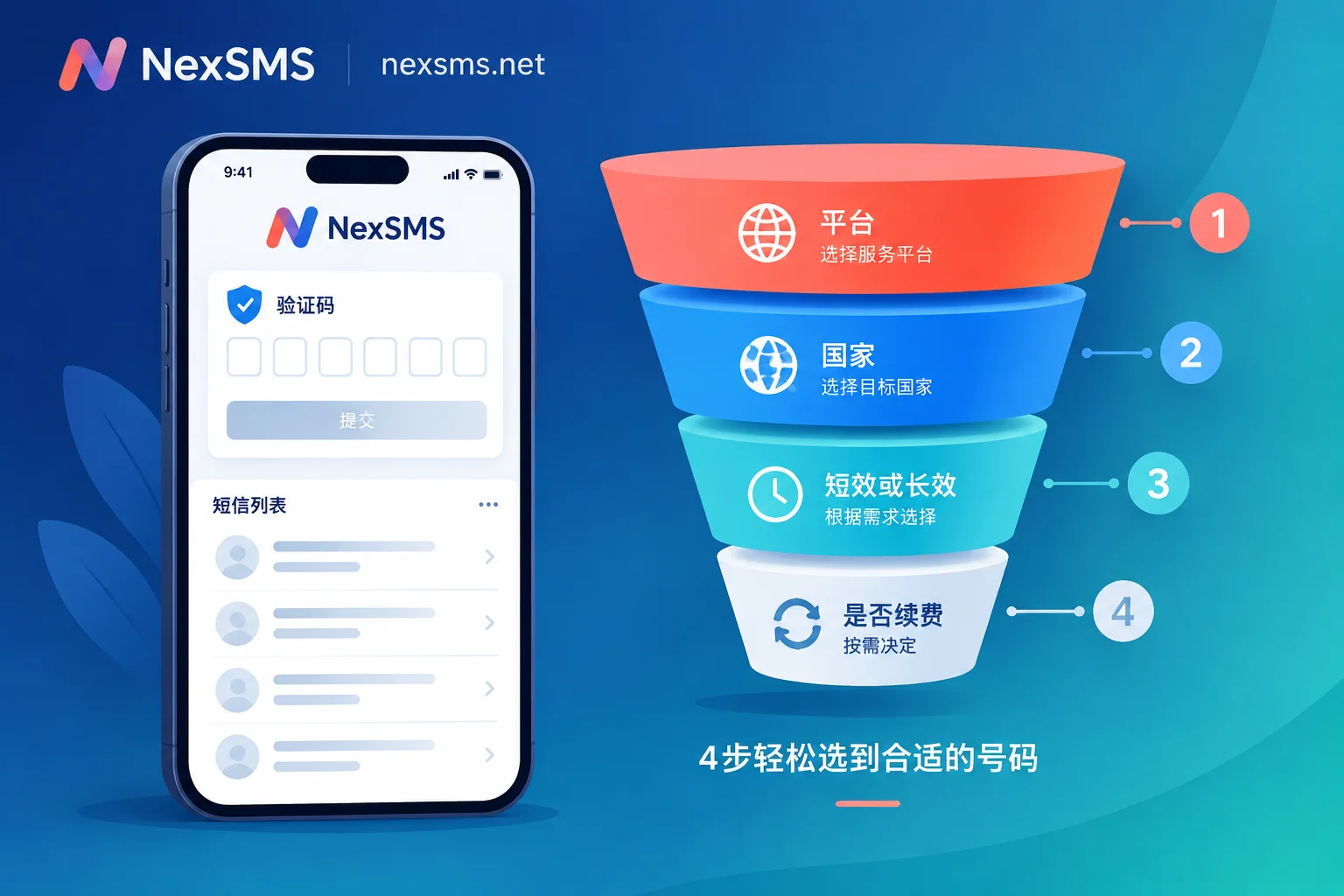
- Register on an SMS platform: Use a reliable one like Hero-SMS: nexsms.net/cn.
- Make a small deposit: Just enough for a single verification.
- Search for the service: Enter
OpenAIorChatGPTin the platform's search box. - Select a country: Choose a country that supports OpenAI verification with a high recent success rate.
- Enter the number: Fill in the virtual number from the platform on OpenAI's verification page.
- Receive the SMS: Wait for the code on the platform.
- Complete verification: Enter the 6-digit code on OpenAI's page.
⚠️ SMS reception tips:
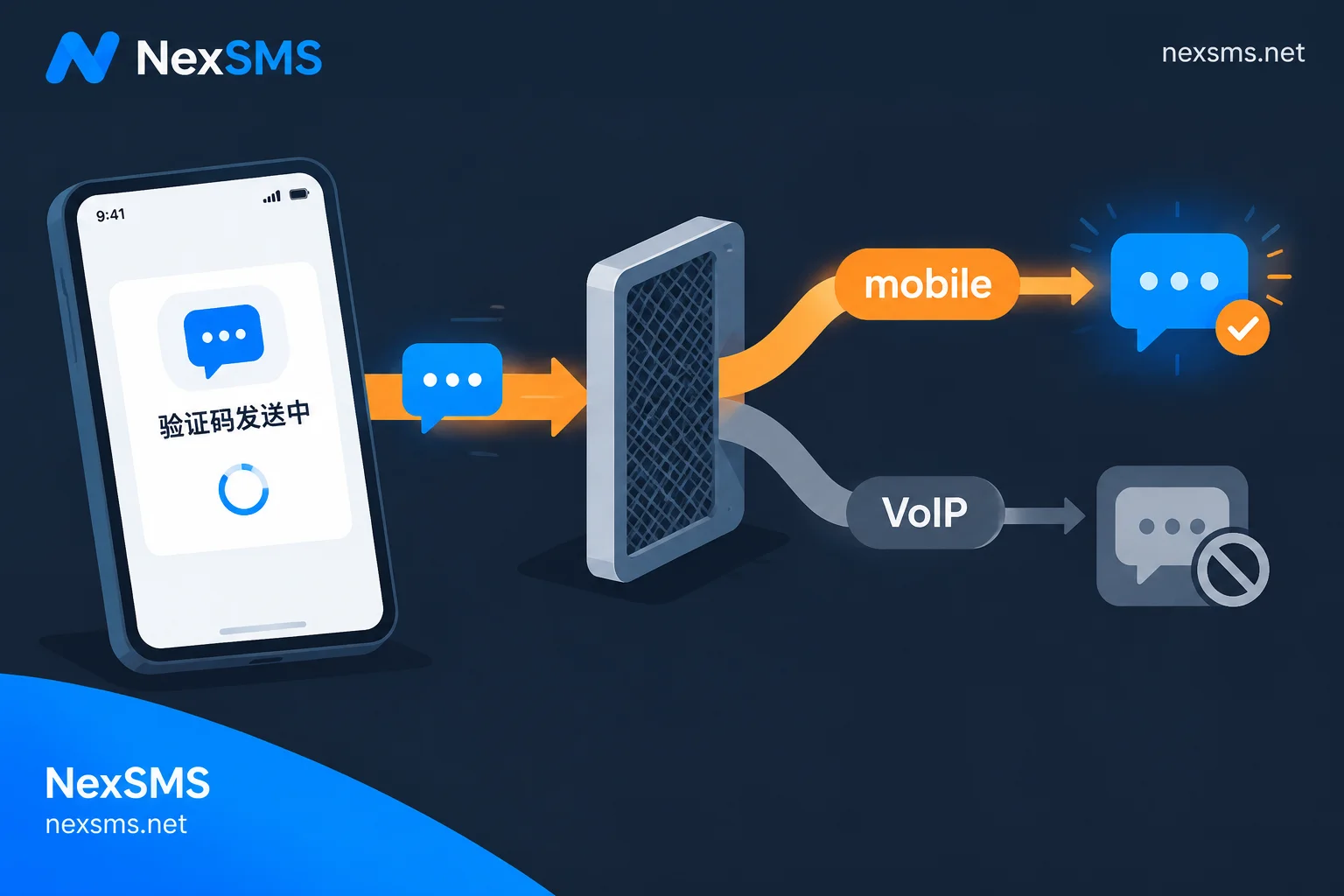
- Don't choose the cheapest numbers; they are often overused.
- If you don't receive the code within 3 minutes, cancel the order (usually no charge) and try a new number.
- Don't click "resend" repeatedly; it may flag your IP and even lead to a ban.
- Avoid buying "pre-verified black card accounts" from unknown sources; they are likely to be recovered.

IV. Which country should I choose for SMS reception?
OpenAI's risk control and SMS channels change dynamically, so no country is always reliable. However, follow these principles to improve success:
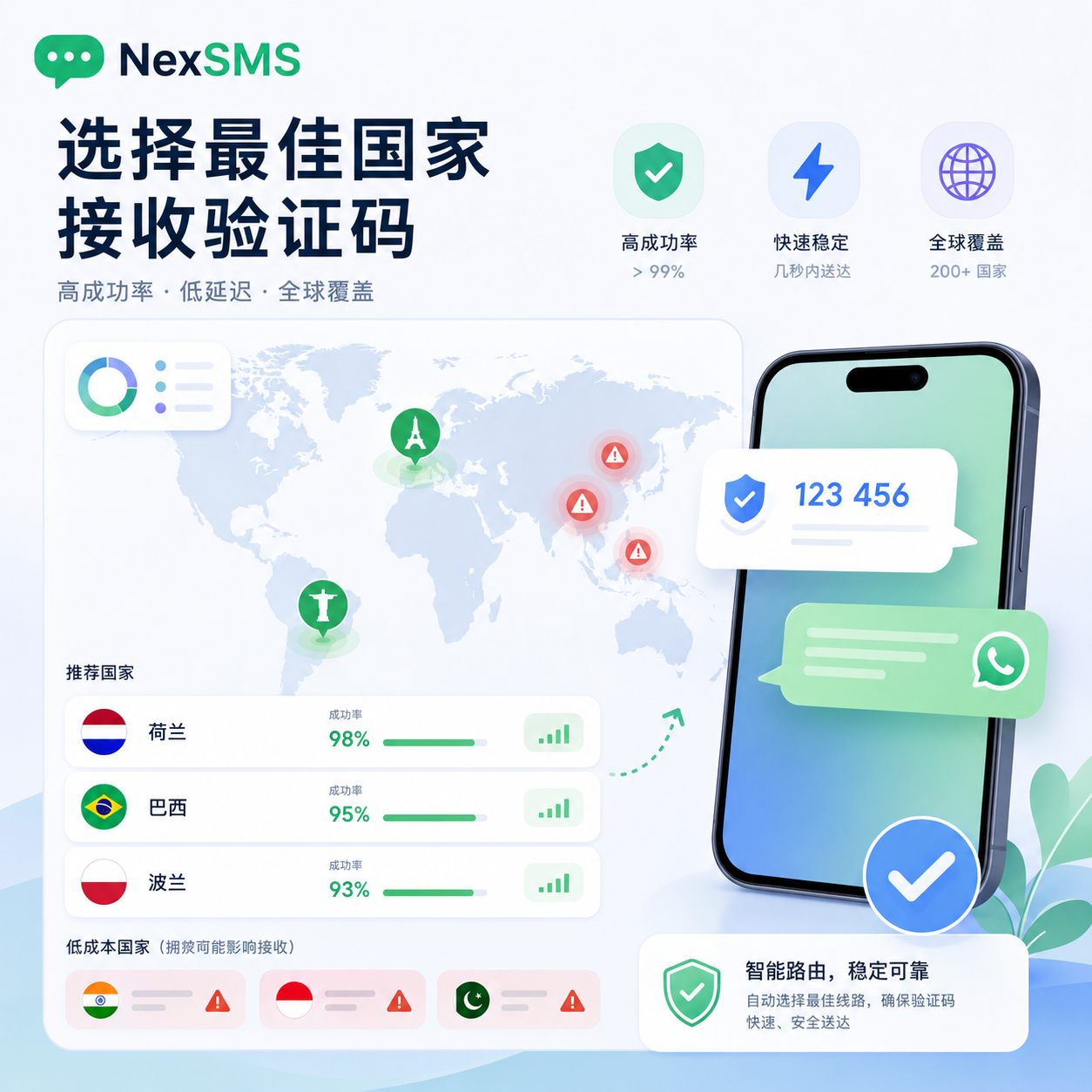
- Avoid cheap, popular regions: Indonesia, Brazil, etc., often have high failure rates.
- Prefer high-success regions: Look at the "success rate percentage" on the SMS platform and choose countries with over 80% success, like some less popular European or South American countries.
- Try WhatsApp verification: OpenAI now allows WhatsApp verification for some countries (e.g., India, Indonesia, Vietnam, Turkey, Ukraine). If the verification page shows a WhatsApp option, use it; it's usually more reliable than SMS.
Previous SMS platforms like sms-activate are now closed.
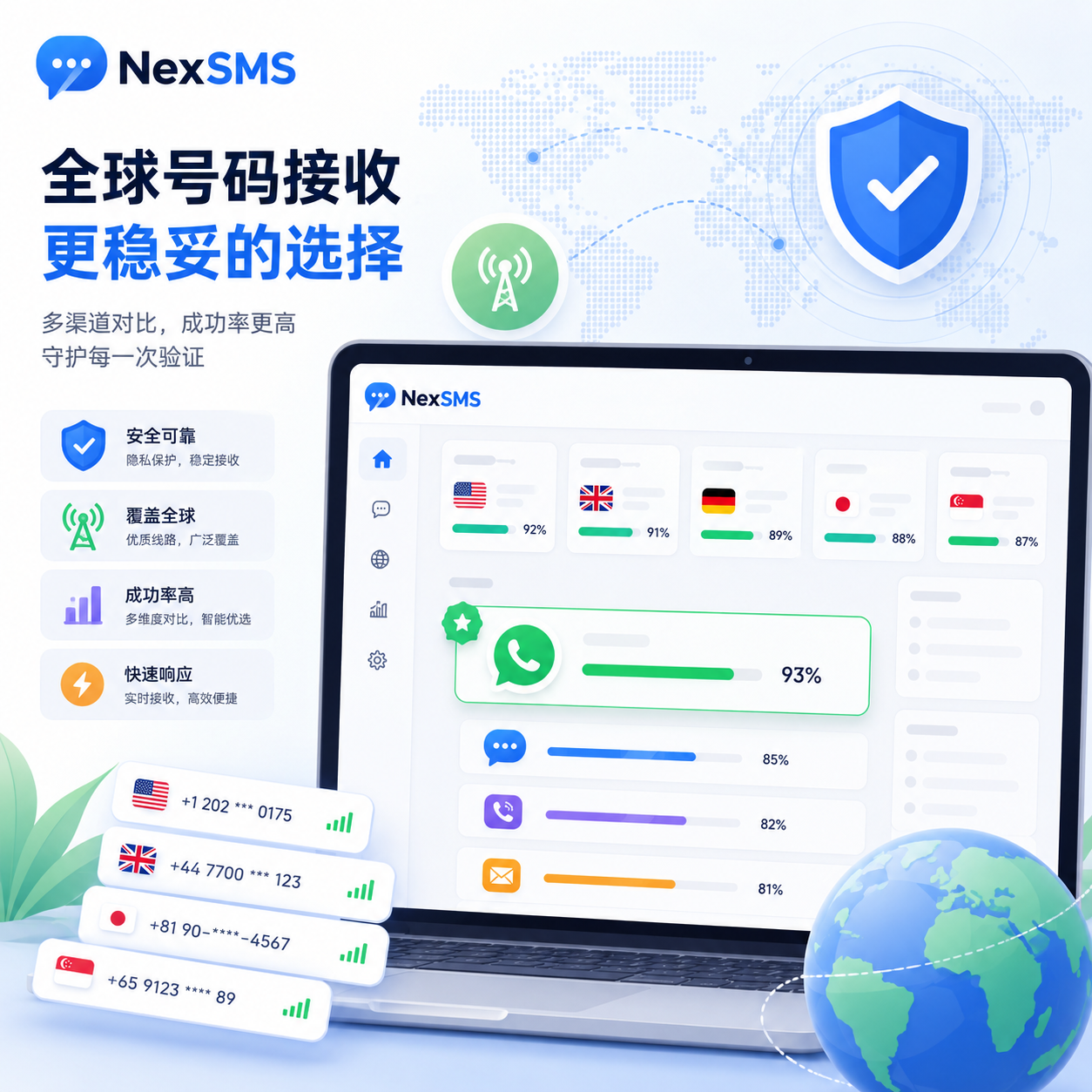
Many users now recommend a new alternative, hero-sms. The first deposit is $3, but there's no guarantee of receiving a Codex verification code. Early tests were okay, but now it's increasingly difficult regardless of the country number. Proceed with caution: if verification fails, the $3 may be lost.

For some countries, OpenAI sends the code via WhatsApp, so many SMS platforms cannot receive it. If you find the process too troublesome, reply sora in the WeChat public account: Mac's Lab for the latest verification channels compiled by experts.
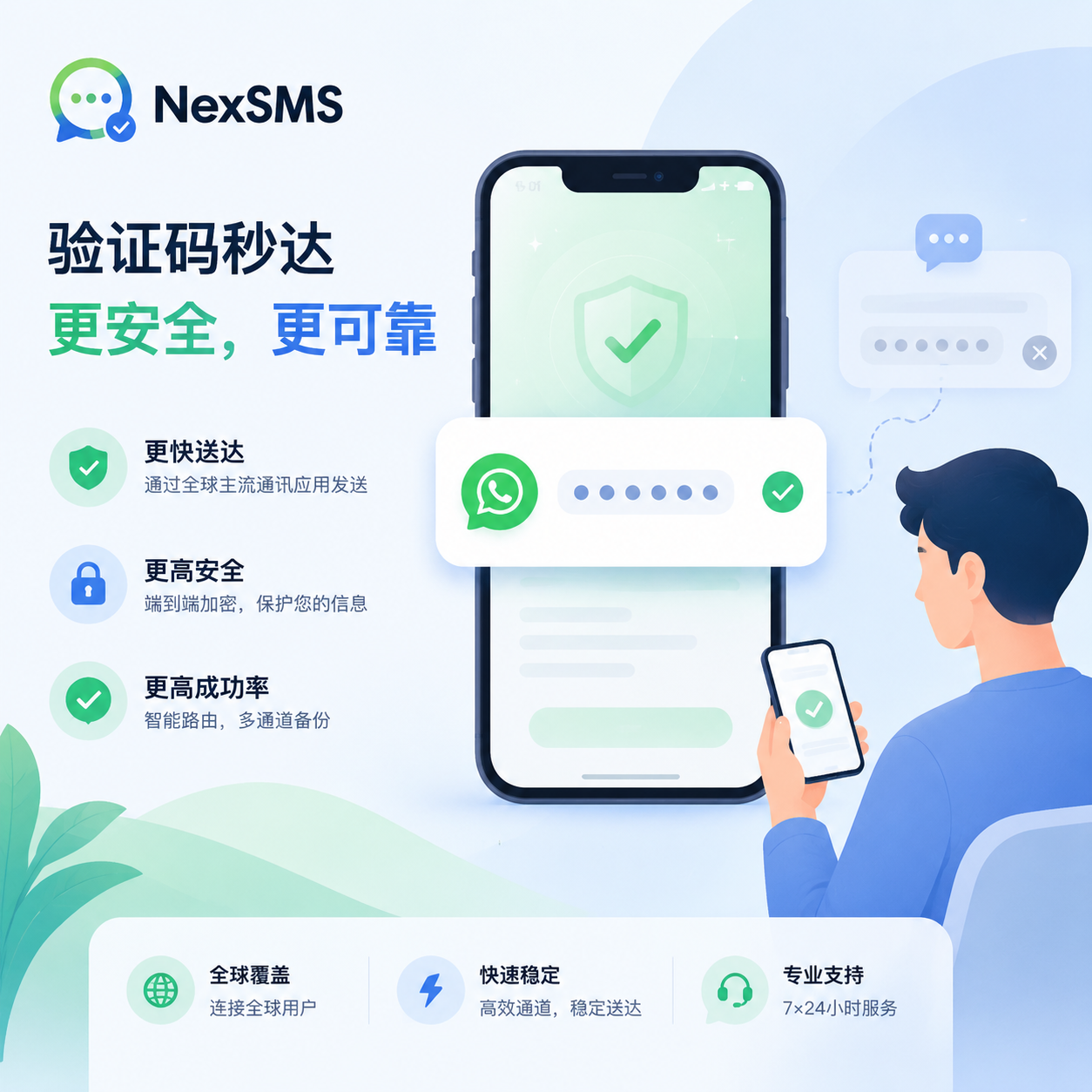
The page may indicate that the code will be sent via WhatsApp to the number; in this case, SMS codes are typically not received.
Once you successfully receive the Codex verification code, you can continue the process.
Last month, an expert shared a method: log into Codex with a Google account and use a clean residential IP to bypass phone verification. However, this method no longer works; most logins now require phone verification.


After verification, click continue to access the Codex desktop app.

The free version includes some usage quota; upgrading to Plus offers a better experience.
That's the summary of Codex phone verification experience. I'll update if more methods become available. Hope this helps! Feel free to leave comments with questions.
V. Common errors and solutions
When following the Codex phone verification tutorial, these errors are common:
1. Not receiving the code
- Cause: The virtual number may not support OpenAI, the SMS channel may be congested, or the current IP may be flagged as high-risk.
- Solution: Switch to a different country on the SMS platform; or use a cleaner proxy node and wait 5 minutes before retrying.
2. "Phone number already used"
- Cause: OpenAI limits the number of accounts per phone number. Shared virtual numbers may already be at their limit.
- Solution: Cancel the current order and purchase a new number.
3. "Unsupported country"
- Cause: The current proxy IP is in a region blocked by OpenAI, e.g., mainland China or a specific country.
- Solution: Check your network environment and ensure the proxy node is set to a supported country.


Comments(0)