NexSms官方博客
With the latest digital identity guidelines from the National Institute of Standards and Technology (NIST), SMS OTP (one-time passwords sent via text message) is now formally classified as a “restricted authenticator.” This change has led many people who rely on SMS-based two-factor authentication to re-evaluate the risks of 2FA via SMS. Let's cut to the chase: Can you still use SMS 2FA? Yes, but it is no longer recommended as the sole or default option. NIST hasn't banned SMS verification; rather, it requires platforms to assess risk, inform users, and offer more secure alternatives. For individual users, this means you might not be able to change the platform's authentication methods, but you can proactively adjust your own security configuration—especially the phone number that receives verification codes.
What “Restricted Authenticator” Means: Three Constraints in NIST's New Guidelines
“Restricted authenticator” is a classification term in the NIST SP 800-63-4 series, referring to authentication methods that have known vulnerabilities and therefore require additional restrictions on their use. According to NIST's official documentation, PSTN/SMS OTP is listed as a restricted authenticator because it faces inherent risks such as SIM swapping, number port-out hijacking, and man-in-the-middle interception.
This classification imposes three explicit requirements on relying parties (i.e., platforms). First, they must conduct a risk assessment to confirm that SMS verification is justified in specific contexts. Second, they must inform users of the risks associated with SMS verification. Third, platforms must offer at least one alternative that is not restricted, such as an authenticator app, Passkey, or FIDO2 hardware key.
For ordinary users, this standard directly answers the question “What does restricted authenticator mean?” It implies that SMS verification is no longer the default secure option; you have the right to request a more secure verification method. In practice, many platforms have already started offering authenticator app or Passkey options—you just need to proactively switch in your account security settings.
This article only cites public statements from NIST SP 800-63-4 / SP 800-63B Rev 4 regarding the classification of restricted authenticators and alternative requirements; specific clause numbers and implementation timelines are not elaborated here.
Breaking Down the Risks of 2FA via SMS: Authenticator-Layer Hijacking and Number-Layer Exposure
To genuinely reduce the risks of SMS 2FA, you must first understand that risks come from two layers: the authenticator layer and the number layer.
Authenticator layer refers to the technical vulnerabilities inherent in SMS verification codes. The Federal Communications Commission (FCC) and Federal Trade Commission (FTC) point out in their security guidance that attackers can use fraudulent identity claims to request number port-out or SIM replacement (known as SIM swapping), transferring your phone number to a device they control, thereby automatically receiving all verification code SMS sent to that number. Additionally, SMS can be intercepted in transit via man-in-the-middle attacks. These risks are inherent to the authentication method itself, irrespective of which number is used.
Number layer refers to the exposure risk of the mobile number that receives verification codes. If your primary mobile number is bound to 2FA for many accounts, it becomes a high-value target for attackers. They can link to you through public information, data breaches, or social engineering, making targeted SIM swapping attacks easier.
It's crucial to distinguish between these two layers: switching authentication methods (e.g., using an authenticator app) can address some risks at the authenticator layer, but it does not eliminate the exposure association at the number layer. Conversely, even if you keep SMS verification but switch the receiving number from your primary mobile to an isolated dedicated number, you can significantly reduce association risks. Unfortunately, many users' “security overhauls” only do the former and neglect the latter, leaving a half-done risk.
The Chain Risk of Using Your Primary Mobile Number for All 2FA: How SIM Swapping Bypasses SMS 2FA
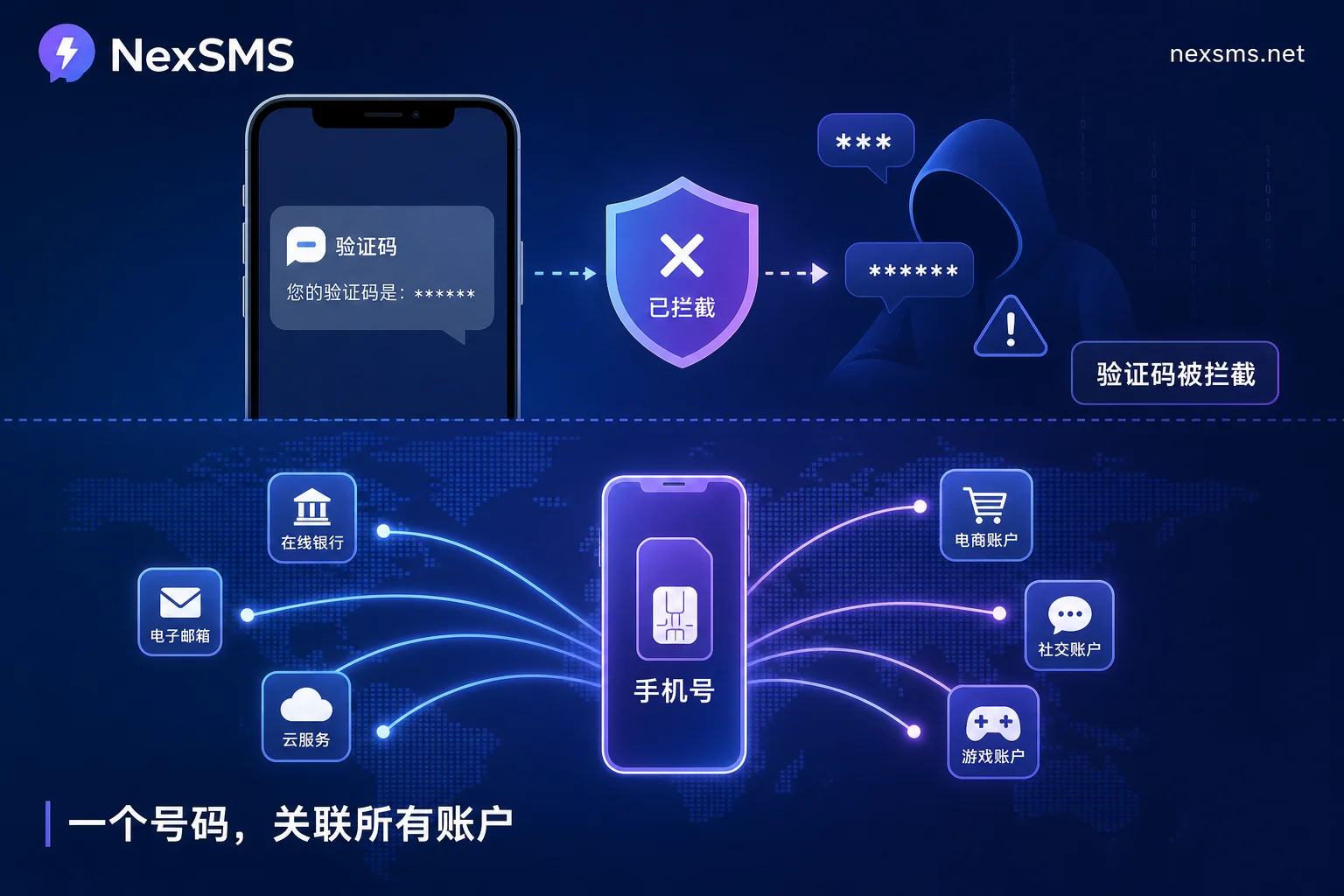
Why is your primary mobile number a concentration point for all 2FA risks? Because the primary number often serves as both the account recovery entry point and the receiver for all verification codes. Once this number is hijacked, attackers can not only reset your passwords but also receive all SMS verification codes, thereby bypassing 2FA. The FCC/FTC guidance explicitly warns about this attack chain: fraudulent identity → port-out or SIM replacement → automatic receipt of all SMS verification codes.
What's more severe is the chain effect. The primary number appears across multiple platforms, making it a searchable and socially engineerable key. Once attackers obtain your number through a leaked database, they can attempt SIM swapping attacks across all major platforms. Success depends on the carrier's identity verification process, and it's precisely this risk that led the FCC/FTC to issue consumer guidance.
Therefore, unlinking your primary number from high-value accounts' 2FA is a key step in reducing SMS 2FA risks. You don't need to give up SMS verification entirely; instead, swap the receiving number from your “primary” to an “isolated” one.
SMS 2FA Alternatives: Authentication Method Priority and Reassignment of Receiving Numbers
After understanding the risks, you might ask: What are the alternatives to SMS-based 2FA? In line with NIST's guidelines, the security priority of authentication methods is roughly: Passkey / FIDO2 hardware key > Authenticator App > SMS OTP.
SMS verification codes rely on carrier networks and number ownership; if your number is ported out or a SIM is replaced, the SMS codes automatically go to the attacker's device. In contrast, authenticator apps generate one-time passwords locally on the device, offline, without traversing carrier networks, so they are not directly affected by SIM swapping—though if the device is lost, you'll need recovery codes to re-bind.
However, in reality, many platforms still only support SMS verification. In such cases, you can still do two things: first, choose platforms that support more secure authentication methods when possible, and enable them; second, for platforms that require SMS, adjust the receiving number.
“If you can't change the authentication method, it doesn't mean there's nothing you can do”—this is the core idea behind number isolation. You need to consider “authentication method” and “receiving number” separately: the platform dictates the former, but the latter is entirely up to you.
Number Division: Short-Term Numbers for Registration Verification, Long-Term Local Numbers for Logins
When it comes to receiving 2FA codes, we recommend dividing number usage into two categories:
One-time registration/trial verification: These scenarios typically require receiving a code just once; you can use a short-term number and discard it, reducing long-term exposure.
Business account logins that need long-term retention: These accounts need to receive codes at any time and must use a renewable local long-term number. If you use a short-term number and it gets recycled, you could lose access to the account, or worse, someone else could use it.
When selecting a number, pay attention to three criteria: whether the number is renewable, whether it's a local number segment, and whether it's decoupled from your primary number. Ensure that long-term numbers don't expire and get recycled, and that local segments can reliably receive verification codes.
Practical Self-Checklist: Which Accounts Must Switch Receiving Numbers First, and Which Need a Recovery Path Prepared
Now, you can follow this checklist step by step:
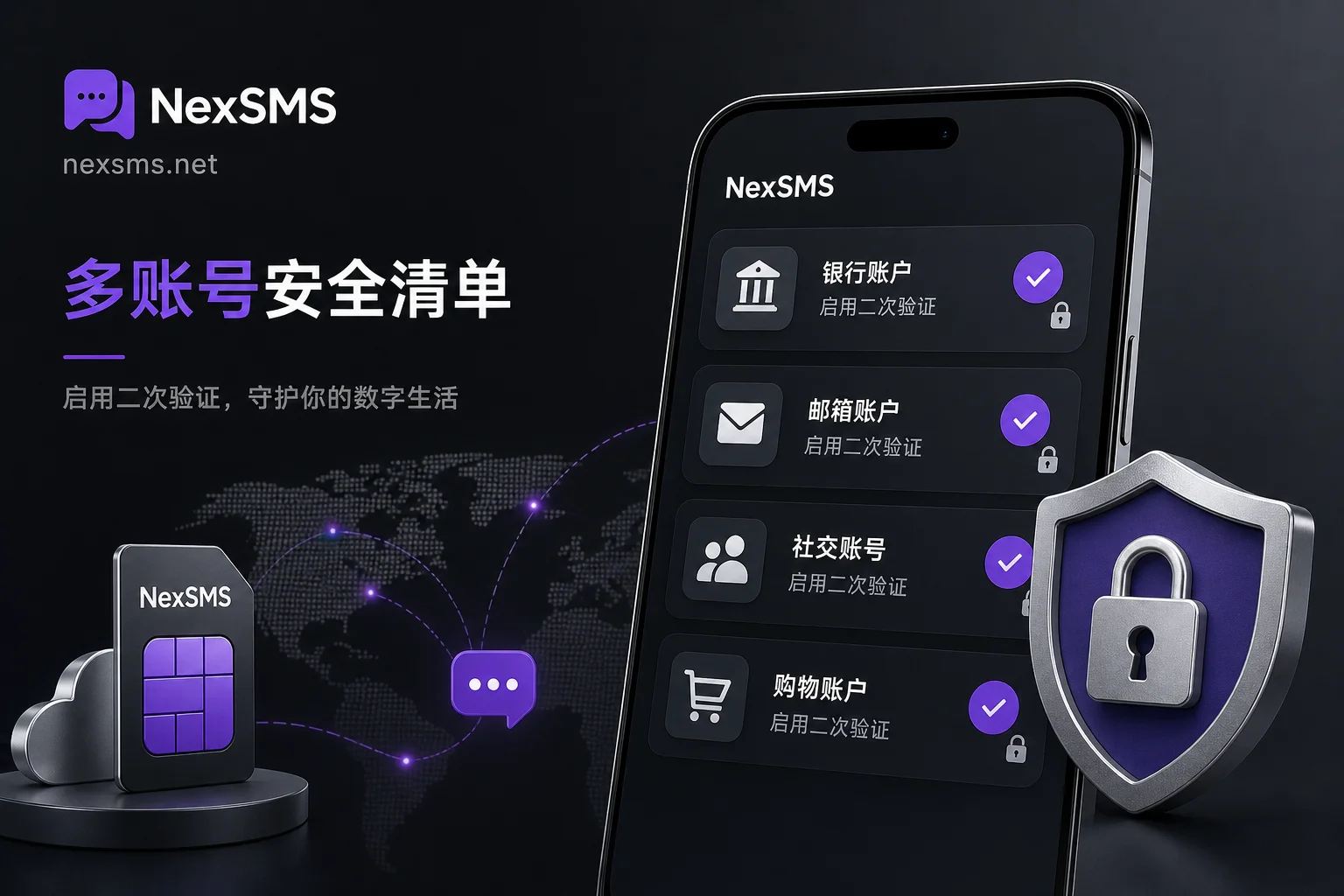
- Financial and primary email accounts: Prioritize switching to an authenticator app or Passkey, and ensure you have independent recovery paths (like backup email, recovery codes). If these accounts are hijacked, the loss is significant, so handle them first.
- Platform operation accounts (e.g., e-commerce, social media, developer accounts): Enable authenticator apps if possible; if the platform only supports SMS, change the receiving number from your primary mobile to an isolated long-term number.
- Disposable tool accounts: You can use short-term numbers to avoid occupying your primary number's resources.
- Before switching receiving numbers: Make sure to set up backup verification methods (like backup email, recovery codes) and test that they work, to avoid locking yourself out.
NIST guidelines also remind platforms to provide alternatives, so proactively look for and enable these options in your security settings. That's not only responsible for your own security but also aligns with regulatory trends.
Implementing the Isolation Layer with NexSMS: Country Selection, Web-Based SMS Reception, and API Receiving—Legitimate Uses
If your conclusion is “I can't switch authentication methods for now, but I can switch the receiving number,” the next step is to obtain numbers decoupled from your primary number. NexSMS provides a practical toolset. NexSMS offers multi-country number selection, supports short-term numbers and renewable local long-term numbers, and provides web-based SMS reception and developer API endpoints, suitable for both individuals and teams, with pay-as-you-go pricing.
Specifically, you can use short-term numbers for one-time registration verification and long-term local numbers to carry 2FA for business accounts that need long-term login, thereby migrating risk away from your personal primary number. In team scenarios, web reception or API facilitates handover without exposing personal numbers.
But we must be clear about limitations: isolated numbers reduce the risk of primary number exposure and association, but they don't immunize against SIM swapping, nor do they guarantee absolute account security. Therefore, ensure you legally own and manage these accounts, and use them only for lawful purposes.
Take action now: Tonight, open the security settings of your two or three most important accounts, check whether they offer Authenticator App or Passkey options, and enable them. For platforms that only support SMS, consider moving the receiving number from your personal primary to an independent long-term number. If you need to understand how to choose number types, see the NexSMS country and number duration explanation.