 NexSms官方博客
Many people get stuck at the same crossroads when registering or re-logging into WhatsApp: the SMS verification code never arrives, either the page keeps spinning or a red error message pops up directly: Unsupported phone number. At the bottom of the screen, there is often a "Call me" button, so it's natural to think: if SMS doesn't work, let's try voice verification.
But don't rush to tap it. Before you press that button, you should first distinguish which type of failure you're encountering—because this determines whether "switching to voice verification when WhatsApp SMS code doesn't arrive" is a useful fallback or a dead end.
First, Distinguish Two Types of Failure: Immediate Page Error 'Unsupported Phone Number' vs. Code Delay
Although the result is the same—"no verification code received"—the essence of these two situations is completely different.
The first type is when the page immediately shows an error after you enter the number and click "Next", most commonly Unsupported phone number ('Unsupported phone number'), and some versions may display "This phone number is not supported on WhatsApp" or "Please check the country code and phone number." This means your number was judged "unqualified" at the input stage and never entered the code delivery process.
The second type is when the page has already shown the "Enter 6-digit verification code" interface, and you clearly received the system feedback that "the code has been sent," but the SMS just doesn't arrive. This is a delivery delay or loss, not a rejection of the number itself.
The key difference between these two failures is: the former indicates that the number type itself is not supported, while the latter means the number is compliant, but the SMS channel has an issue. The "switch to voice verification" fallback path can only work in the second case. If your page already reports Unsupported phone number, clicking "Call me" will likely just spin a few more times and then fail—this is clearly stated in WhatsApp's official registration help documentation: when a number is deemed unsupported, the platform rejects both SMS and voice verification channels simultaneously.
So, instead of repeatedly trying to "receive the code," it's better to go back to the start and confirm which type your number falls into.
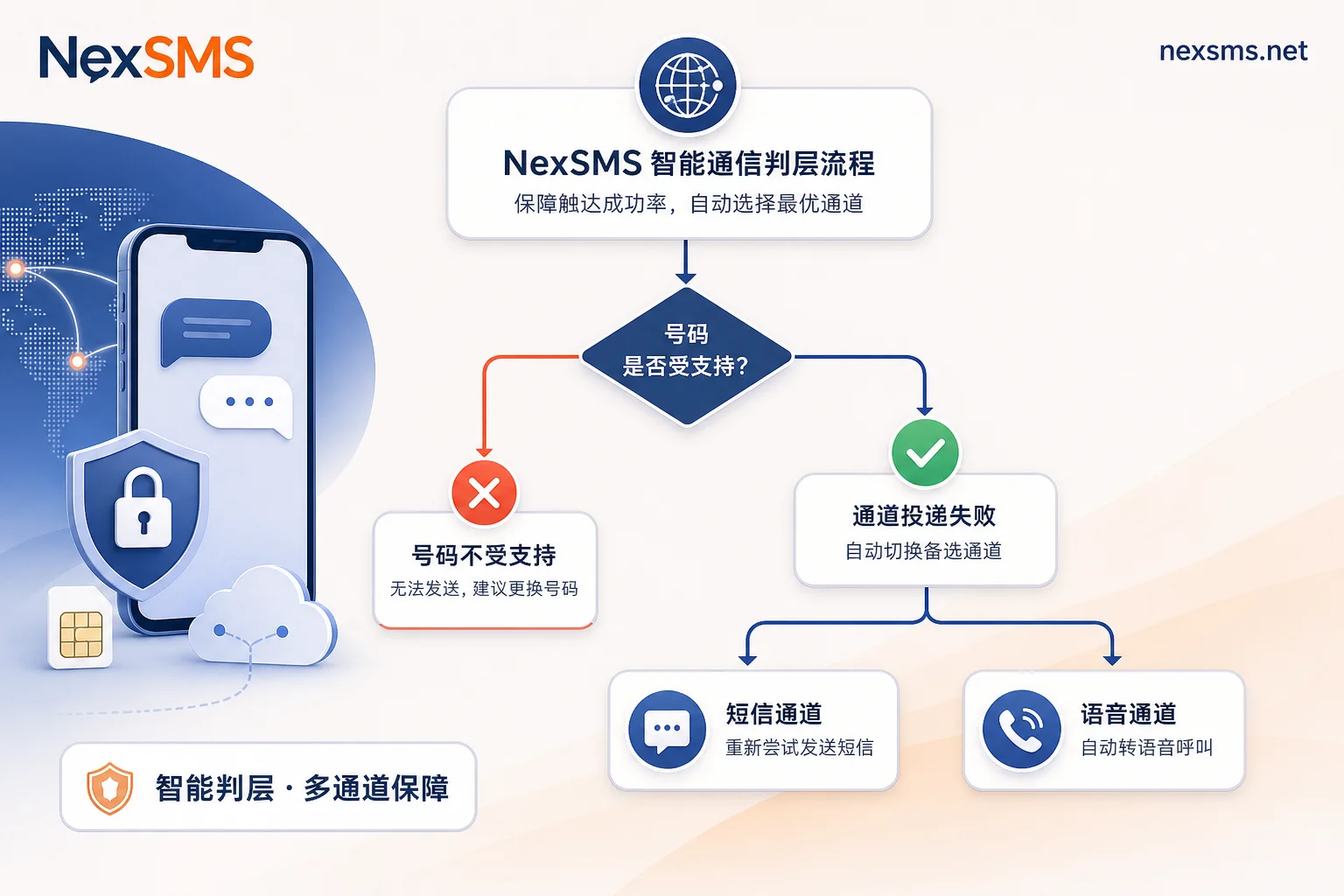
WhatsApp Official Rules: Which Number Ranges Are Listed as Unsupported and Why Voice Verification Also Fails
To understand why the platform applies a blanket ban on certain numbers, you need to check the official list in WhatsApp's Help Center article "Unable to Register." According to this rule updated in June 2026, the following number ranges are explicitly listed as Unsupported phone numbers:
- Free shared VoIP numbers (e.g., public number segments frequently used by various online code-receiving platforms)
- Landlines
- Toll-free numbers (usually starting with 800)
- Paid premium numbers (e.g., 9xx chargeable service numbers)
- Universal Access Numbers (UAN, often used by enterprise call centers)
These numbers cannot be registered on WhatsApp standard and will not receive any verification codes—whether SMS or voice calls. The reason is simple: WhatsApp's verification codes are only sent via two channels: SMS and automated voice calls. When the system judges the number as "unsupported" at the number segment level, both channels are closed simultaneously. It's not a matter of which channel has higher priority.
This is why many users still don't receive the code after switching from SMS to voice, and may even see prompts like "Voice call request rejected" or "Unable to verify via phone at this time." Voice verification cannot bypass the number segment judgment; it is just a parallel alternative to SMS.
So, if your number falls into any of the above categories, don't waste more time on "not receiving"—the root cause is the number itself, not the verification method.
When Switching to Voice Verification Really Works: Three Fixable Scenarios of Channel Delivery, Cross-border Routing, and Local Interception
If your number is not on the unsupported list, and the page clearly shows the "Enter 6-digit verification code" interface, congratulations—you've encountered the second type of problem, a delivery failure. In this case, switching to voice verification has a real chance of success.
Specifically, in the following three scenarios, SMS may not be received, but voice may succeed:
- SMS channel delivery delay: When cross-border SMS goes through international transit, network congestion at the carrier gateway may delay the SMS for minutes or even longer, while voice calls take a different route and often arrive faster.
- Cross-border roaming or local routing not enabled: Some virtual operators or MVNO cards may not have SMS capability enabled overseas, but voice calls are fine; or vice versa, voice local routing is normal but SMS is not.
- Local interception or blacklist: Some phone systems or security apps block unknown SMS by default, or even hide SMS pop-ups from 5- or 6-digit carrier short codes, while voice calls usually aren't automatically recognized as spam (but you need to answer manually).
These scenarios are all "number compliant, just SMS channel failure," so voice verification as a parallel channel is worth trying. But note, it's not 100% successful—if the voice channel also fails, or if voice routing in your region is unstable, you'll need to troubleshoot further.
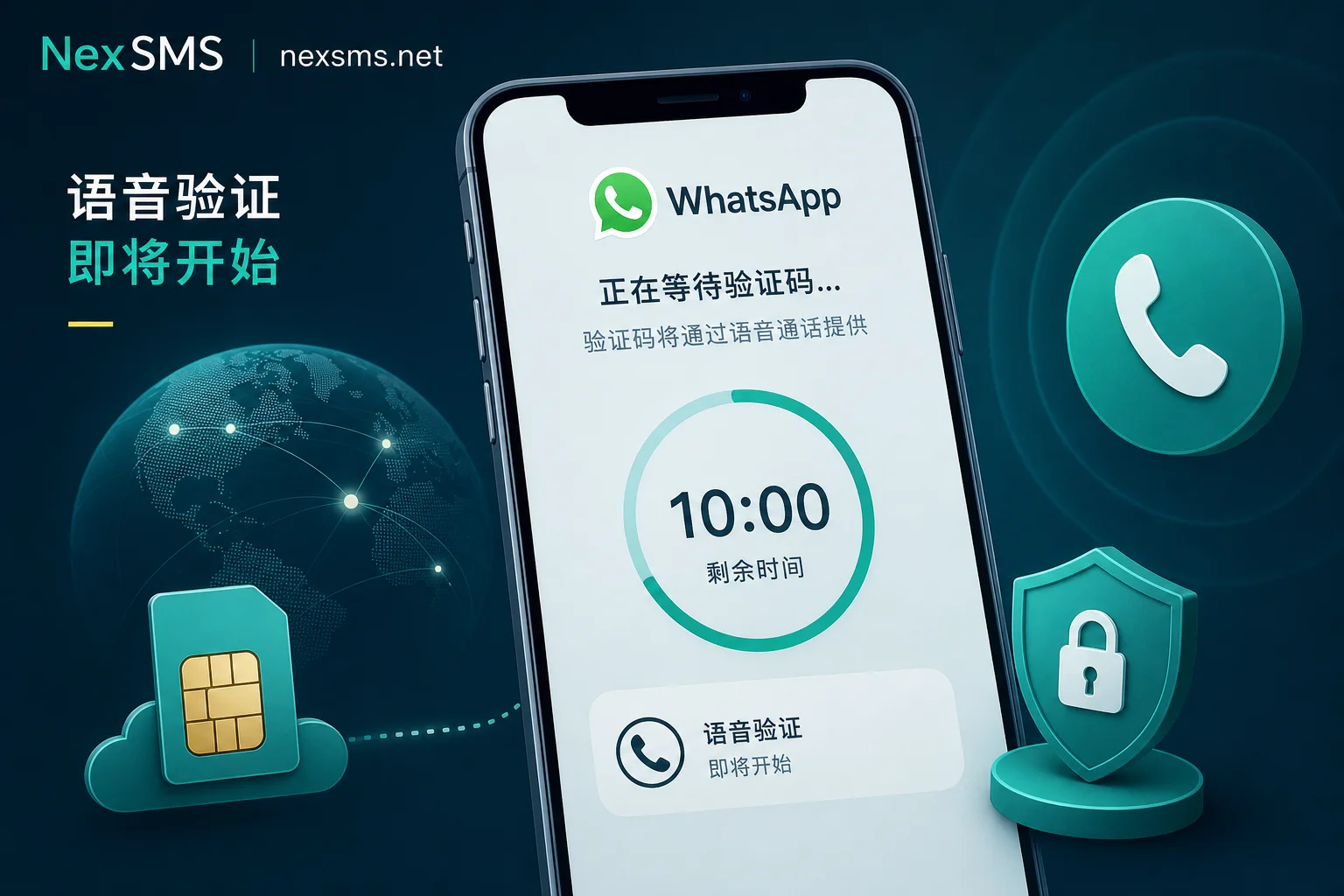
Four Things to Confirm Before Voice Verification: Number Format and Country Code, Retry Interval, Call Blocking Settings, Network Environment
Before deciding to press "Call me," don't rush. Spend a minute doing these four checks to avoid an ineffective attempt.
- Number format and country code: Make sure the number you entered includes the correct country code and has no extra spaces, parentheses, or dashes. For example, mainland China numbers should be written as +86 138 0000 0000. Some virtual numbers' area code prefixes are easy to get wrong; be sure to use the international format of your number's home country.
- Retry interval: According to WhatsApp official rules, if the SMS is not delivered, you must wait for the timer on the page to end (up to 10 minutes) before tapping "Call me". If you click frantically while the timer is still running, the system will ignore it or even temporarily freeze the verification entry.
- Call blocking settings: Temporarily disable international unknown call and spam call blocking on both your phone and carrier side, or make sure the WhatsApp voice verification caller ID (usually from overseas) is not blacklisted. You can test by sending an international SMS to yourself from another phone to see if it arrives.
- Network environment: Voice verification calls are standard phone calls that don't rely on data networks, but the WhatsApp client needs internet to request the "Call me" action. Ensure your phone can connect to Wi-Fi or mobile data normally, and flight mode is off.
After these checks, tap "Call me," keep your phone line open, wait for a call from an unknown number, answer it, and the system will speak the 6-digit verification code.
Options After Voice Verification Also Fails: Keep Waiting, Switch Channels, or Change Number Segment
If voice verification also fails, you face a new fork. You need to decide next steps based on how it fails.
Branch one: The voice button is disabled or is immediately rejected after clicking.
If the "Call me" button is grayed out, or a prompt like "Unable to verify by phone" appears after clicking, it's almost official confirmation that your number type is not supported. Continuing to try voice verification is pointless; the issue is with the number segment itself. Stop trying and prepare to change the number.
Branch two: The voice call connects, but you can't hear the code clearly, or the call drops halfway.
This indicates that both the number and channels are fine, but there's a signal or call quality issue. You can wait for the voice playback to finish, then trigger the verification process again (make sure to wait for the timer to reset), and try again. If you can't hear clearly twice in a row, consider moving to a quieter place or using headphones.
Branch three: The voice call never rings, and more than 5 minutes have passed.
This may mean the voice route is also stuck. You can wait a bit and retry. If no call comes after three attempts, it's recommended to abandon this channel and start from the number segment—this brings you back to the old question of whether the number is supported.
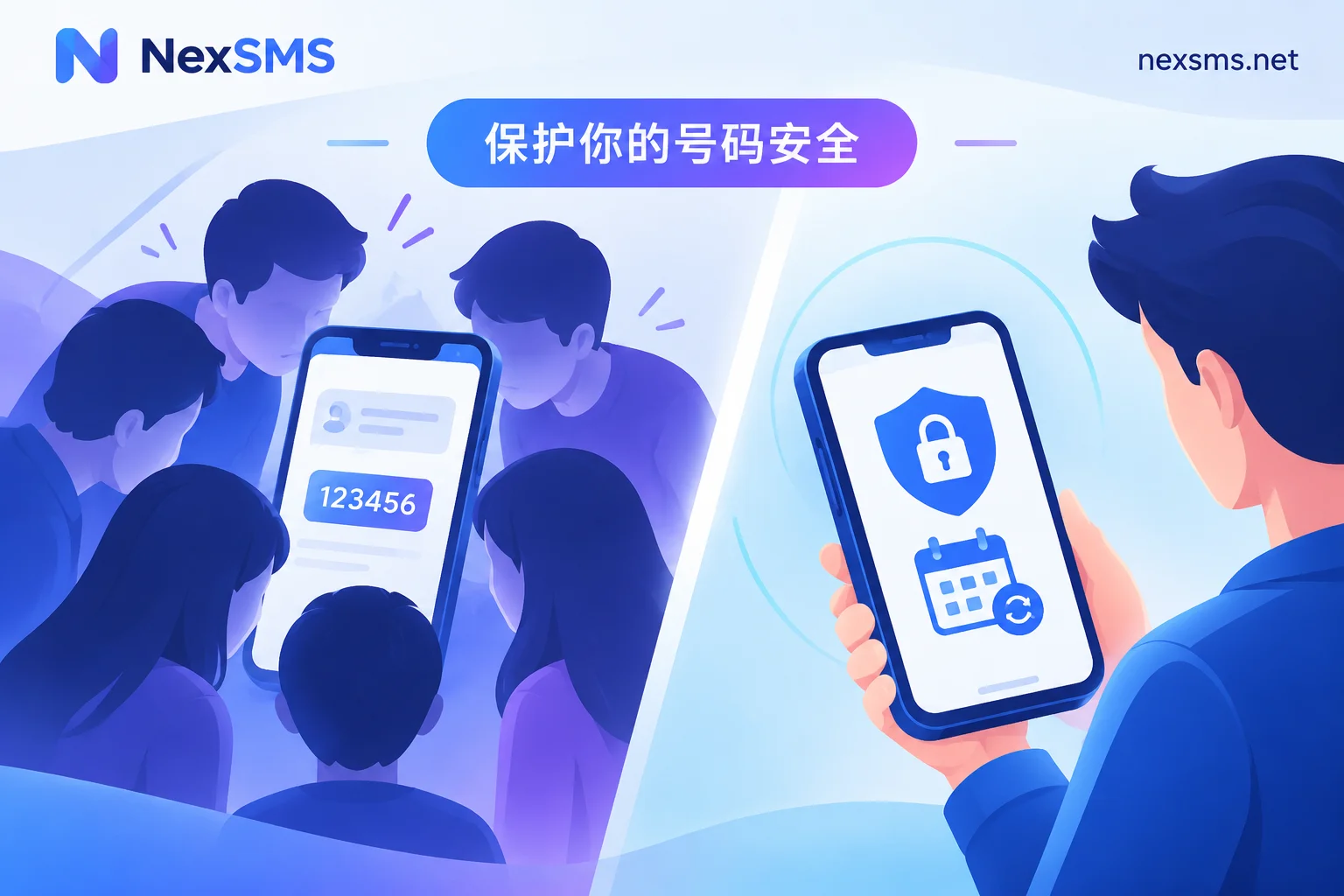
Regardless of which branch you take, remember this: WhatsApp's 6-digit verification code (whether SMS or voice) is the core credential for activating your account. The platform will never send you an initial registration code via email, and you should never forward your verification code to anyone claiming to be "customer service" or "helping you verify." Security reports from Forbes and other media in August 2026 reminded us again that a large number of account theft cases start with users sharing verification codes.
Root-Cause Correction: Where Short-lived Disposable Numbers vs. Renewable Long-term Local Numbers Fit
If you've confirmed that the problem is that the "number segment is not supported," then changing numbers is the only way out. But not just any virtual number will do; you need to distinguish the roles of different number types.
- Short-lived disposable numbers: Suitable for the registration verification stage. They usually guarantee receiving a verification code within a few minutes and are throwaway, ideal for temporarily receiving one-time codes. However, if you need to use the account long-term, log in again, or bind a new device later, these numbers often become invalid again in subsequent verifications.
- Renewable long-term local numbers: Suitable for long-term logins and account recovery. These numbers can be used continuously and can receive subsequent two-factor verification SMS. If your business customer service or overseas communication depends on this WhatsApp account long-term, choosing a long-term number is more stable.
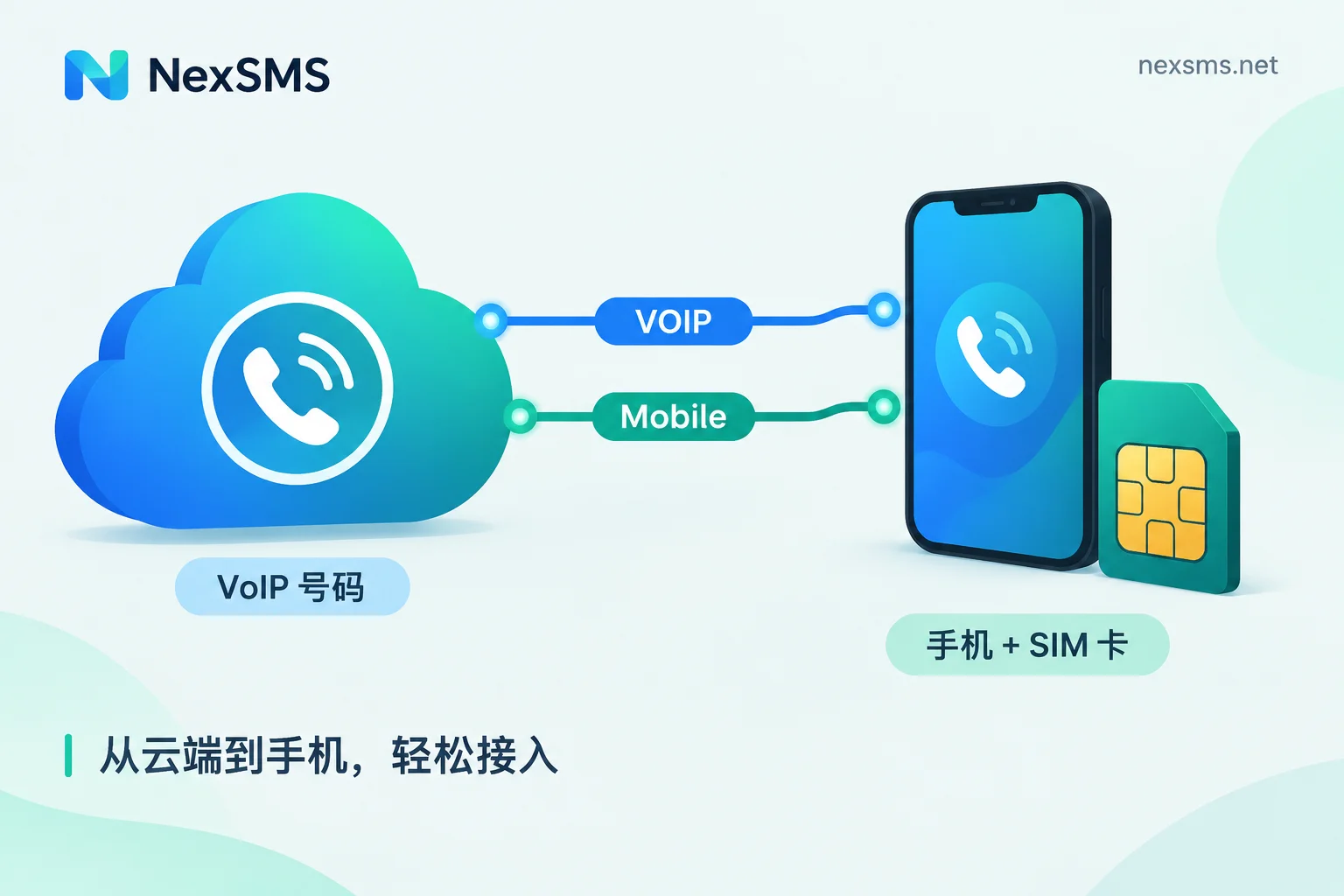
Also, avoid free shared VoIP numbers—they are highly likely to be on WhatsApp's unsupported list, and once the platform updates detection rules, you might even have trouble logging in. If you use a real SIM card or a traceable local number, your chances of passing verification are much higher.
Using NexSMS for Landing: Country Selection, Web Code Reception, and API Receiving for Legitimate Business Use
When you confirm the need to change number segments, consider NexSMS. It provides multi-country number selection, supports receiving codes on the web, and offers developer API endpoints, suitable for teams with legitimate business verification needs.
- Manual for personal single account: You can select a number by target country on the NexSMS web portal, view the received verification code online, suitable for one-time registration or manual account recovery.
- Team bulk business notifications: If your business has compliant verification code sending and receiving needs, such as cross-border customer service or account binding verification in overseas market communication, you can integrate via API to automate the code reception process, while isolating your primary phone number from high-risk platform accounts.
Note: NexSMS does not guarantee that any number will pass WhatsApp verification, but it offers multi-country numbers and different lifecycle options to help you avoid the risks of using public VoIP segments. When choosing a number, it's recommended to use short-lived numbers for one-time registration or renewable long-term local numbers for long-term logins.
Pre-operation Self-check Checklist
By now, you've mastered the complete logic of "classify first, then switch channels." Finally, use this checklist to quickly locate the issue:
- Check the error type: Does the page directly show Unsupported phone number? → Number segment issue, skip to step 5.
- Verify the number format and country code are correct, excluding input errors.
- Wait for the page timer to finish (up to 10 minutes) before tapping "Call me".
- Check the phone and carrier's unknown call/SMS blocking settings, and keep the network online.
- If voice verification also fails and the number is reported unsupported, change the number segment, prioritizing long-term local numbers over free shared VoIP.
And reiterate the security bottom line: The 6-digit verification code is the account activation credential; do not forward it to anyone under any circumstances. WhatsApp will never send you the initial registration code via email. Recognize and avoid these risks to truly protect your account.


Comments(0)