 NexSms官方博客
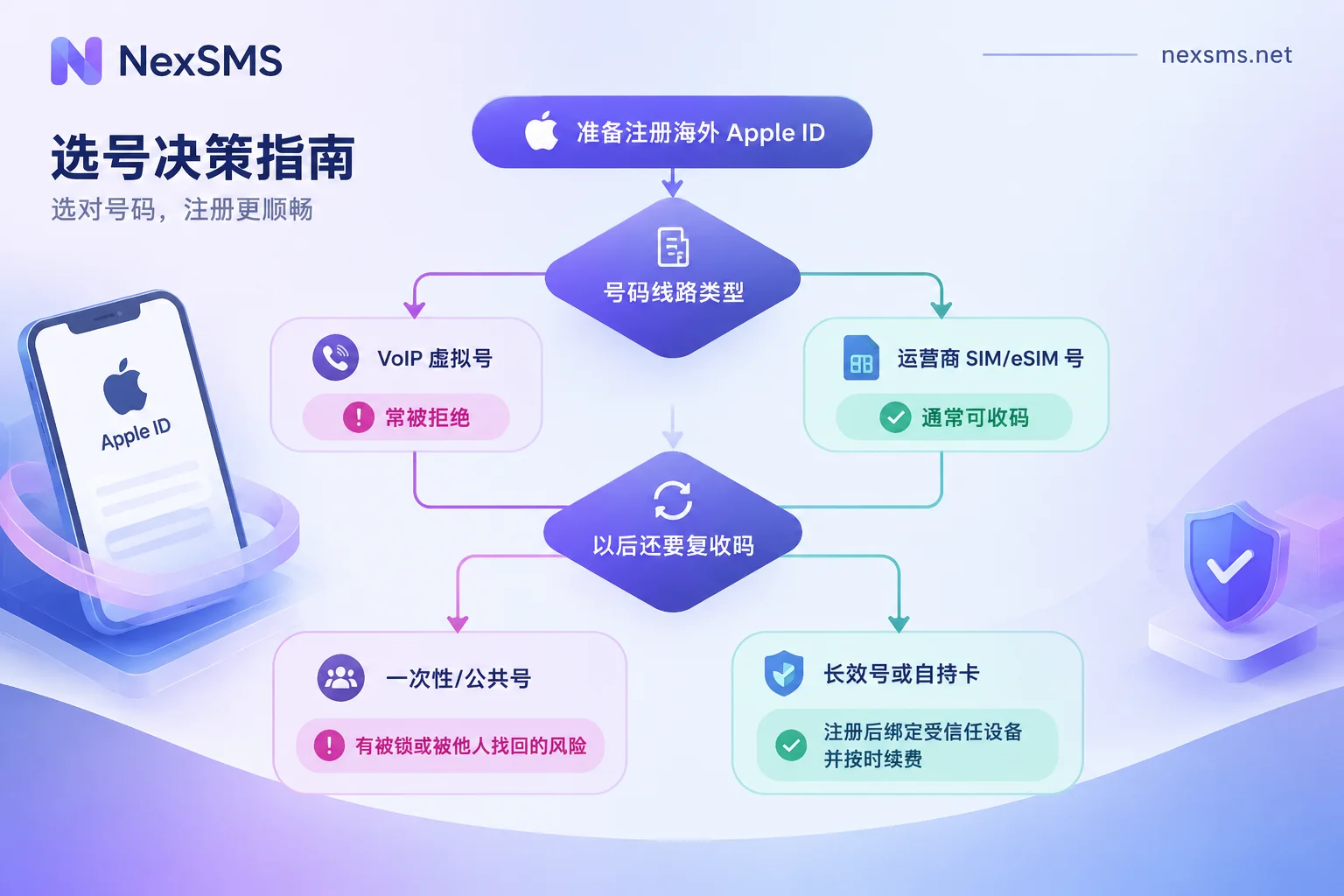
Whether it can be used depends on the type of line the number belongs to, and whether you will still rely on it to receive codes in the future.
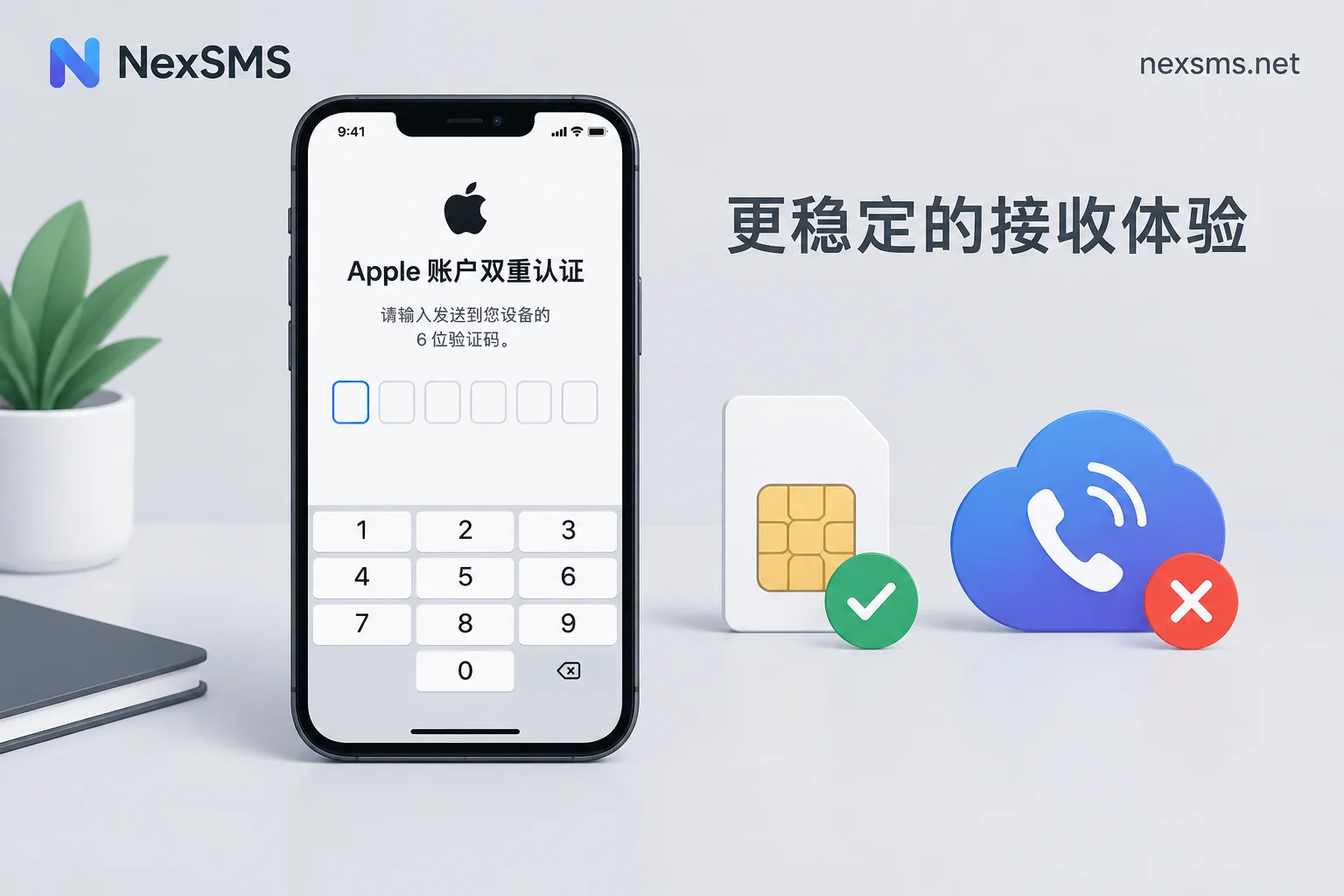
- Pure VoIP numbers like Google Voice and TextNow are likely to be blocked at input. A common message is "This phone number cannot be used for verification," or the submission may go through but SMS never arrives.
- Numbers assigned by real mobile carriers (physical SIM or eSIM lines) can usually receive Apple's verification codes normally, including such numbers provided by online platforms. However, whether each attempt passes is subject to Apple's judgment at the time.
- Receiving a code the first time does not mean there will be no problems later. Apple accounts have two-factor authentication enabled by default, and the number entered during registration becomes a "trusted phone number." Later, when logging in on a new device, changing the password, or recovering the account, this number will be needed to receive verification codes. If the account is to be used long-term, do not use a public number or a disposable number.
Why some numbers are rejected as soon as entered
Apple's risk control identifies the line type of the number. VoIP numbers send and receive SMS via network protocols and do not correspond to carrier cellular lines, so many number ranges are directly filtered by Apple. Therefore, repeatedly clicking "Send Verification Code" on the same VoIP number generally will not change the result. To understand how VoIP numbers work and why they often cannot receive verification codes, see What is a VoIP phone number.
A few niche mobile virtual network operators (MVNOs) may also have their number ranges blocked. Apple does not publicly disclose the update time or blocking criteria for its blacklist, so you can only rely on the actual result when entering the number.
Regarding the number's country, existing information shows that Apple does not require the number's country to match the account region. For example, a US account can bind a carrier number from other supported countries. Usually it is the line attribute of the number, not the country, that blocks verification. If you mainly use the account in a certain country, choosing a local number will be more convenient to manage.
This number will be used repeatedly in the future
According to Apple's official documentation, a trusted phone number is mainly used to:
- Receive a 6-digit verification code when logging in on a new device or browser;
- Change the account password;
- Recover the account if there are issues.
If you have a logged-in iPhone, iPad, or Mac, the verification code can be displayed on the device. Without a trusted device, you basically have to rely on this number. Registering with a disposable number leaves two hidden risks:
- Anyone can see verification codes for public numbers. SMS on free public number pages is public; others can use the same number to initiate recovery or reset, and then see the verification code from the same page. For more comparisons, see Which is safer: free SMS receiving platforms or paid private numbers.
- Short-lived numbers expire after use. Once you log out, erase the device, or trigger security verification later, you will not be able to receive codes. After the number is recycled, it may also be obtained by someone else. If you have no other trusted device at that time, the account may never be recovered.
How to choose among types of numbers
| Number type | At registration | Can it receive codes later? | Recommendation |
|---|---|---|---|
| VoIP virtual numbers (Google Voice, TextNow, etc.) | Often rejected, or no code received | Even if it passes, it is unstable later | Not recommended for Apple accounts |
| Free public numbers | May receive | Can receive, but everyone can see | Do not use for accounts that need to be kept long-term |
| Short-lived carrier numbers | Usually can receive (subject to Apple's judgment) | Invalid after one verification | Only suitable for cases where you immediately bind a trusted device after registration, then switch to a long-term number |
| Long-term carrier numbers, or an overseas SIM you own | Usually can receive | Can receive anytime within the validity period | Suitable for long-term accounts |
Recommended order of steps
1. First decide how long you will use the account. An account to be discarded after downloading one app and an account to be bound to payment methods and storing purchase records have completely different requirements for the number. The latter will definitely need to receive codes in the future, so you should choose a number you can hold long-term.
2. Choose a carrier number you can hold long-term. If you do not want to use your main number, consider NexSMS long-term premium numbers. They are local numbers from real carriers (physical cards and eSIMs, not virtual landline numbers), can be renewed, and have unlimited code reception within the validity period. For the difference between short-lived and long-term numbers and renewal conditions, see the feature description page. If you want to register a US account and also use a US number, you can choose from the US number page. Prices and stock may change; refer to the page display.
3. Enter the verification code as soon as possible during registration. When entering the number, pay attention to selecting the correct country code, then check the SMS received in real time on the web page. Verification codes have a time limit; if expired, request a new one, and do not click repeatedly in a short time.
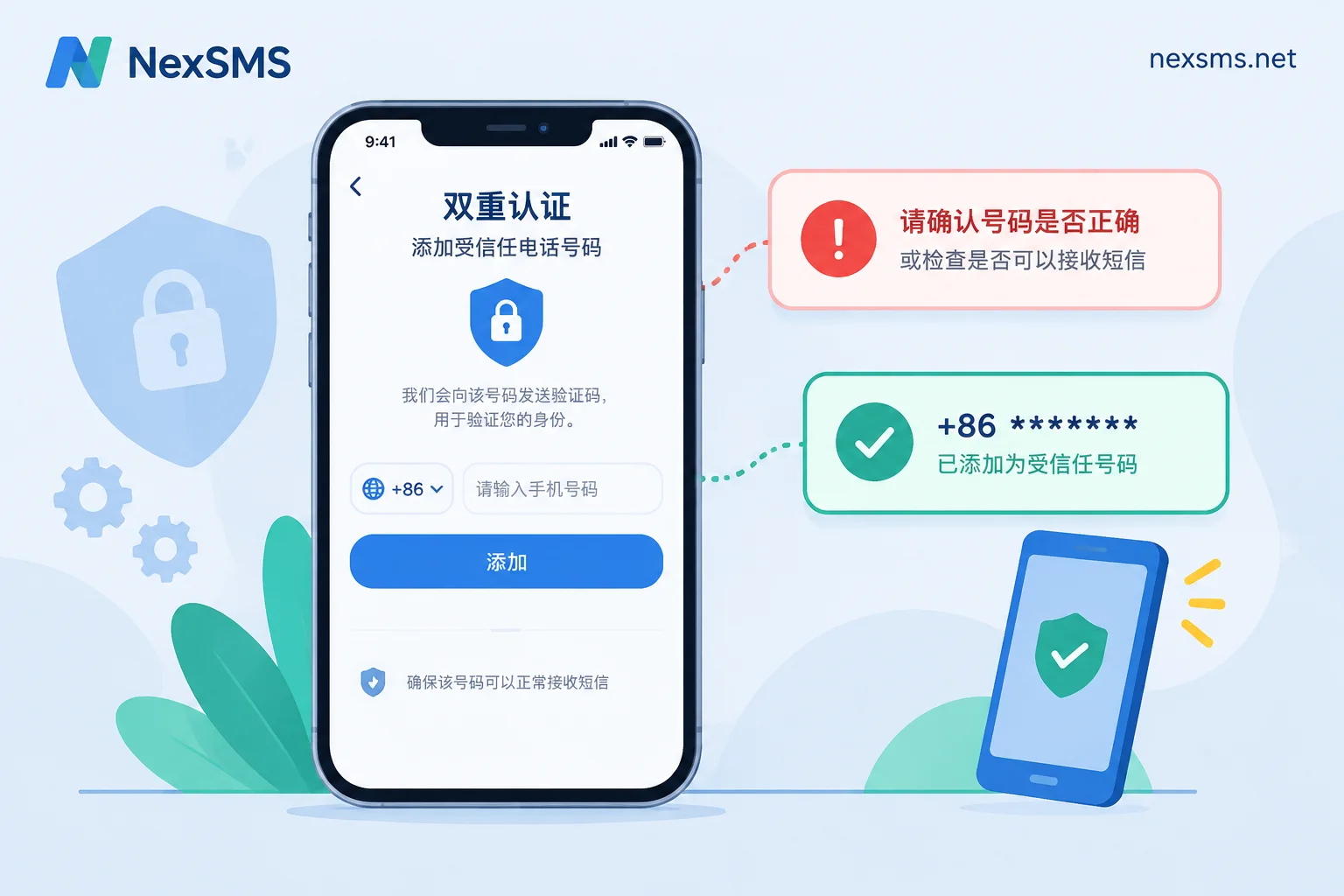
4. Immediately add a second layer of protection after registration. Log in to this account on an iPhone, iPad, or Mac to make it a trusted device. Then future verification codes can be displayed directly on the device without relying only on SMS. Then in the account's "Sign-In & Security" settings, confirm whether the trusted phone number is correct. If conditions permit, add another number you can receive codes from long-term as a backup.
5. Note the expiration date of the number. Long-term numbers must be renewed before expiration to continue holding them. After expiration, you cannot receive codes, with the same risk as a disposable number. When managing multiple accounts, it is best to record which number corresponds to which account and when it expires.
When it says "cannot be used for verification" or no code is received
- First check the number type. If you are using a VoIP number, switching to a carrier number is more effective than repeatedly retrying the same number.
- Check the number format. Confirm the country code is correct and there is no extra leading 0.
- Wait a while if requests are too frequent. Requesting verification codes multiple times in a short period may temporarily prevent receipt.
- Errors when changing or adding a trusted number (e.g., -24056) are handled differently from new registrations; you can troubleshoot item by item according to the tips in Apple ID failed to add trusted phone number. For not receiving verification codes when changing to an overseas phone number, see this troubleshooting order.
In summary: whether an Apple account can use a virtual number depends on whether the number is a real carrier line. Whether the account can be used stably long-term depends on whether you will always control this number in the future and whether you bind a trusted device as early as possible.


Comments(0)