 NexSms官方博客
In 2026, when registering or logging into Telegram with a +86 Chinese phone number, not receiving the verification code has become a common problem for many users. Many immediately suspect a Telegram malfunction, but in reality, it is often not a single anomaly but rather influenced by multiple factors such as phone number channel, network environment, device status, and platform risk control.
Especially for +86 numbers, issues like international SMS delivery rate, carrier filtering mechanism, and consistency of login environment are more prone to fluctuations. Therefore, instead of repeatedly clicking "Resend verification code," it is better to first identify the type of problem and then take appropriate measures.

I. Main Reasons for +86 Phone Numbers Not Receiving Telegram Verification Codes
1. Uncertainty in Receiving International SMS for Chinese Phone Numbers
This is the most basic and common reason.
Some domestic carriers may experience periodic congestion, filtering, or delays in international SMS channels. Telegram verification codes are usually sent by overseas SMS service providers, and the delivery rate varies across different regions, carriers, and time periods.
Thus, a typical scenario arises: a phone number can receive bank SMS, domestic app SMS, and even other international SMS, but fails to receive Telegram verification codes. This does not necessarily mean the number is unusable; it may be due to insufficient stability between the SMS channel currently used by Telegram and the carrier for that number.
2. Abnormal Network Environment Causing Verification Request Failure
The Telegram verification process is not as simple as "sending an SMS." When a user clicks to obtain the verification code, the client first submits a request to the server. The server then determines whether to send the verification code based on account, device, IP, region, and other information.
If the network environment has the following issues, the request may fail at the initial stage:
- Frequent switching of proxy lines
- IP geolocation inconsistent with login behavior
- High network latency or unstable connection
- Public lines abused by multiple users, triggering platform risk control
In such scenarios, the user sees that the verification code is not received, but the real problem may be that the request itself did not complete successfully.
3. Phone Number Marked as High-Risk by Telegram
If a phone number has exhibited the following behaviors, it may be temporarily or permanently flagged by the system:
- Frequent registration or login attempts on Telegram
- Multiple requests for verification codes but failed verification
- Used on SMS activation platforms or repeatedly used by multiple people
- Login from multiple devices or regions in a short time
When a number enters a high-risk state, even if the SMS channel is available, there may be delays, no delivery, or no clear prompt after submitting a request.
4. Triggered Account Security Mechanism
Telegram performs security checks on abnormal login behaviors. For example, if a user normally logs in from a certain region and device, then suddenly switches to an unfamiliar device, network, or cross-region IP, the system may raise verification requirements.
Common trigger scenarios include:
- Logging into an old account from a new device
- Frequent changes in login country or region
- Multiple login attempts for the same account in a short time
- Significant inconsistency among device fingerprint, IP, and phone number geolocation
In such cases, the verification code may not be completely blocked but may be delayed, restricted, or switched to another verification method.
5. Abnormal Client Version or System Settings
An outdated Telegram client, use of unofficial clients, incorrect system time, unsynchronized time zone, or app cache issues can interfere with the verification code process.
Though easily overlooked, these issues are not uncommon on Android devices, older systems, or environments where the client has not been updated for a long time. It is recommended to install the latest official Telegram and enable automatic system time synchronization.
6. Abnormal Phone Number Status
A phone number that is overdue, suspended, has SMS function disabled, or lacks international SMS reception permission will also cause verification code delivery failure.
If you consistently fail to receive verification codes, do not immediately assume it is a Telegram problem. First, contact your carrier to confirm whether the number supports international SMS and whether the SMS filtering policy is too strict.
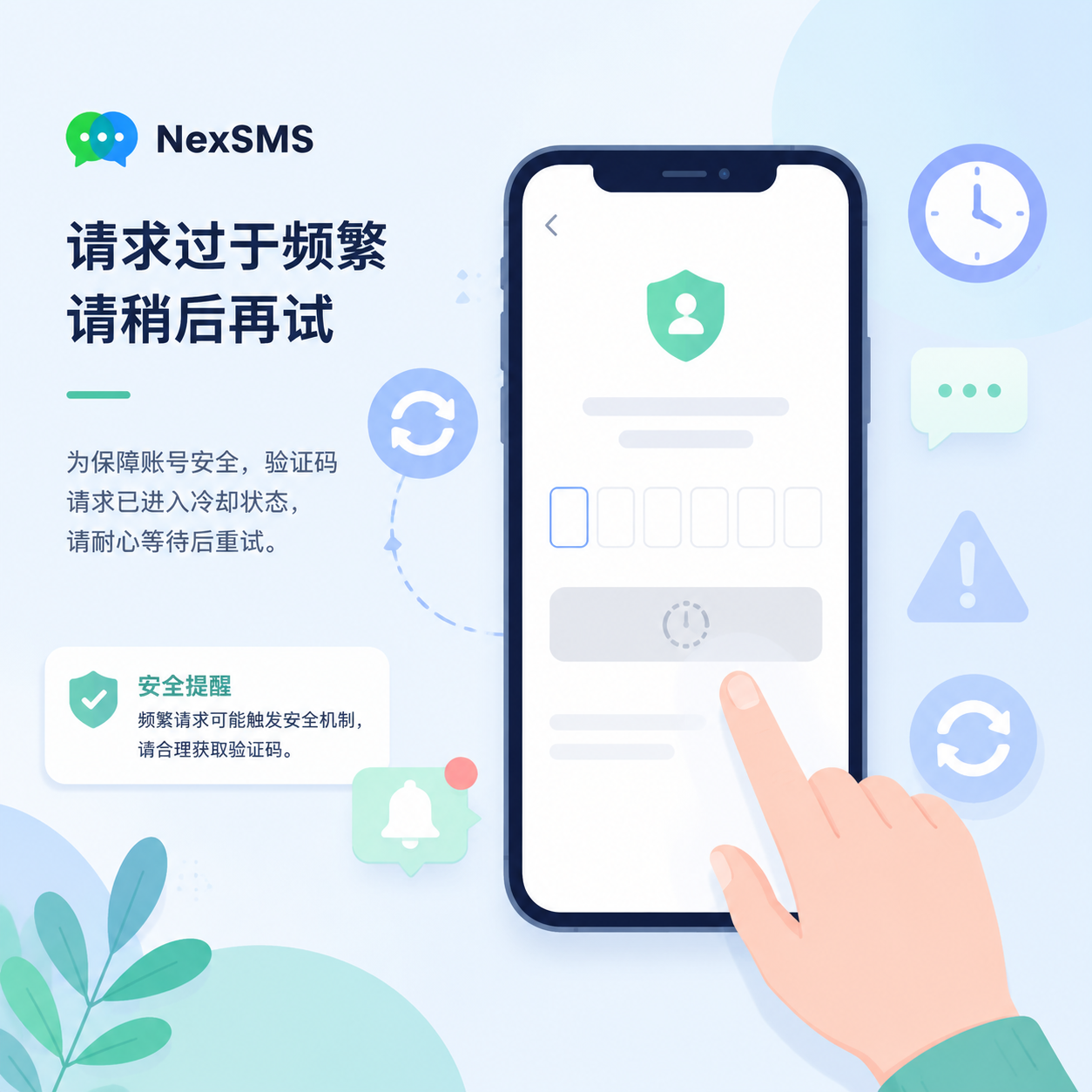
7. Frequent Verification Code Requests Trigger Cooling Period
Continuously clicking "Resend verification code" in a short time may worsen the situation. Telegram applies a cooling mechanism for high-frequency requests; the request may appear submitted but is actually ignored by the system.
In this case, stop repeated attempts, wait for a period, and then retry with a more stable network and device.
II. Solutions for Telegram Verification Code Not Received
1. Prioritize Email Verification or Logged-in Device Verification
Some Telegram users may see email verification, logged-in device verification, or other auxiliary methods during login. For old accounts, if the account is still logged in on another device, obtaining the verification code via the logged-in device is usually more reliable than waiting for SMS.
Note that email verification is not available for all accounts, nor is it equivalent to account recovery. If the current phone number cannot receive verification codes at all, it is not recommended to log out from all logged-in devices; otherwise, subsequent login difficulty may increase.
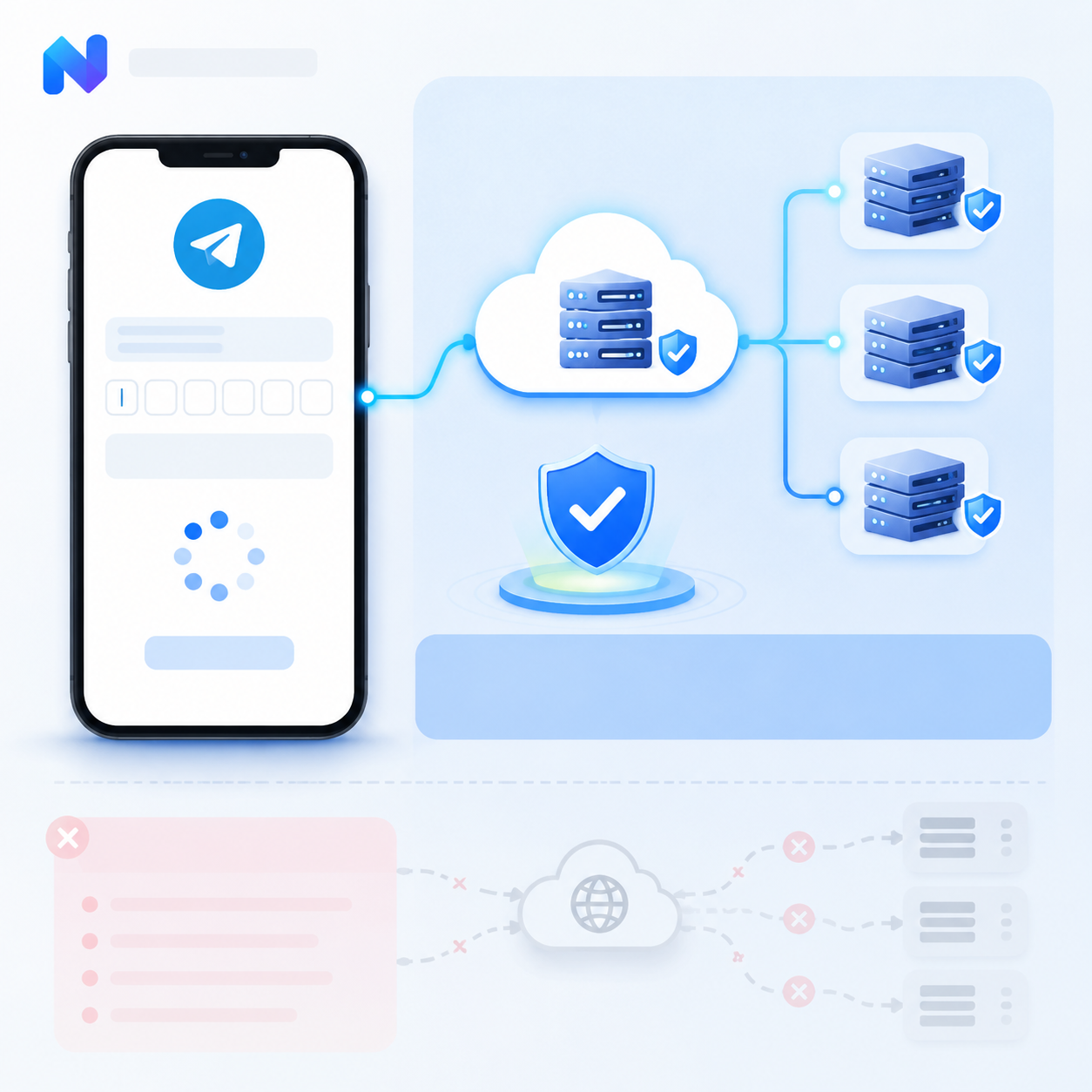
2. Switch to a Stable and Clean Network Environment
If the verification code page keeps spinning, request fails, or there is no clear prompt, first check the network environment. Telegram comprehensively evaluates device, IP, region, and account behavior. An unstable, frequently changing, or heavily shared line can easily lead to verification request interception.
When dealing with Telegram login issues, many users opt for a more stable dedicated IP environment. For example, the network resources provided by NexIP are suitable for scenarios requiring long-term consistency of login environment. Compared to repeatedly switching public proxy lines, a dedicated IP with low volatility can reduce the probability of verification failure due to frequent IP changes, line contamination, or multi-user sharing.
It should be noted that using a stable network service like NexIP is not about bypassing Telegram verification but helping users establish a more realistic, continuous, and trustworthy login environment. For those who frequently manage Telegram, overseas social media, or cross-border business accounts, stable IP is often more critical than temporary lines.
3. Check Phone Number and Carrier Settings
Before continuing to attempt SMS reception or changing numbers, it is recommended to complete the following basic checks:
- Confirm the phone number is not overdue or suspended
- Confirm SMS function is enabled
- Consult the carrier whether international SMS is supported
- Disable overly aggressive SMS blocking security software
- Restart the phone and clear Telegram cache
- Keep system time and time zone auto-synchronized
Many verification code reception failures are not caused by the platform itself but are blocked at the final step by the phone system, SMS blocking tools, or carrier policies.
4. Use High-Quality Virtual Phone Numbers for Verification Code Reception
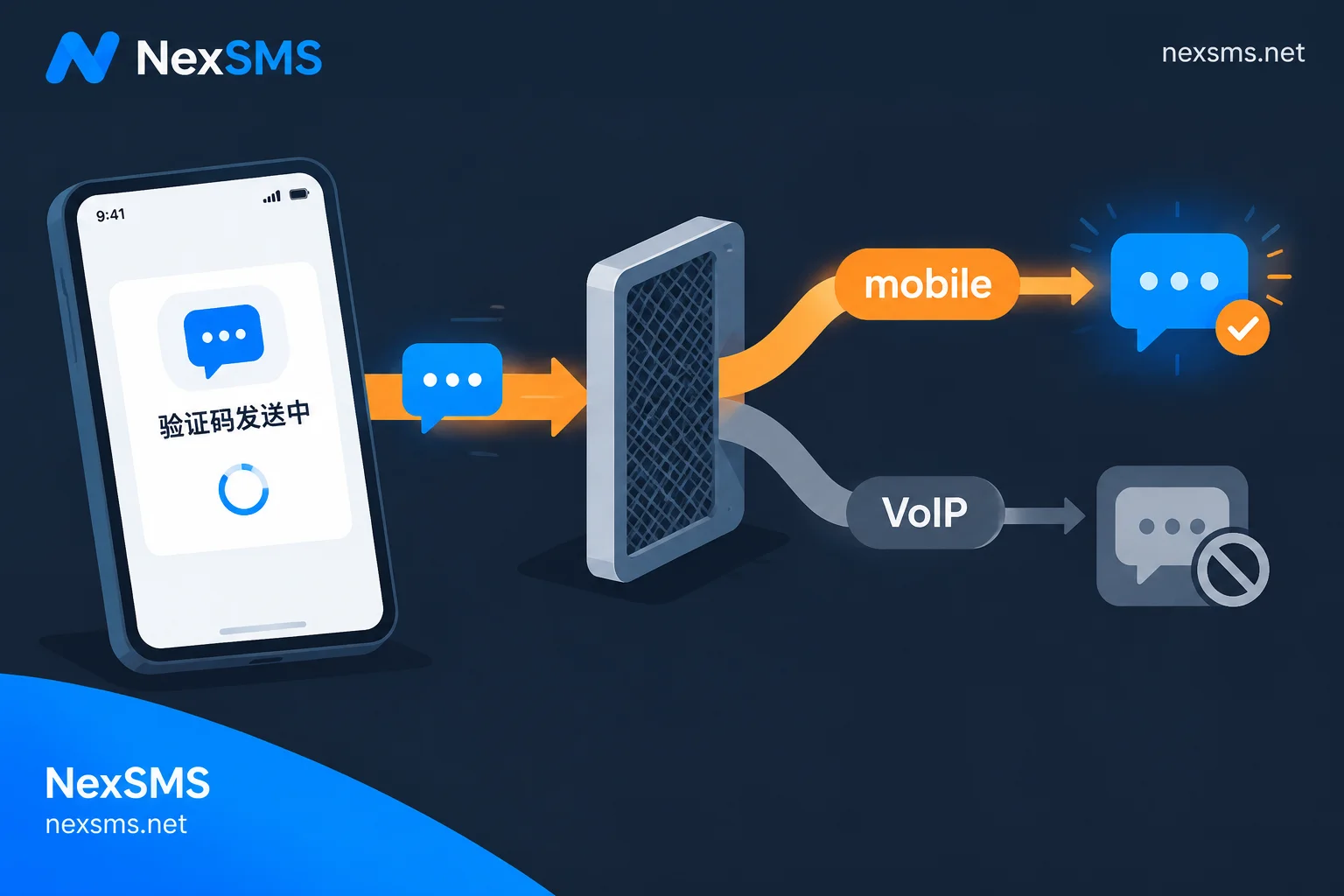
If +86 phone numbers cannot receive Telegram verification codes for a long time, consider using virtual phone number services for registration or verification. However, note that number quality directly affects the stability of Telegram accounts.
Common issues with low-quality SMS activation platforms include:
- Numbers reused by multiple people
- Numbers already flagged as high-risk by Telegram
- Unstable verification code delivery rate
- Inability to receive subsequent login verification codes
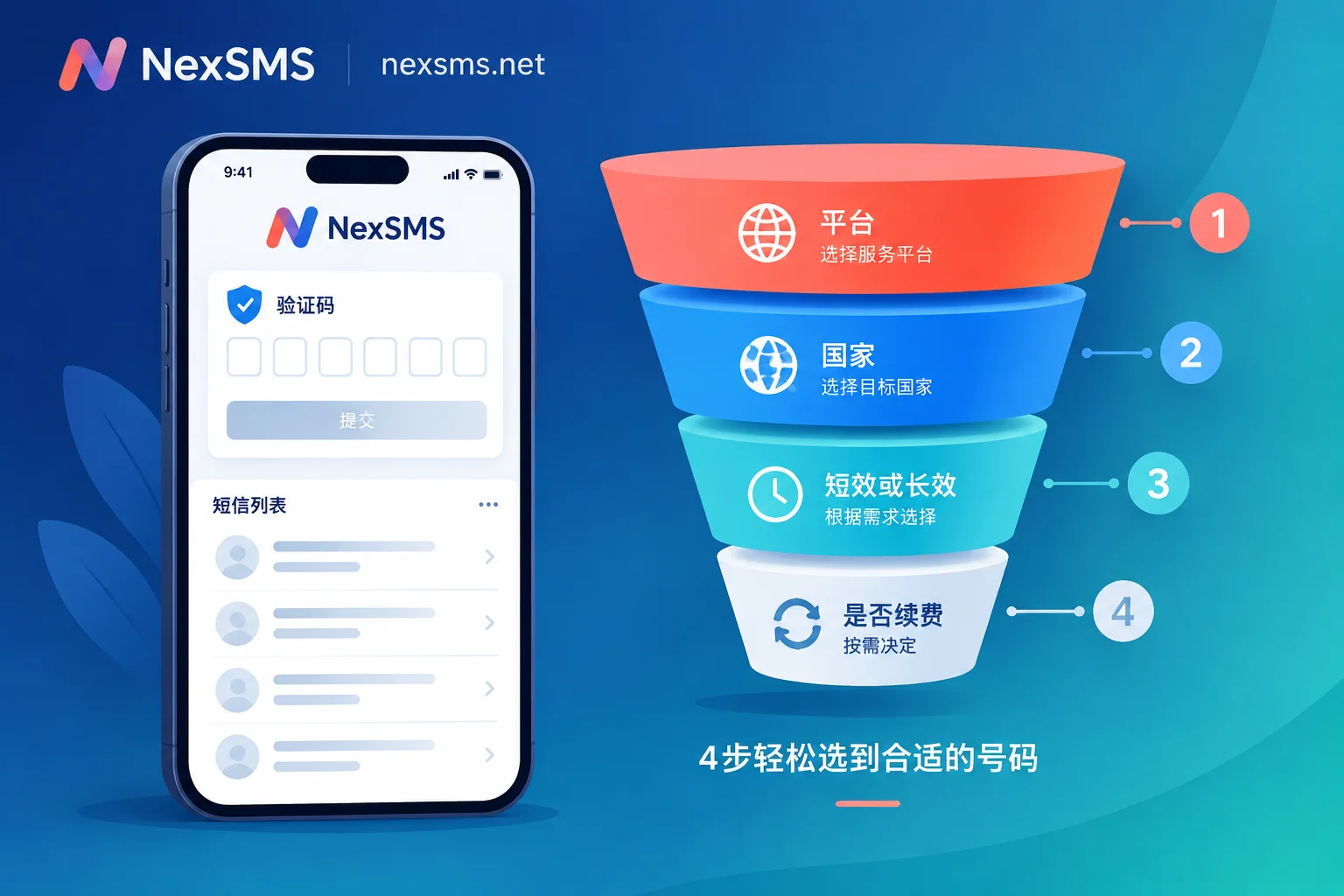
Therefore, for Telegram registration, login verification, or account recovery, it is advisable to choose platforms with higher stability and cleaner number resources. For example, NexSMS can serve as an alternative for receiving SMS verification codes, suitable when +86 numbers cannot receive codes. For batch testing, cross-border account registration, or long-term account maintenance, choosing a service with stable delivery rate and clearer number availability is more reliable than randomly using public numbers.
However, it is still not recommended to bind important Telegram accounts to disposable virtual numbers long-term. A more secure approach is to complete security settings such as email, two-step verification, and recovery email as soon as possible after registration, reducing the risk of being unable to log in due to unavailable numbers.
5. Try Official Client or Telegram X
Some users who cannot receive verification codes in the official Telegram client may trigger different verification flows when using Telegram X or an updated official client.
If your device remains stuck on the verification code page, try:
- Update Telegram to the latest version
- Use the official client to log in again
- Switch to Telegram X for verification
- Try logging in from another device
However, avoid frequent switching between multiple clients. Each failed attempt may be recorded by the system; excessive attempts in a short time increase the chance of triggering risk control.
III. How to Combine NexIP and NexSMS to Improve Success Rate
If you only occasionally fail to receive verification codes, first check your phone number and network. But if you frequently encounter Telegram verification code failures, login anomalies, or unstable cross-border account environments, consider handling the "network environment" and "verification code reception" separately.
A recommended approach:
- Use a stable IP service like NexIP to fix the login environment first, reducing verification failures due to network fluctuations.
- If the +86 phone number still cannot receive verification codes, use NexSMS as an SMS verification code reception solution.
- After successful verification, promptly complete Telegram's two-step verification, email, and security settings.
- For subsequent logins, try to maintain the same device, network region, and account usage habits.
In other words, NexIP mainly addresses "login environment trustworthiness," while NexSMS addresses "verification code reception channel." They are not substitutes but correspond to different stages of the Telegram login process.
IV. Common Q&A for Telegram SMS Reception
Q1: The Telegram verification code keeps spinning. Is my account banned?
Not necessarily. A more common cause is network request timeout, unstable IP, or connection blocked. First, switch to a stable network environment and try again. If public proxy lines frequently fail, consider using a dedicated stable IP like NexIP to reduce the possibility of triggering risk control at the network level.
Q2: I keep not receiving verification codes on my +86 number. Should I continue waiting?
If you have waited a long time without SMS and confirmed the number is normal, it is recommended to pause requests to avoid triggering the cooling period. Then check the carrier's international SMS permission, or consider using a service like NexSMS as an alternative.
Q3: Why can the same phone number receive verification codes on someone else's device but not on mine?
This is usually related to device fingerprint, network environment, IP geolocation, and login behavior. Telegram evaluates not just the phone number but the combined risk of "phone number + device + IP + behavior."
Q4: Is it safe to register Telegram with a virtual phone number?
It mainly depends on number quality. Public numbers, cheap disposable numbers, or numbers reused by many people carry higher risk. For temporary verification, the impact is limited; for important accounts, it is not recommended to bind uncontrollable numbers long-term. When using services like NexSMS, prioritize numbers with clear availability and promptly complete account security settings.
Q5: Does changing IP make Telegram more likely to trigger risk control?
The key is not whether you change IP but whether you switch frequently, drastically, and irregularly. Switching between multiple countries and proxy lines in a short time indeed increases anomaly risk. A more reasonable approach is to use a stable, continuous, low-volatility IP environment, such as NexIP, and try to keep the account login path consistent.
Conclusion
The issue of +86 phone numbers not receiving Telegram verification codes is usually not caused by a single factor but is the combined result of SMS channel, phone number status, device environment, IP quality, and account risk control.
In the short term, you can troubleshoot step by step by checking the phone number, updating the client, changing devices, waiting out the cooling period, etc. If +86 numbers are permanently unavailable, consider using NexSMS for verification code reception. In the long term, a stable login environment is equally critical; dedicated IP services like NexIP can help reduce risks from network fluctuations and shared lines.
In simple terms, to improve Telegram verification code success rate, you need to address two issues simultaneously: whether verification codes can be received and whether the login environment is stable enough. NexSMS is more suitable for the SMS reception stage, while NexIP is better for optimizing the network environment. Using them together can make Telegram registration and login smoother and reduce the probability of subsequent account anomalies.


Comments(0)