 NexSms官方博客
WhatsApp Registration Guide: How to Solve Verification Code Not Received, IP Risk, and Newly Registered Account Ban
Many people engaged in foreign trade, cross-border e-commerce, and overseas social media operations often get stuck during the registration process when using WhatsApp for the first time. Common issues include not receiving the verification code, abnormal prompts right after entering the phone number, or the account getting banned shortly after successful registration.
In actual multi-account and overseas social media environment setup, it can be found that the WhatsApp registration steps themselves are not difficult. The key to success lies mainly in the phone number, SMS reception, IP environment, and subsequent usage habits. Especially in batch registration or team operations, if the SMS channel and IP stability are not handled well, problems will likely occur repeatedly.
Below, following the actual registration path, I have organized the key points from downloading and installing WhatsApp to registration, code reception, and account nurturing. For SMS verification code reception, you can use NexSMS.net according to your situation; if the IP environment is unstable or you need exclusive, cleaner nodes, you can also consider setting up the basic environment through nexip.net.
- What to Prepare Before WhatsApp Registration
Registering WhatsApp in China is not just about following the steps; you need to prepare the basic environment in advance. Many registration failures are not because the phone number is necessarily unusable, but because the network, IP, device information, and code reception method are not stable enough, triggering platform risk control.
- Stable Network Environment
Before registration, ensure you can normally access overseas services. Otherwise, the verification code sending, connection verification, account initialization, and other processes may fail. It's best to keep the IP stable and clean. It is not recommended to switch from a US node to a UK node today, then to another country tomorrow.
If you are in foreign trade, cross-border e-commerce, or overseas social media operations, it is recommended to use an IP from the same country for a long time, such as always using a US or UK node. Free nodes and shared IPs are not recommended as they are easily identified as abnormal environments by the platform.
If you currently do not have a stable IP, you can choose cross-border IP services like nexip.net, and try to use exclusive, clean, and stable IP environments. For overseas social media accounts like WhatsApp, both early registration and later account nurturing rely heavily on IP consistency.
- Phone Number Preparation
Domestic Chinese phone numbers (+86) can be used to register WhatsApp, but sometimes issues like not receiving verification codes, SMS delays, or call verification failures may occur. In contrast, overseas physical SIM cards generally have a higher success rate.
If you only register an account occasionally, you can first test with your real phone number. For multi-account, team operations, or batch testing, you need to prepare a more stable SMS reception method in advance. When SMS verification codes frequently fail to be received, you can consider SMS services like NexSMS.net to improve the stability of code reception.
- Device Recommendations
For devices, it is recommended to use native Android phones, such as Samsung or Google Android phones. Apple phones can also be used, but you need to set up the overseas environment and account environment in advance.
If operating via a computer, you can use a fingerprint browser or Google Chrome incognito mode. However, in the new account stage, it is not recommended to frequently change devices. The more stable the device, IP, and phone number information, the less likely the account will be judged as abnormal by the system.
- How to Download WhatsApp
After ensuring the network environment is stable, download the official WhatsApp application. Do not arbitrarily install installation packages from unknown sources to avoid subsequent login anomalies or security risks.
Apple phones can log in to an overseas Apple ID and then search for WhatsApp Messenger in the App Store to download. Users without an overseas ID can prepare a usable account based on their situation.
Android phones are recommended to download via Google Play. If you cannot access the app store, you can also go to the WhatsApp official website to download the Android version: http://www.whatsapp.com/android。
- WhatsApp Registration Process
Before registration, confirm that the IP environment is stably connected. If using IP services like nexip.net, it is recommended to fix the country and route in advance, and do not switch back and forth during registration. The following takes an Android phone (Samsung) as an example, and the specific process is as follows.
- After downloading, open WhatsApp and click Agree and continue
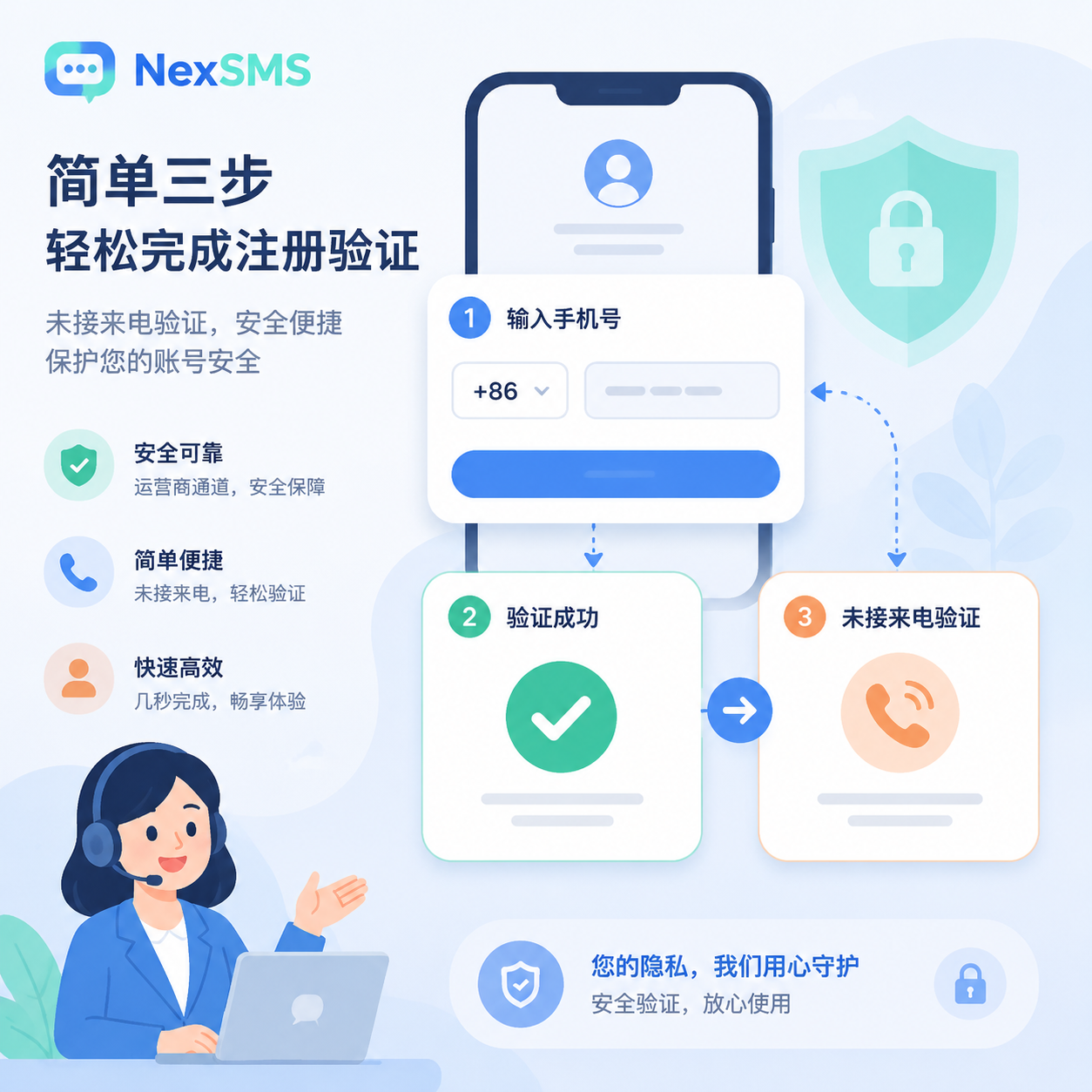
- Enter the phone number, select +86 for domestic phone numbers
- Confirm the phone number is correct, then click yes
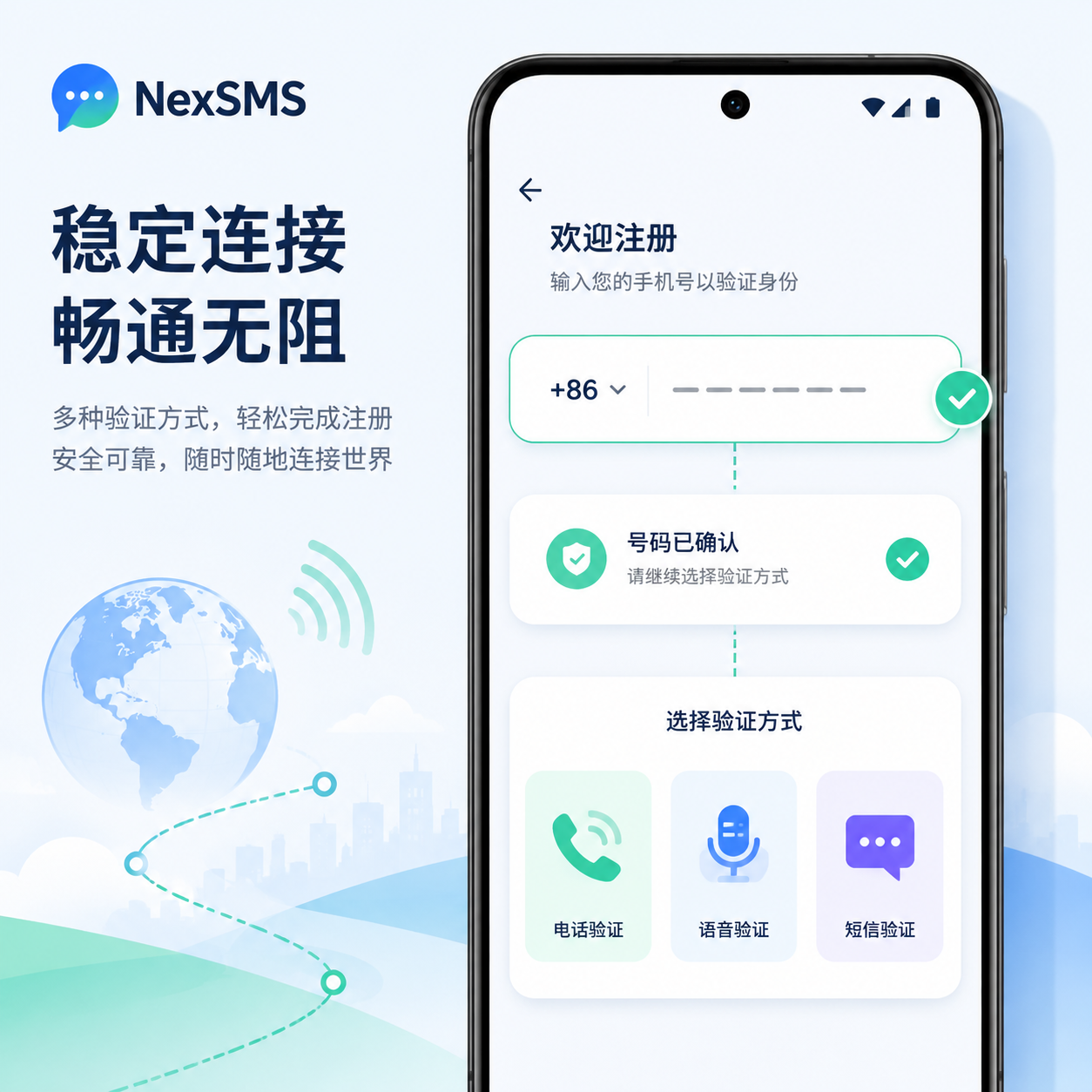
- Click continue, the system will automatically enter the verification process
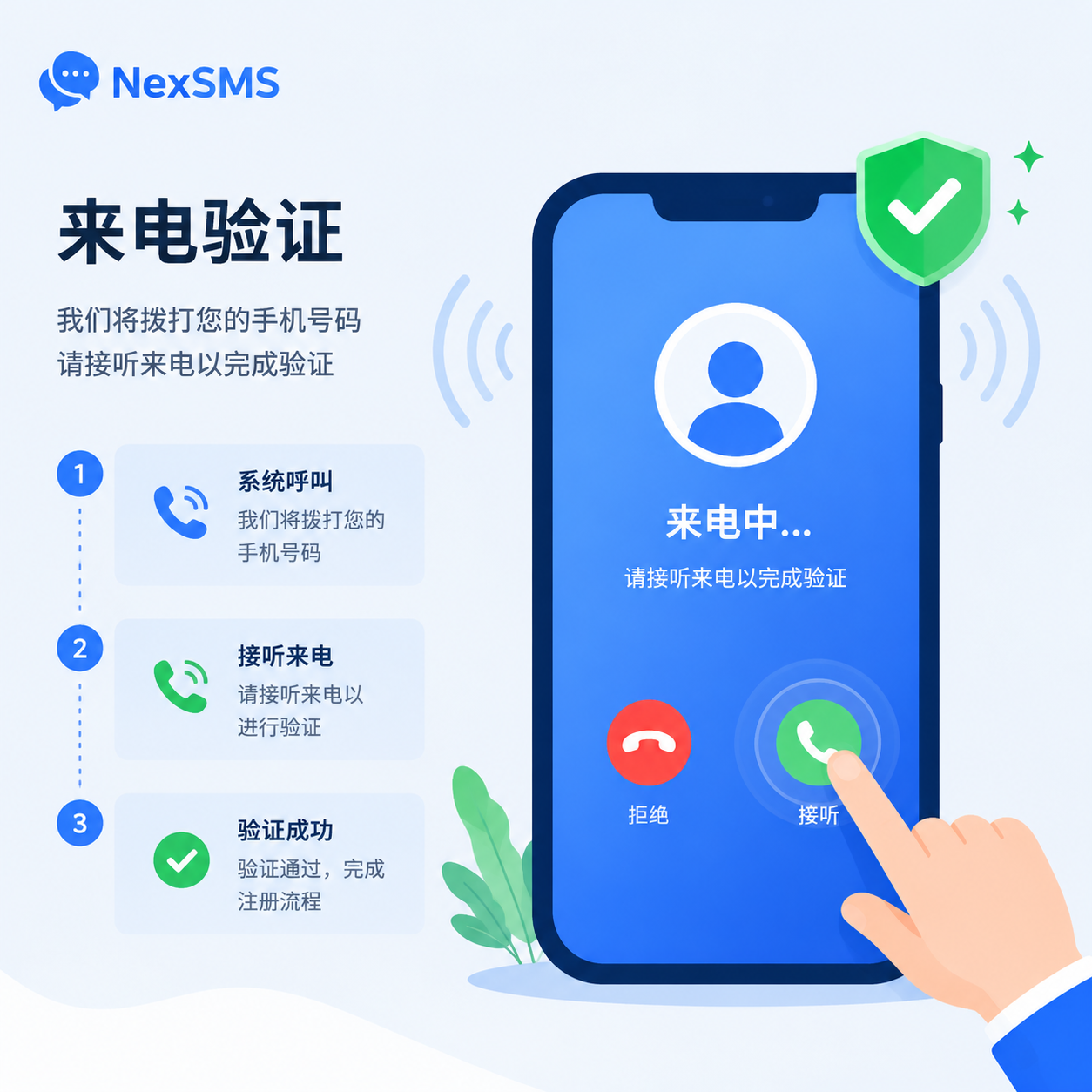
- Continue clicking continue to enter the missed call verification page
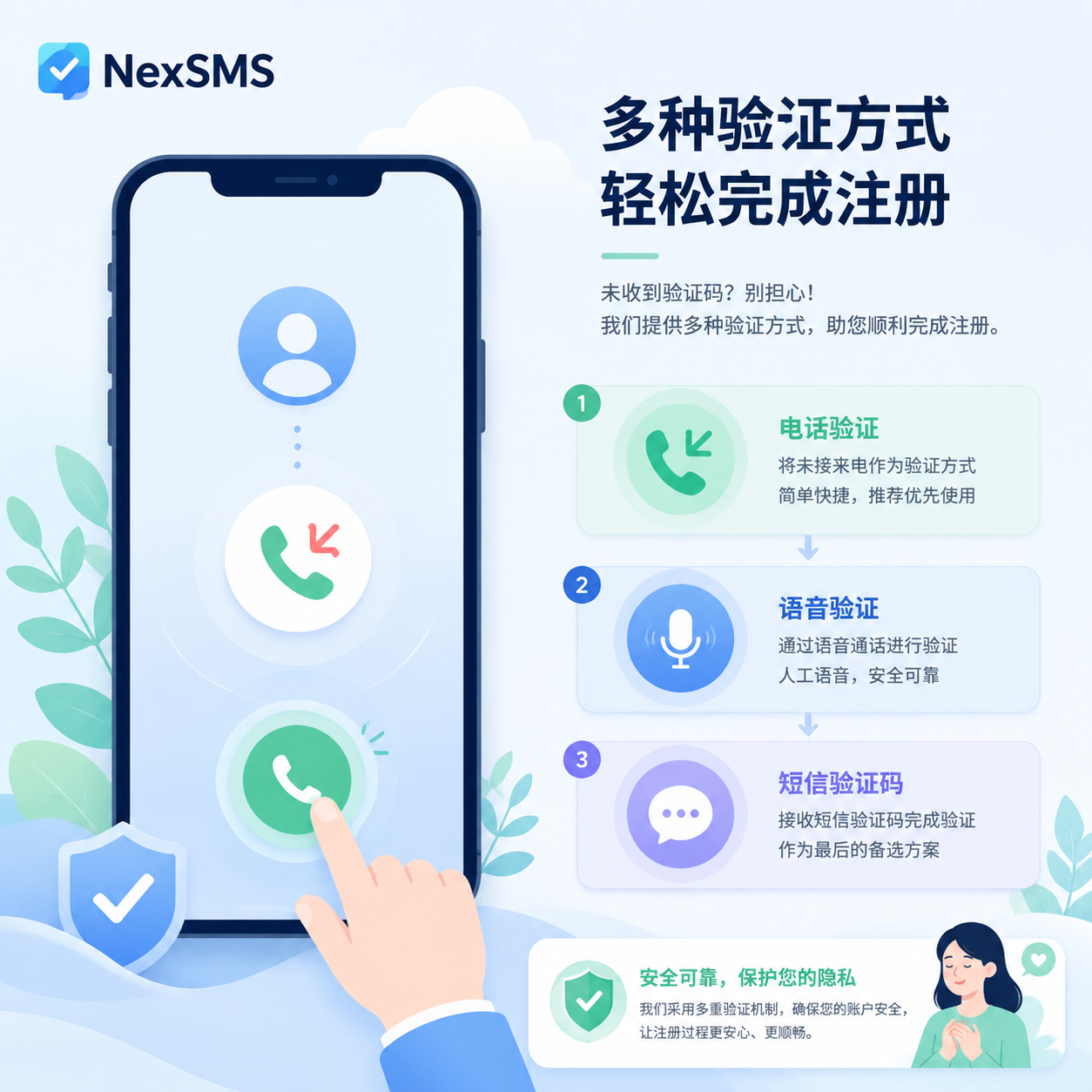
- It is recommended to prioritize call verification, then voice verification, and finally try SMS verification code
- Click answer to complete the missed call verification
- Click cancel
- After clicking the x in the upper left corner, you may return to the registration page. Follow the previous process again.
- If you jump back to the registration page again, don't worry, continue to complete the verification according to the process
- After seeing the prompt, click not now
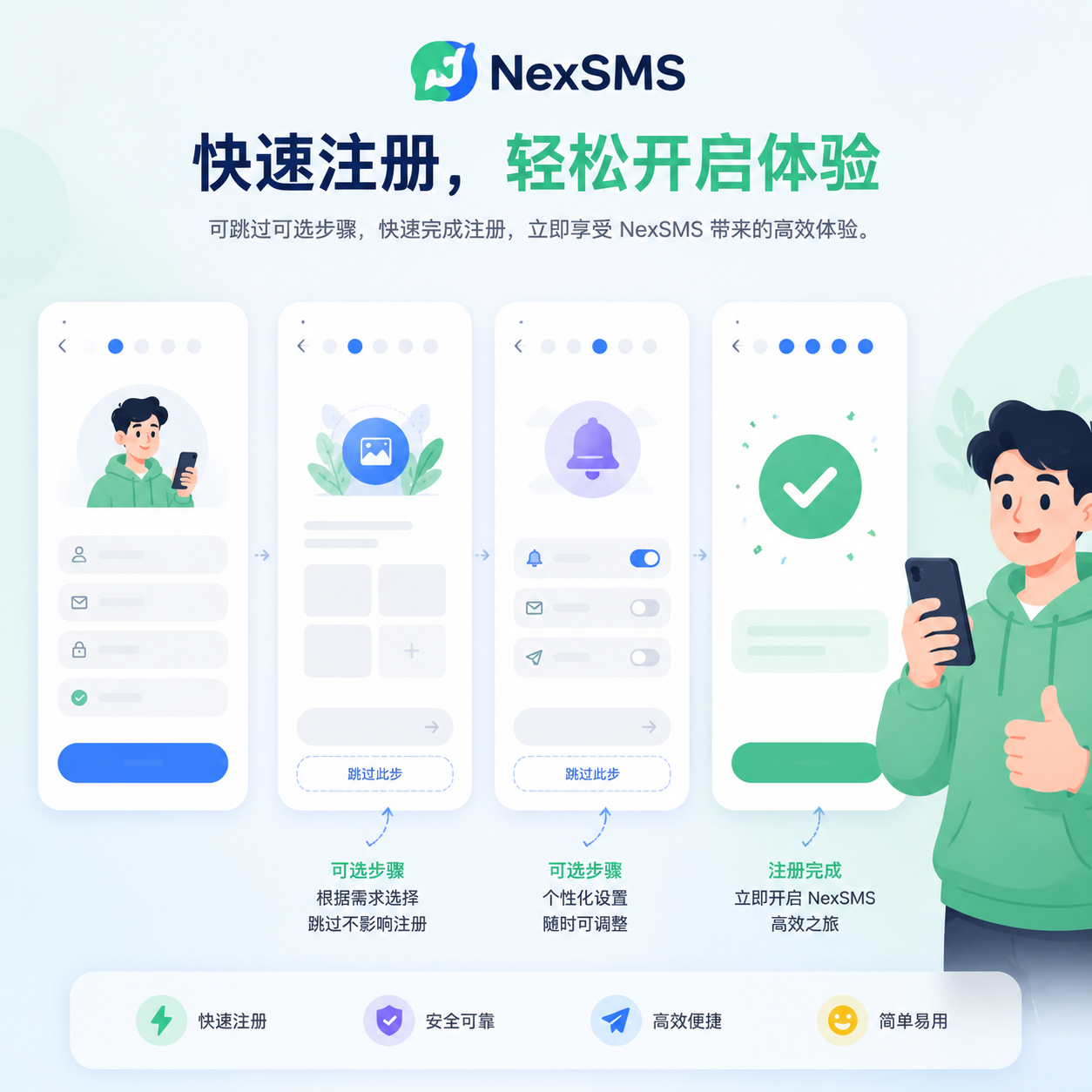
- Click skip to skip. If backup restoration is involved later, you can also choose to skip first.
- Enter your username, then click next
- If you don't want to bind an email for now, click skip
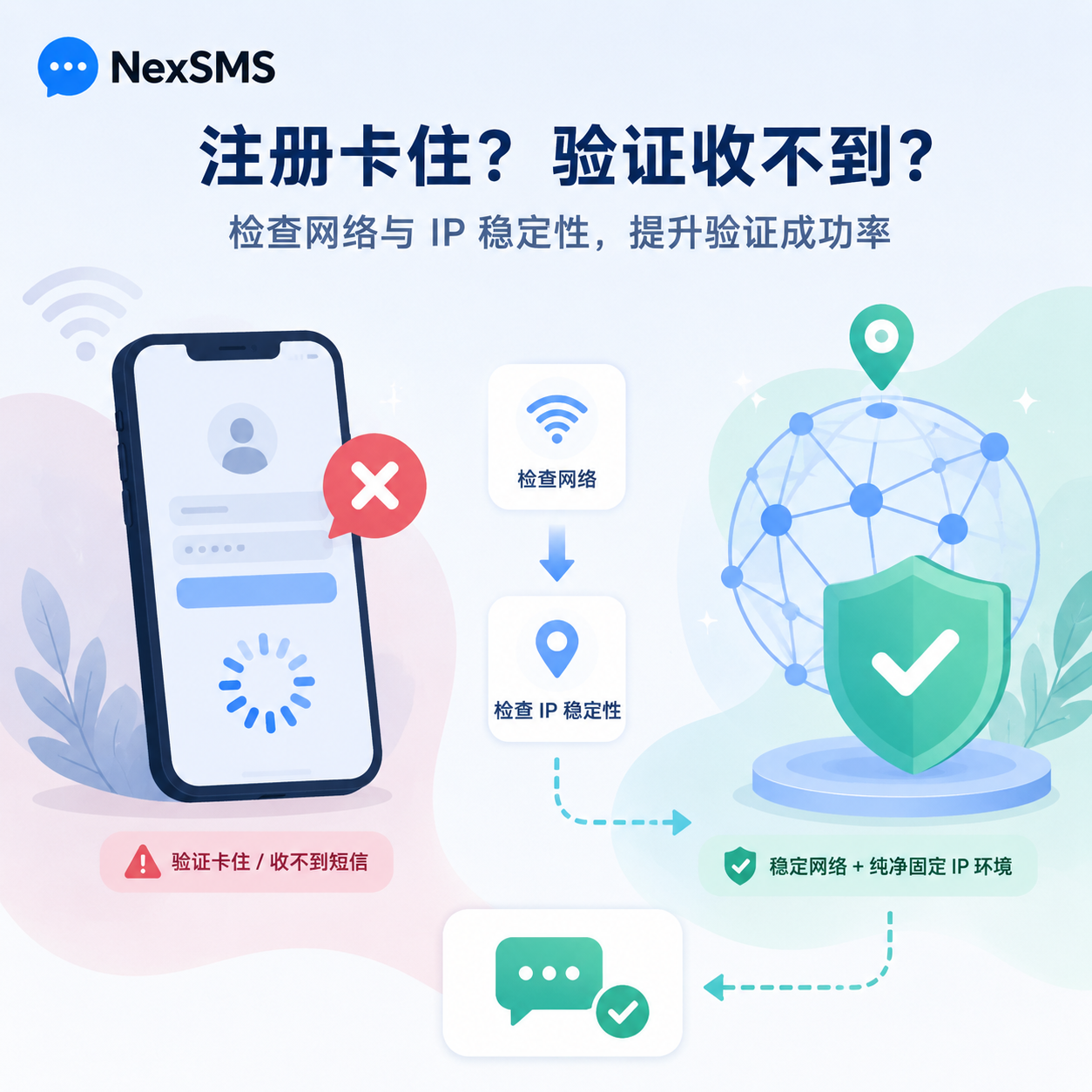
- After entering this page, the WhatsApp account registration is complete
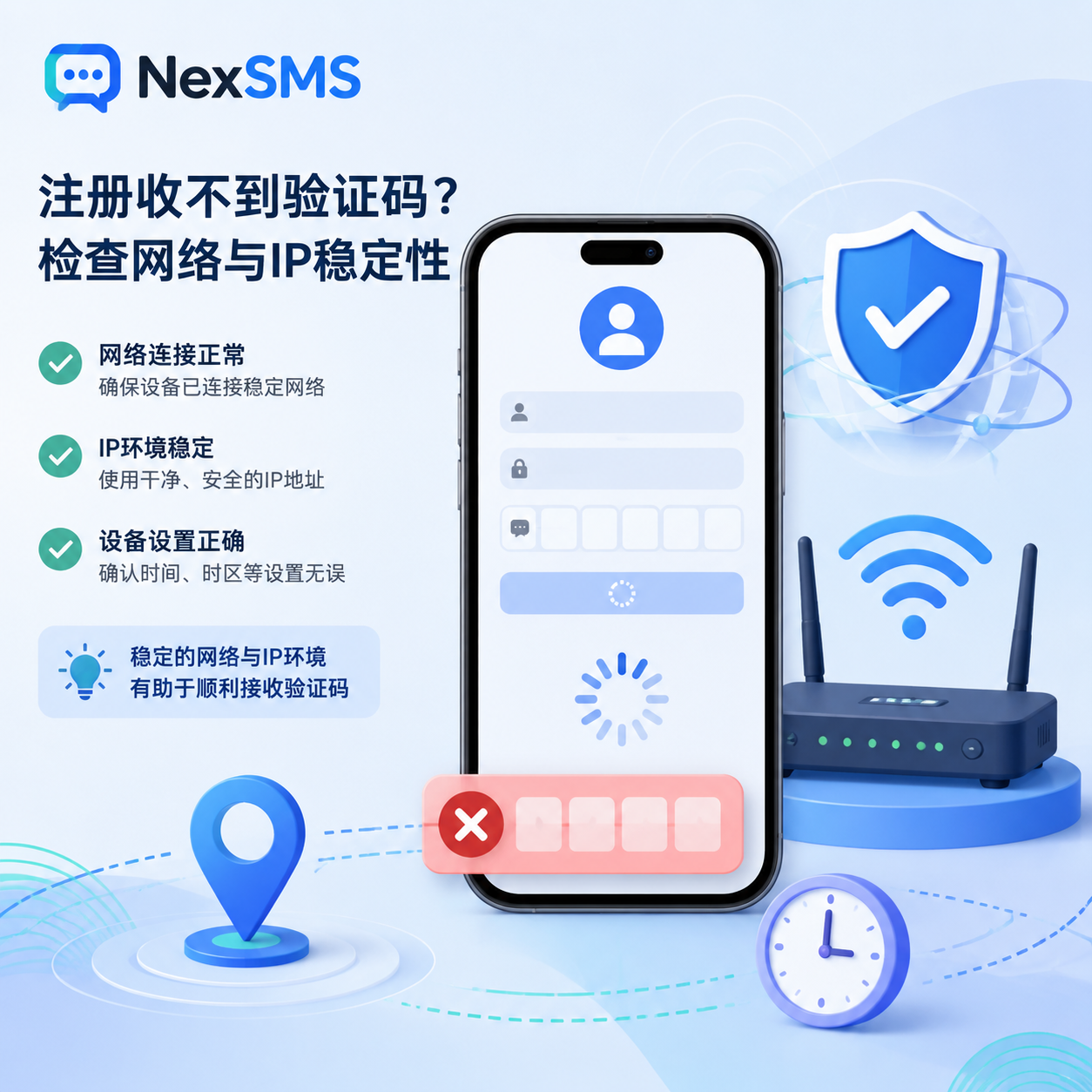
- What to Do If You Can't Receive the WhatsApp Verification Code
- Check the network and IP first
If the page keeps circling or prompts "Sending failed," it is generally related to the network environment. You can switch to a more stable node, but do not frequently switch between IPs from different countries in a short time.
WhatsApp is sensitive to the registration environment, especially for new accounts. If the same phone number is repeatedly used with different IPs for registration attempts, it can easily trigger verification anomalies. It is recommended to use a stable and clean IP environment from the start, such as first preparing a fixed IP through nexip.net, then proceeding with registration.
- Phone number may be restricted
If it prompts "Unable to send SMS," it may be that the phone number has been tried too many times in a short period, or the device and network environment are inconsistent. You can try again after an interval, or switch to another phone number.
In addition, try to keep the phone settings consistent with the network node. For example, if using a US IP, set the phone time to the corresponding time zone. Go to Phone "Settings" > "System Management/General" > "Date & Time," turn on location services, and automatically detect the time zone after obtaining location information.
- IP is risk-controlled
Delayed or unsent verification codes, or failed call verification, may be related to IP quality. Shared IPs, free nodes, and routes frequently used by many people are more prone to problems when registering WhatsApp.
In this case, it is recommended to switch to a clean IP and do not continue testing with the same abnormal node. For long-term account operation, you can use IP services like nexip.net to maintain a stable registration and login environment, reducing the risk of risk control due to IP changes.
- Try voice verification code first
When registering WhatsApp, receiving the verification code does not necessarily rely solely on SMS. In many cases, voice verification codes or call verification are more stable.
If SMS is never received, try voice or call verification first. If you really need SMS code reception, and your own phone number often fails to receive, consider SMS services like NexSMS.net, which are more suitable for scenarios requiring stable code reception.
- Enable international SMS and call permissions for the SIM card
Domestic phone numbers may be affected by operator permissions when receiving overseas verification codes. China Mobile and China Telecom are relatively more stable; some China Unicom users have reported that receiving foreign verification codes may be unstable, so try Mobile or Telecom cards first.
China Mobile: Send SMS KTDGRTC to 10086
China Telecom: Send SMS 1031 to 10001
If the above methods still cannot solve the problem, you can find us for manual code reception. We also provide code reception services for NEXSMS users. We do not provide free code reception. 99% of Mobile and Telecom numbers can receive verification codes and log in smoothly.
- WhatsApp Account Nurturing Is Important
Many people think that successful registration is the end, but in fact, the most problematic period for a new account is usually the first few days after registration. Adding many people, sending bulk messages, and sharing links immediately after registration can easily be judged as a marketing account by the system.
For the first 3 days of a new account, it is recommended to slow down the operation pace. Do not frequently add friends at the beginning. You can first have normal chats, complete personal information, add acquaintances from your contacts, and make the account behavior closer to that of an ordinary user.
- Do not add people frequently
Do not rush to add many people right after registration; let the account rest for a few days. In the following days, it is recommended to control friend additions within 5 per day, especially in the new account stage, slow down.
- First perform normal user behaviors
First chat with existing contacts, complete avatar, name, and status. Do not start sending bulk messages right away. The system judges the overall behavior pattern, not a single action.
- Do not send obvious marketing content
Advertising links, promotional language, and bulk messages are not recommended in the new account stage. Especially sending the same content repeatedly can easily trigger risk control.
The core logic of account nurturing is simple: let the system think you are a real user, not an account that starts marketing immediately after registration.
- Precautions to Avoid Account Bans
- Do not frequently change devices and IPs
Logging into the same account on a phone today, switching to a computer tomorrow, then to another device the day after, while also constantly changing IP countries, can easily trigger security verification. In the new account stage, try to keep devices and IPs stable.
- Do not use shared, free IPs
Free, non-compliant network environments, and shared IPs used by many people have poor security and stability. For accounts like WhatsApp, IP quality directly affects registration success rate and subsequent usage stability.
If you are in cross-border business, it is recommended to prepare a stable IP from the beginning. nexip.net is suitable for setting up a cleaner account environment, especially for multi-account or long-term operation scenarios.
- Do not perform batch operations
Bulk sending, mass adding, and automation tools need to be used cautiously in the new account stage. A newly registered WhatsApp account has no usage history, and too intensive operations can easily be identified as abnormal.
- Avoid obviously abnormal behaviors
Adding dozens of people right after registration, sending hundreds of messages a day, or continuously sending the same link are all high-risk operations. In the early stage, it's better to go slow than to sacrifice efficiency and render the account unusable.
- Use real information as much as possible
Avatar, name, status, and phone number should be as real and natural as possible. A blank avatar, garbled name, and sending numerous messages right after registration, when combined, can easily attract the system's attention.
Summary
Now, the risk control of WhatsApp and other overseas social media platforms is stricter than before. To improve the registration success rate, the key is not to try repeatedly, but to arrange the network environment, IP, phone number, SMS reception method, and account nurturing pace in advance.
If you frequently cannot receive SMS verification codes, you can use NexSMS.net to improve code reception stability according to actual needs; if the IP is not clean or nodes change frequently, you can prepare a more stable IP environment through nexip.net. After successful account registration, do not start marketing operations immediately. Use it normally for a few days first. This is often much easier than repeatedly unbanning the account later.


Comments(0)