NexSms官方博客
Being blocked by an "Unsupported phone number" prompt when trying to register WhatsApp with a virtual number is one of the most common registration failures today. WhatsApp's official help center provides a clear explanation in its "Can't complete registration" document: VoIP (virtual phone numbers), toll-free numbers, paid premium numbers, and UAN numbers cannot be used to register a personal account. Meanwhile, the Automatic Phone Number Verification mechanism deployed on Android, which works with mobile carriers to compare device information with the registered number, adds another layer of scrutiny. For users who rely on WhatsApp virtual numbers for overseas business registration and personal privacy isolation, this means the number selection logic must change: the old approach of free SMS-receiving platforms—where you just receive a text and you're done—is quickly becoming obsolete.
What Has Changed in WhatsApp Registration Verification: Unsupported Number Lists and Automatic Phone Number Verification
WhatsApp's official help center lists "Unsupported phone numbers" as one of the common reasons for registration failure. The documentation clearly states that VoIP, toll-free, paid premium, and UAN numbers cannot be used for personal account registration. It's important to note that "VoIP" here doesn't refer to all virtual numbers, but specifically to number ranges that are not tied to a real mobile network and rely solely on internet forwarding for voice and SMS. Most numbers from free SMS-receiving platforms fall into this category.
Another mechanism comes from the Android side. WhatsApp has deployed Automatic Phone Number Verification in its registration process, which works with mobile carriers to compare device information with the registered number for consistency. If a number comes from a low-reputation VoIP range and is shared by multiple users, the system may directly return "Unsupported phone number" before sending a verification code, or block the SMS verification step. A fellow blog, SLYNUMBER, noted in a May 2026 observation that WhatsApp is cracking down on free and low-cost VoIP numbers, with Meta classifying such numbers as high-risk fraud sources.
For regular users, the combination of these two rules means that registration failure isn't just about bad luck—it's that the number itself doesn't meet WhatsApp's verification standards.
Why Free Shared Numbers Are Hit First: Understanding the Logic Behind "Unsupported Phone Number"
Most numbers from free SMS-receiving platforms are VoIP numbers that lack backing from real mobile network operators. Under the Automatic Phone Number Verification mechanism, such numbers are intercepted at two stages: initial number review or the verification code delivery channel.
Users typically encounter one of two scenarios. The first is seeing an "Unsupported phone number" prompt immediately after entering the number, indicating that the number has been identified as an unsupported range. The second is successfully entering the number but never receiving the verification code; according to WhatsApp's explanation of Automatic Phone Number Verification, this is related to the inability to match device information with the registered number on the carrier side, blocking verification code delivery. Both symptoms share the same root cause: the number lacks an entity identity that can be traced through the carrier network.
This also explains why virtual number registration failures and missing verification codes often occur together. Free shared numbers have another hidden danger: the same number may be used repeatedly by multiple people. Any abnormal behavior by one user can lower the reputation of the entire number range, ultimately affecting others' registration and login.
Short-Term Numbers vs. Renewable Long-Term Local Numbers: Key Differences for WhatsApp Scenarios
WhatsApp accounts are strongly tied to phone numbers. Once a number is reclaimed, the account may be unrecoverable, or even taken over by the next user. Therefore, you need to confirm your use case before choosing a number.
Short-term numbers are suitable for one-time verification scenarios, like registering an app you don't plan to use long-term. Use them once and discard; the number is unbounded from the account, with no residual risk. However, if the number is for a WhatsApp personal privacy line or a WhatsApp Business account, the situation is different. Business scenarios require long-term availability, receiving verification codes, handling password resets, and two-factor authentication—caps that one-time numbers cannot fulfill.
Renewable long-term local numbers offer these advantages: first, their number pool comes from legitimate communication carriers, providing real mobile network backing, which makes them more likely to pass qualification checks; second, the binding relationship between the number and account is more stable—as long as you keep renewing, it won't be suddenly reclaimed; third, exclusive numbers avoid the collateral risk from shared usage. Peer blogs and industry observers generally agree that numbers with real mobile network backing are less likely to be blocked during automatic verification. However, WhatsApp's official documentation only lists unsupported number types; it doesn't promise any number will definitely pass. When selecting a long-term virtual number, what really matters isn't the seller's promise of "guaranteed pass," but whether the number can be continuously renewed under the same account and whether it has traceable carrier ownership.
Practical Checklist for Choosing WhatsApp Virtual Numbers: Country, Number Type, Exclusivity, Renewal, and Recovery
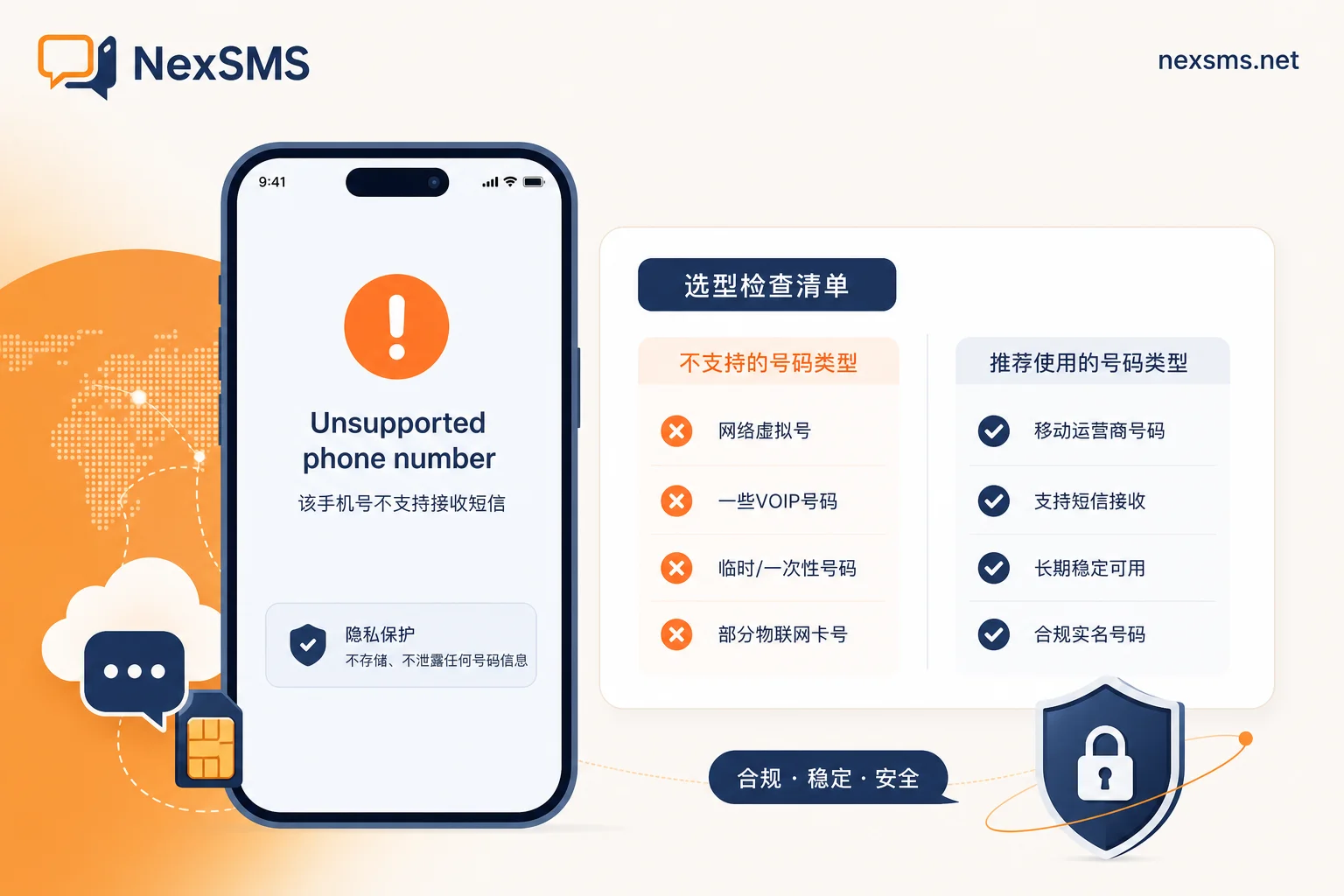
Faced with the question "which number can register successfully," rather than relying on superstition, check the following dimensions:
| Check Item | Pass Criteria | Fail Signals |
|---|---|---|
| Target country | The number's country matches the country required for verification in your use case; prioritize local numbers from active WhatsApp markets | Number country is unrelated to your business market, or comes from a region with strict restrictions |
| Number type | Avoid VoIP, toll-free, paid premium, and UAN; follow industry recommendations to confirm the number has real mobile network qualification | Service provider only says "supports WhatsApp" without disclosing number type |
| Exclusivity | Number is exclusive, not shared with others | Number comes from a shared pool, used by multiple people repeatedly |
| Validity | Choose renewable long-term numbers for long-term business use, supporting multiple renewals | Only one-time short-term numbers available, cannot renew or retain |
| Recovery and two-factor verification | After number expiration, the platform offers account migration or assistance in changing numbers | No recovery or migration mechanism after number is reclaimed |
For enterprise users, when choosing a number for a WhatsApp Business account, it is essential to strictly enforce the above five criteria. If a business number is linked to an uncontrollable number pool, you may face login issues or, worse, impact your customer contact channel. Treating "number qualification + exclusivity + renewal capability" as fixed requirements is more reliable than any "guaranteed pass" promise.
Using NexSMS to Establish a Business Number Isolation Layer: Practical Recommendations for Legal Use
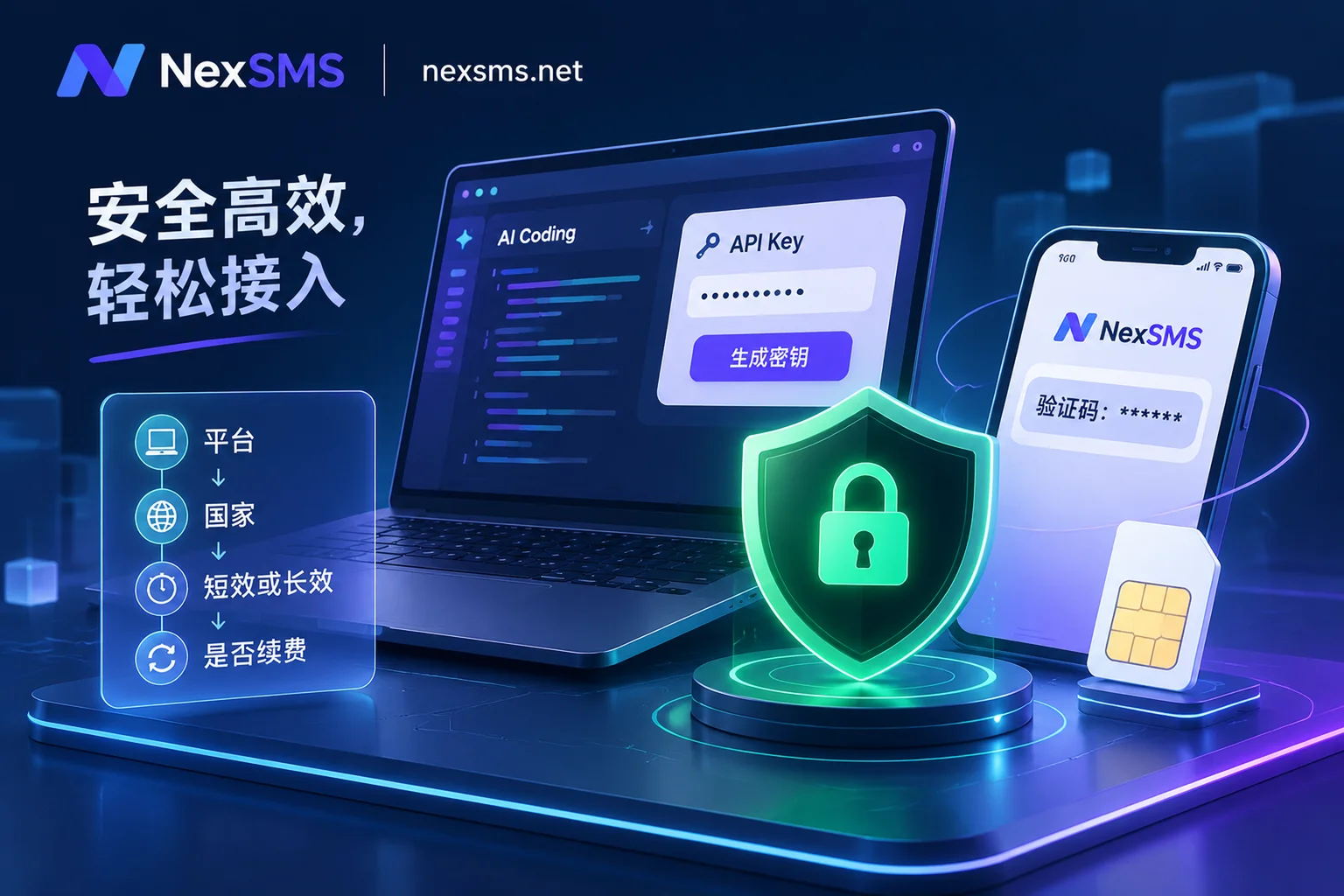
With a clear understanding of WhatsApp's rules on number types and verification mechanisms, the approach to choosing numbers should shift from "find a number that can receive codes" to "establish a number layer isolated from your primary number." NexSMS's official website publicly offers multi-country and multi-platform number selection, web-based SMS verification code reception, short-term numbers, and renewable long-term local numbers, as well as developer APIs for teams and usage-based pricing. These cover the key items in the selection checklist above.
In practice, if you only need to verify registration for tools, you can first use NexSMS's short-term numbers to complete the process. For WhatsApp business or privacy numbers that need to be online long-term, choose renewable long-term local numbers and manage the number as an independent asset. Using the web-based interface to receive verification codes helps avoid bringing your personal phone into business systems. Usage-based pricing and API access are suitable for cross-border customer service teams that need to handle verification codes at scale.
It's important to emphasize that these capabilities serve legal purposes, including overseas business verification, account isolation, and privacy protection. NexSMS does not provide a channel to "guarantee passing WhatsApp verification," nor does it support evading real-name verification, batch registration, or account farming. Under the premise of complying with WhatsApp's official regulations, the key to using virtual numbers wisely is to ensure the number has carrier entity qualification, exclusivity, long-term renewability, and proper binding management between the account and the number.