 NexSms官方博客
What to do when giffgaff disconnects your number? Bottom line: you have a 30-day window after disconnection. First, request a 9-digit PAC code to port out and keep your old number. After a successful port, apply for a refund of any remaining Airtime Credit balance. Starting late July 2026, giffgaff began sending "We're disconnecting your service" notifications and disconnecting cards in bulk for users roaming outside the UK long-term, combined with the official 180-day inactivity recovery rule, causing panic among users who rely on this card for verification codes. Don't panic—first distinguish between "rescuing the number" and "where to receive codes in the future." Follow the sequence to recover most losses.
First, distinguish two things: whether the number can still be saved, and where verification codes will come from later
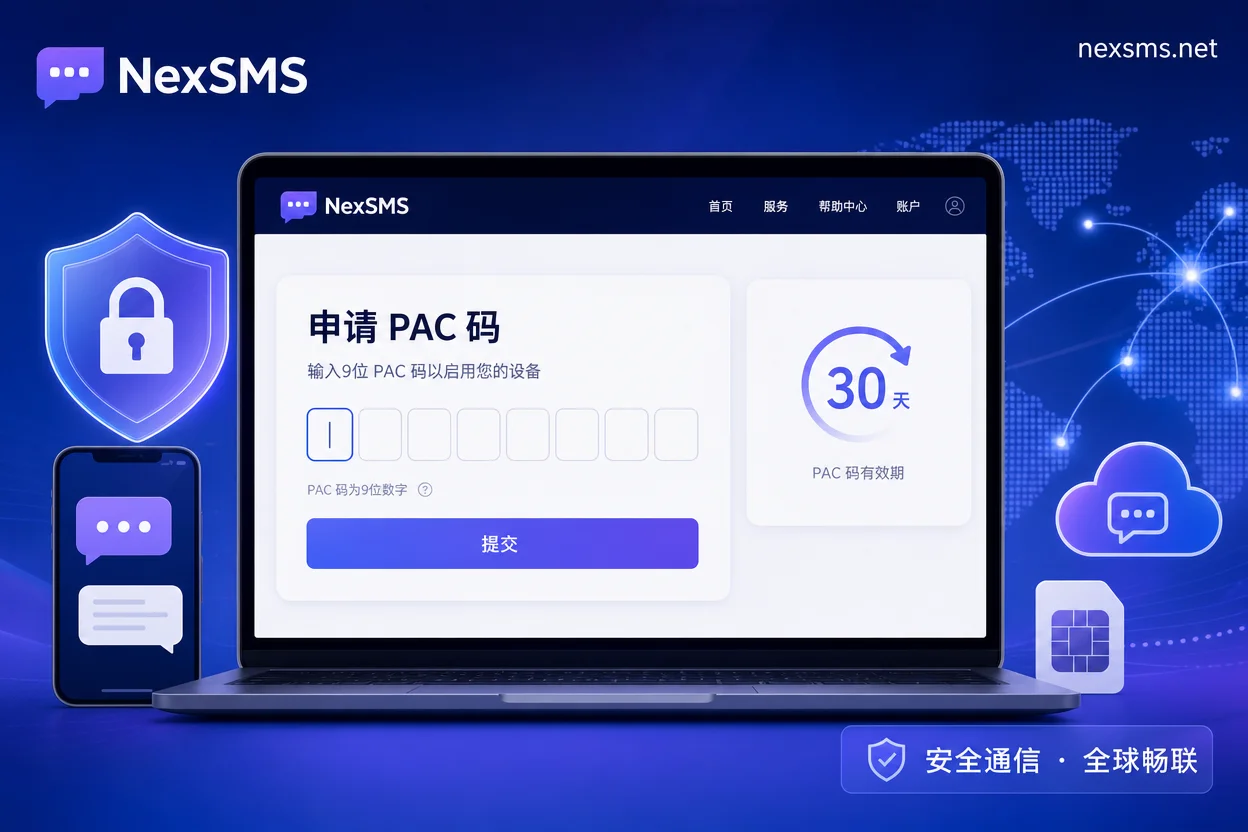
When giffgaff disconnects your number, the first reaction is to panic and abandon the number, but that's the worst approach. The official rules give a 30-day rescue window: as long as you request a 9-digit PAC code and complete number porting within 30 days of disconnection, you can keep the old number; after a successful port, you can also apply for a refund of any remaining Airtime Credit balance. But note, rescuing the old number is just the first step—it doesn't solve the problem of "how to continuously receive verification codes in the future." Even if the number is saved and ported to another carrier, it's still a physical roaming SIM card and may trigger the same blocking rules again. So mentally separate the two issues: first use the 30-day window to rescue the number, then replan the vehicle for receiving verification codes.
How long can giffgaff be unused before disconnection: signals for roaming removal vs. 180-day inactivity recovery
First, self-check which category you fall into, because the causes differ, and the choice of whether to continue using a physical SIM to keep the number will vary.
| Cause Type | Typical Signal | Trigger Rule | Handling Path |
|---|---|---|---|
| Roaming fair use removal | Received "We're disconnecting your service" email, card disconnected, balance shows Not Available | Violates clause Section 2.9 fair use policy for roaming; long-term roaming outside the UK | Enter 30-day rescue process, but not recommended to continue using physical SIM to keep the number |
| 180-day inactivity recovery | No warning; login finds SIM invalid, number recycled | Account has no billed usage or balance changes for 180 consecutive days | Also enter 30-day rescue process, but assess whether you should continue holding a UK number |
If you roam abroad long-term, this removal is a structural risk, not occasional; if it's just a long period without usage, resuming normal usage may suffice. But regardless, the first step after receiving a notification is the same: grab your PAC code within 30 days.
What to do when giffgaff disconnects your number: within the 30-day window, first get the 9-digit PAC code, then apply for a balance refund
What to do when giffgaff disconnects your number? It boils down to a sequential checklist with dependencies:
- Confirm the disconnection date and record the time you received the notification.
- Within 30 days of disconnection, request a 9-digit PAC code via the giffgaff web portal or customer service Agent for porting out.
- Once you have the PAC code, use it promptly to complete the port with your new carrier, so the old number is taken over.
- After confirming the port is successful, submit a ticket within 30 days to request a refund of the remaining Airtime Credit balance.
Throughout, note: the PAC code is 9 digits; use it before it expires. Whether your request is approved and the refund amount depends on giffgaff's official review and customer service. Record the application timestamps and ticket numbers for each step to avoid misjudging the window.
What happens if you reverse the order: refund first or let the window lapse, old number may become permanently invalid
Many people's first instinct is to request a balance refund, but if you handle the refund first, or simply do nothing and let the 30-day window lapse, the number will be deregistered and recycled, never to be retrieved. Based on public rules, once the 30-day window passes, the number is deregistered and recycled, and cannot be retrieved; balance refunds require submitting a ticket after a successful port-out, so in practice, the PAC port must come before the refund. Whether a balance showing Not Available can be refunded, and how much, depends on the official result after you submit a ticket post-port.
The gap after rescue: which accounts will lose contact immediately, and which can hold on via email or backup methods
After rescuing the old number, you still face the reality: until the port completes, the card temporarily cannot receive verification codes, and some accounts may already be on the verge of being lost. Now do a binding inventory:
- First category: services where SMS is the only two-factor verification, such as some pure SMS-based authentication services. These accounts have the highest priority and need immediate action, or they may be lost forever.
- Second category: accounts with email, authenticator, or backup code backup, such as Google, Telegram. You can wait until the port completes before rebinding.
- Third category: accounts of low value, such as trial registrations, used only for notifications; you may choose to abandon them.
The alternative verification methods supported by each platform depend on the actual options in the platform's account security settings page. But the principle is: handle the highest-priority accounts first to avoid losing access everywhere at once.
Root cause: a single overseas physical SIM card carrying all 2FA is bound to fail eventually
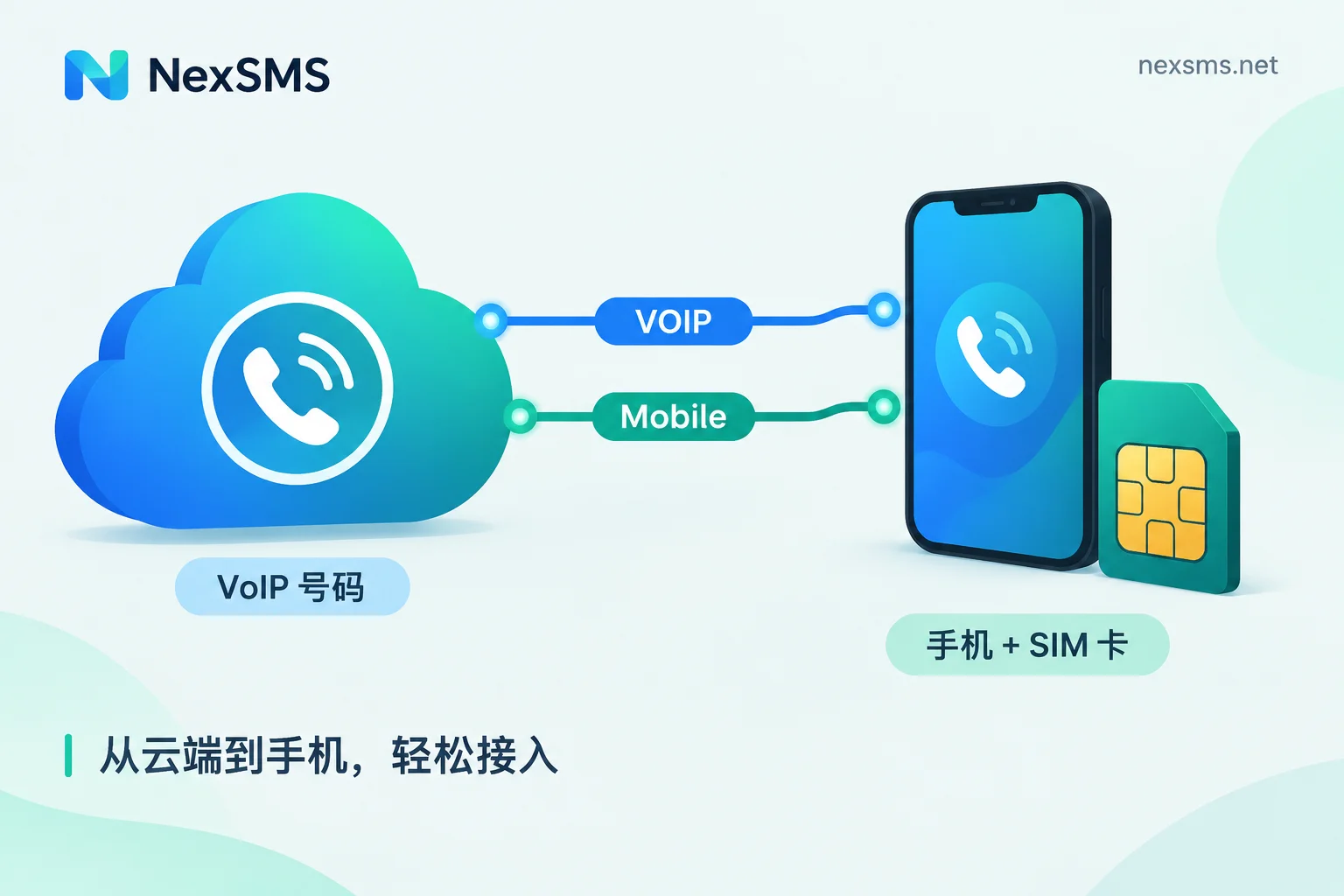
In this removal, the biggest losses are exactly those users who bind all platform verification codes to one card. Because a physical SIM card faces three constraints simultaneously: the carrier's roaming compliance rules (like Section 2.9), inactivity recovery rules (180 days of no activity leads to cancellation), and the instability of physical SIM slots and signal environments. If any of these triggers, all your bound account verification entry points will be cut off simultaneously. This isn't unique to giffgaff; it's a common shortcoming of all physical roaming SIM cards. So the root cause isn't "bad luck this time," but the structural problem of a single point of failure.
Reorganizing number carriers: use short-lived one-time numbers for registration, and renewable long-term local numbers for long-term login and recovery
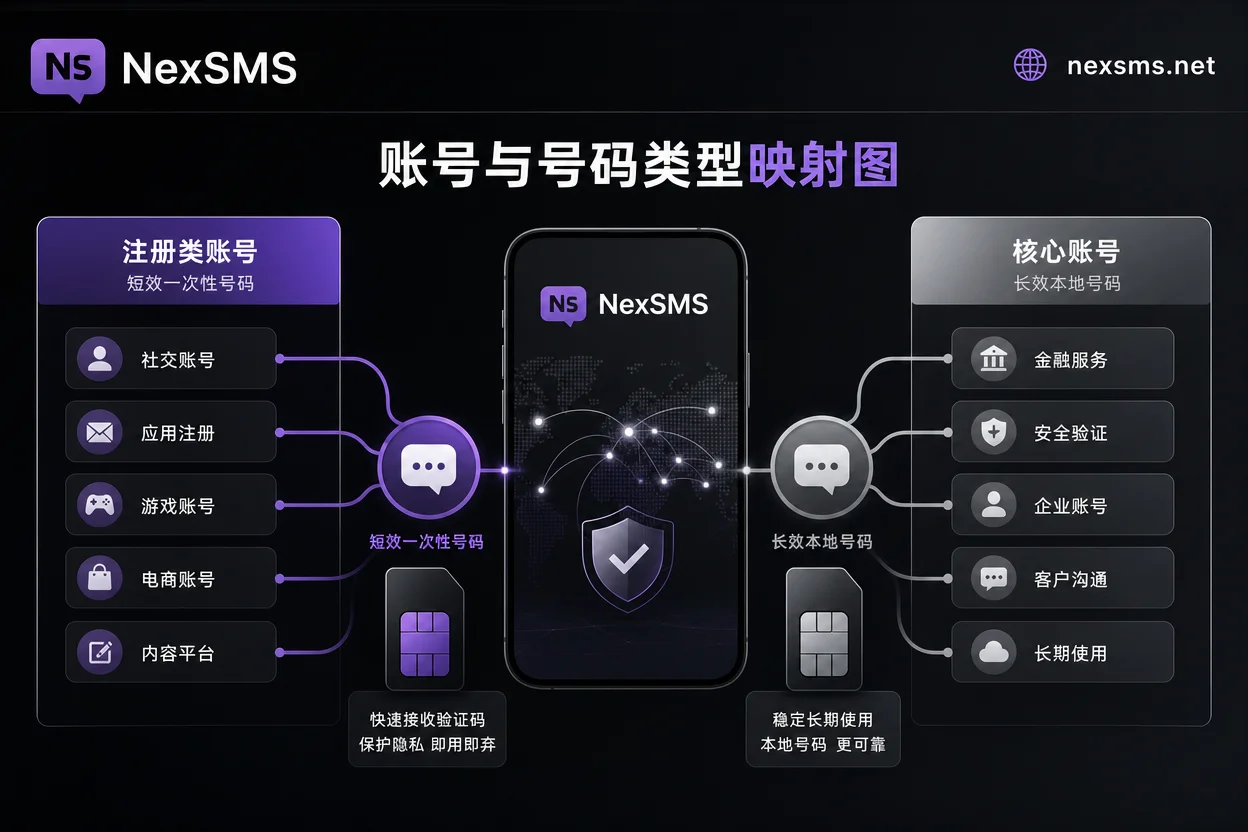
Since single point of failure is the root cause, the solution is to separate verification entry points by account purpose. Here's a principle:
| Account Scenario | Recommended Number Type | Reason |
|---|---|---|
| One-time registration, trials, coupons, and other low-value scenarios | Short-lived one-time number | Disposable; even if the number pool is contaminated, it doesn't affect your main number |
| Core accounts needing long-term login, password recovery, and order notifications | Renewable long-term local number | Valid long-term, renewable, suitable for high-value accounts |
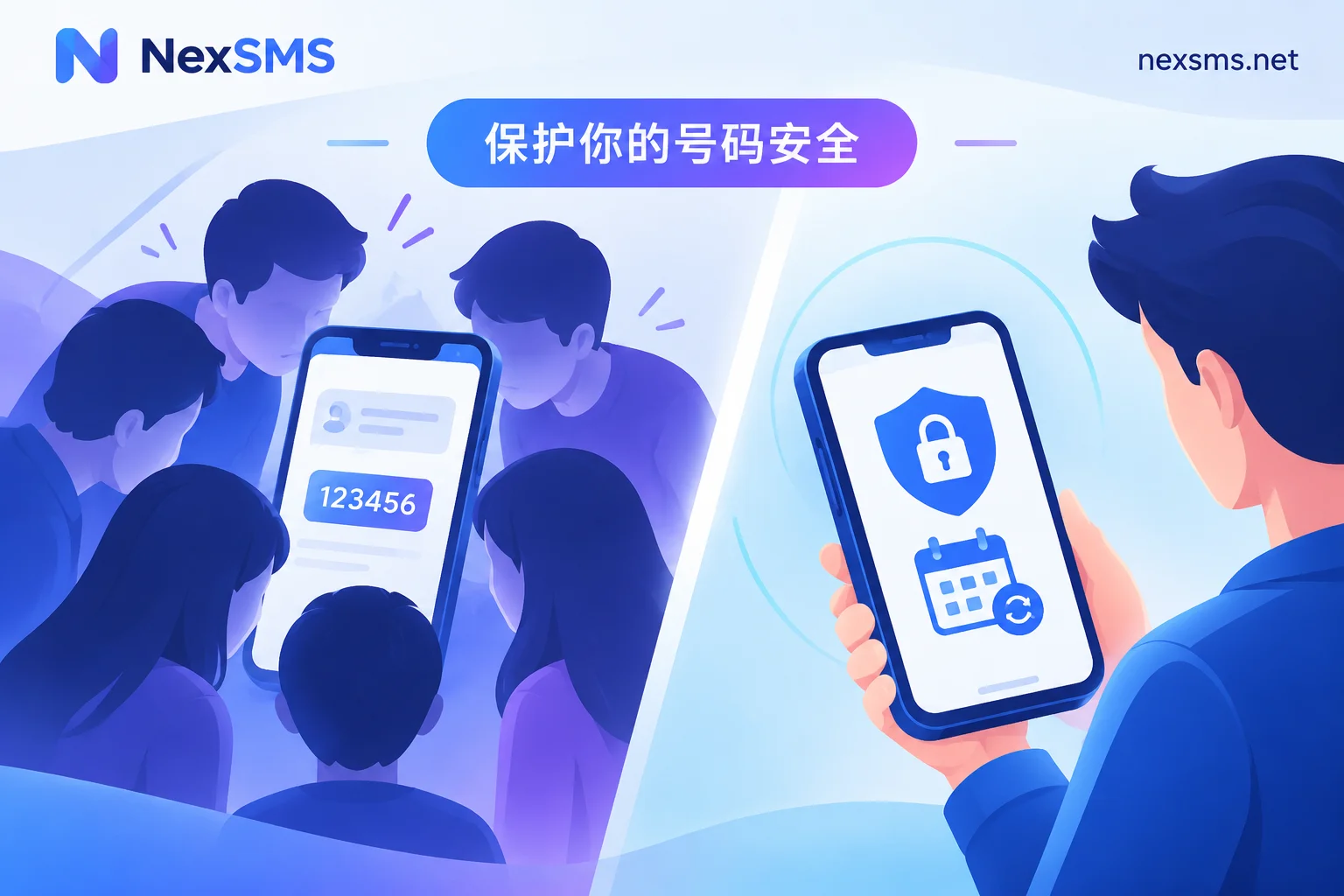
The goal is to isolate verification entry points to avoid exposing your main number to all platforms. This is a legitimate business number management practice, not a way to bypass platform real-name or registration restrictions. Learn more about differences between short-term and long-term numbers.
Implementing with NexSMS: legal usage of country selection, web SMS reception, and API reception
When taking on new numbers, cloud SMS reception platforms like NexSMS offer an option that doesn't rely on a physical SIM slot. Their publicly stated capabilities include: number selection across multiple countries and platforms, web-based SMS verification code reception, short-lived one-time numbers, renewable long-term local numbers, developer API, and pay-as-you-go. The specific usage: first select the country code based on the target platform's market, e.g., for services targeting UK users, prefer UK numbers. See virtual number country selection. Individual users can directly receive verification codes on the web; teams with multiple accounts can use API for unified reception and logging. Note that different platforms have varying acceptance of virtual numbers, so test with a non-core account before migrating. If you encounter SMS reception failures, see SMS reception issues.
Handling checklist: what to do on the day you receive the notification
Condense all actions for "What to do when giffgaff disconnects your number" into a one-page checklist:
- Upon receiving the "We're disconnecting your service" email, immediately confirm the disconnection date and save a screenshot.
- Same day, log into the giffgaff web portal or contact customer service Agent to request the 9-digit PAC code.
- Within the PAC code's validity, contact the target carrier to complete the port.
- After successful port, submit a ticket for Airtime Credit balance refund (within 30 days).
- Export a list of all accounts bound to that number, categorize by the three priorities in the "The gap after rescue" section above.
- Change verification methods for core accounts to email/authenticator, or arrange new numbers to take over.
- Choose short-lived one-time numbers or long-term local numbers based on purpose, and migrate gradually.
Following this sequence maximizes protection of your number assets and account security.
FAQ
After receiving the "We're disconnecting your service" email from giffgaff, must I stop using it immediately?
Not necessarily immediately, but act quickly. Receiving the email means disconnection has started; you need to request a PAC code within 30 days or the number will be recycled. It's recommended to request the PAC on the same day.
Can I still request a PAC code after giffgaff disconnects my number?
Yes. Within 30 days of disconnection, you can still request a 9-digit PAC code via the web portal or customer service Agent for porting out. But after the 30-day window, the number is recycled and can no longer be requested.
How do I refund a balance showing Not Available?
Whether a balance showing Not Available can still be refunded depends on the official result; the publicly stated path is: first complete the 9-digit PAC code port, then within 30 days after successful port, submit a ticket to request a refund of the remaining Airtime Credit. Refund requests submitted before the port completes may not be accepted.
How long can giffgaff be unused before disconnection?
The official rule is that disconnection and recycling occur after 180 consecutive days of no billed usage; in practice, you can set reminders and do a small top-up or send a text before the window expires, but the specific judgment still relies on actual billing records in your account.
Can I still receive verification codes on my Google account bound to the disconnected giffgaff number?
During disconnection, you cannot receive codes, but Google accounts typically support email, authenticator, or backup codes as two-step verification. You can use these alternatives to log in before the port completes, then update the bound number once it's restored. If Google says the number is invalid, see Google verification code says number invalid.
Will giffgaff block my card if I use it abroad long-term?
There is a risk. According to clause Section 2.9 on fair use of roaming, prolonged roaming outside the UK may trigger removal. In July 2026, such disconnection cases occurred in bulk. If you use it abroad long-term, consider alternatives like cloud numbers to receive verification codes, reducing the impact of card blocking.
What number should I use to receive verification codes after giffgaff disconnects my number?
You can choose based on purpose: short-lived one-time numbers for low-value registrations, and renewable long-term local numbers for core accounts. Cloud SMS platforms like NexSMS offer on-demand numbers without physical SIM slots.


Comments(0)