 NexSms官方博客
To troubleshoot Telegram voice verification code delivery, work down the call chain through four layers: whether the platform actually initiated the call, whether the number segment can receive voice calls, whether cross-border routing and carriers are blocking, and whether your device is blocking the call. Common failures fall into three categories: the call never comes through, the call connects but there's silence, or the broadcast is interrupted. If the call doesn't come through, the problem is likely with the platform or the number segment. If the call connects but there's silence or the broadcast cuts off, check your device settings or signal stability first.
In August 2025, NIST's digital identity guidelines SP 800-63B Rev 4 classified SMS OTP as a restricted authenticator, requiring platforms to offer unrestricted alternatives like Passkey. As a supplementary channel, voice verification has inherently limited reliability, and high failure rates are a structural issue.
First, distinguish the three failures: call not coming, connected but silent, or broadcast interrupted
Before troubleshooting, clarify which failure you're experiencing:
- Call not coming through: After tapping "Call me," your phone shows no incoming call record at all.
- Connected but silent: The call connects, but you hear no broadcast content, or only static.
- Broadcast interrupted: You hear part of the digits and then the call drops, preventing you from getting the full code.
Different failure types point to issues at different layers. For example, if the call doesn't come through, the problem is more likely with the platform initiating the call, the number segment's ability to receive calls, or cross-border routing. But if the call connects but is silent or cuts off, check your device settings or signal stability first. Narrowing down based on the symptom saves time.
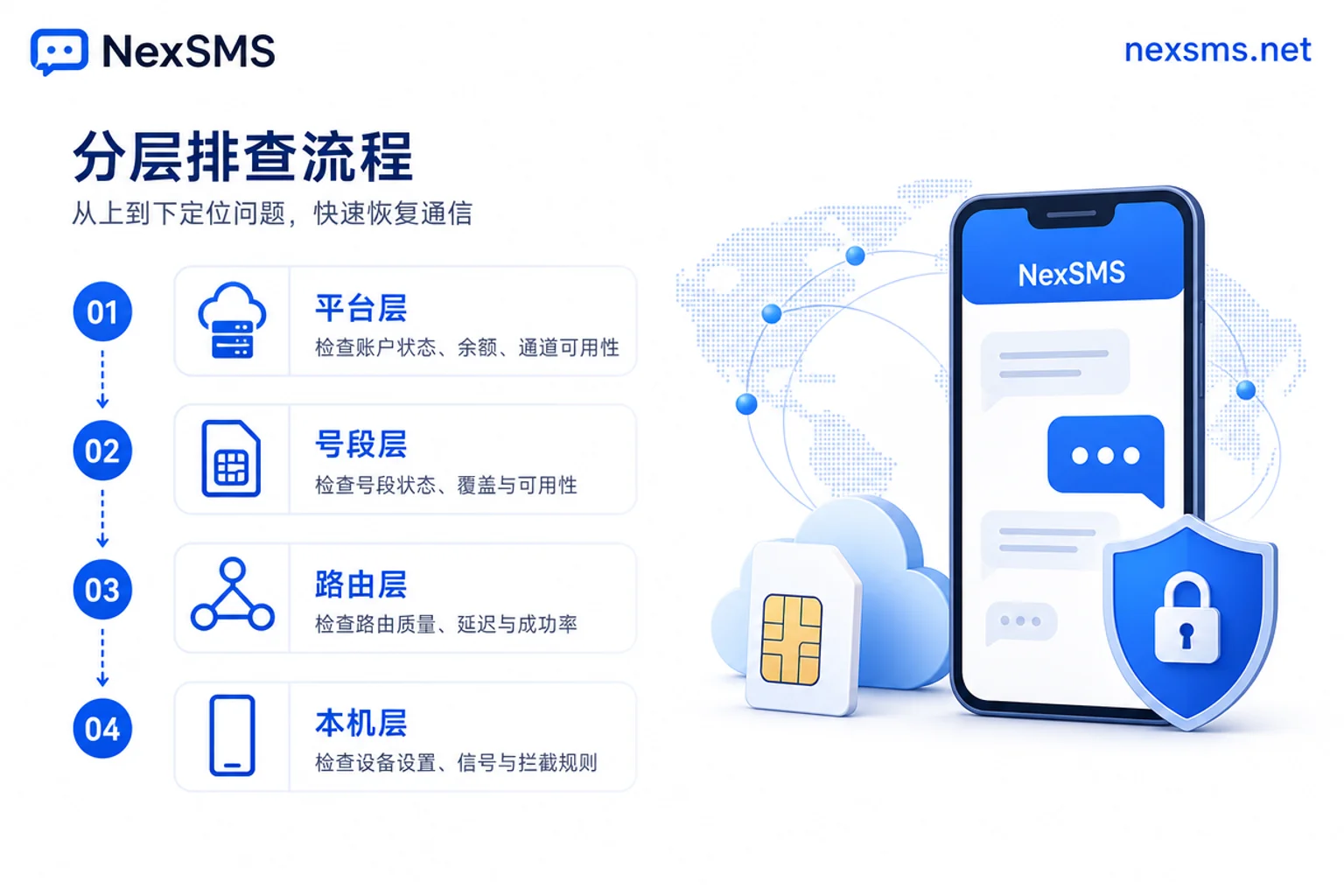
Layer 1: Tapped "Call me" but no call came in—first determine if the platform actually initiated the call
Normally, the "Call me" button is only tappable after the SMS verification code attempt fails or times out. If the button is greyed out, or tapping it doesn't trigger a countdown or any prompt, the platform may not have initiated the call. Don't tap repeatedly; wait for the button to become available again.
Telegram doesn't disclose the exact resend interval or request threshold, but from observable behavior, repeated requests in a short time cause the button to take longer before it can be tapped again. So it's best to wait for one call attempt to complete before retrying. To determine if the platform actually initiated the call, check two things: whether the button is tappable and shows a countdown, and whether you have any missed call record. If the button is tappable but no call comes in, the issue is likely not with the platform but with a later layer.
Layer 2: Can the number segment receive voice calls? Why numbers that only support SMS fail first
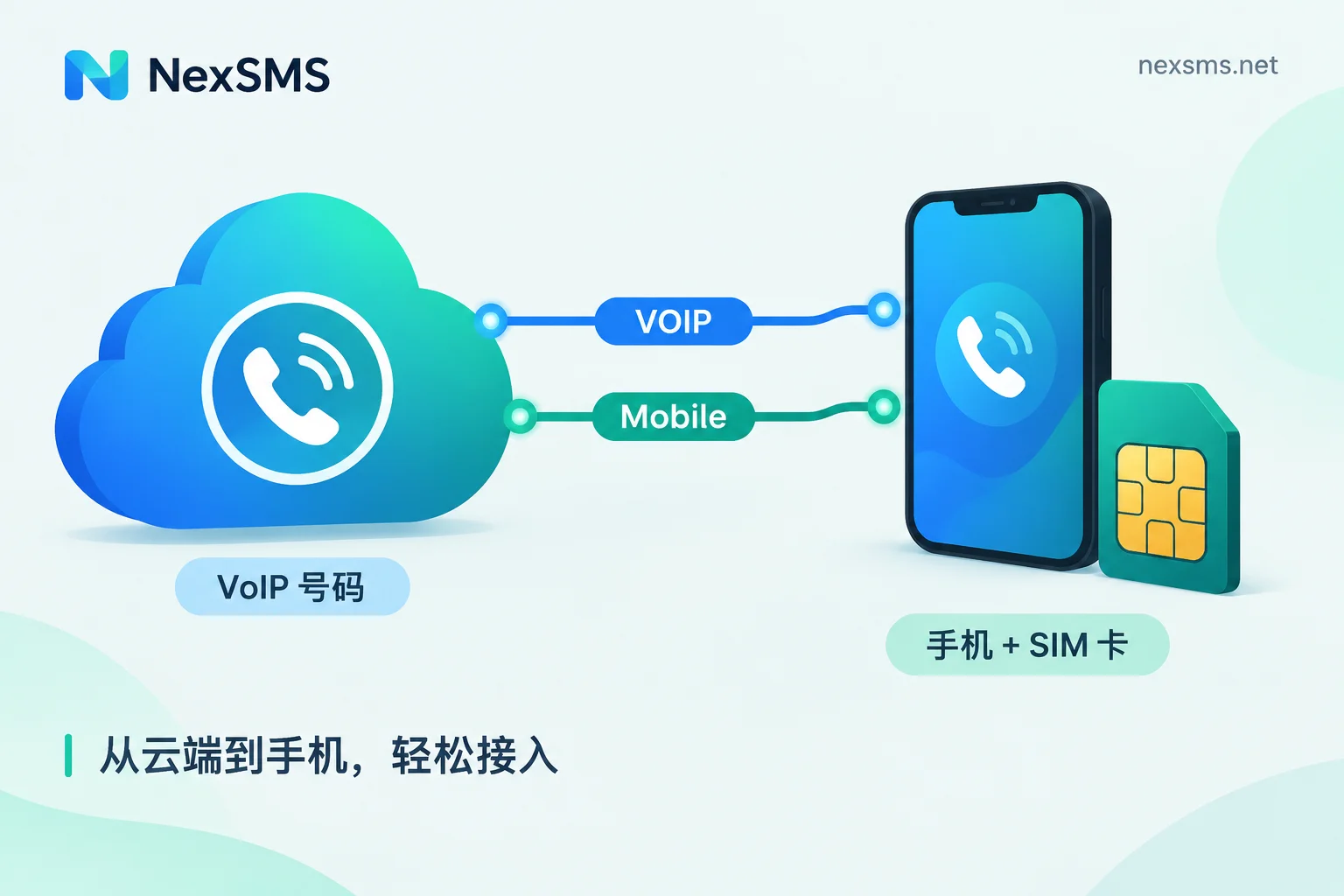
The same number being able to receive SMS doesn't mean it can receive voice calls. Especially with virtual numbers, some shared number segments or VoIP numbers only support one-way SMS and cannot receive calls. This is because voice verification relies on the PSTN network, and many cheap number pools don't have access to the full voice channel.
Additionally, in May 2026, the U.S. FCC issued a proposed rule (FNPRM) requiring voice service providers to verify and retain customer identification before activation and renewal. Although still in the proposal stage, this direction will reduce the supply of shared number segments that lack compliance background, and the voice call capability of shared segments is expected to tighten further.
So, when you're using a virtual number and calls aren't coming in, first suspect the number segment's capabilities. Try switching to a number segment that clearly supports voice, or use SMS verification instead. If you're considering a virtual number, check Telegram verification code receiving to see which number types are more suitable.
Layer 3: How long to wait before considering Telegram voice verification failed? Cross-border routing and carrier blocking
If the number segment supports voice but the call still doesn't come through, the next step is to investigate cross-border routing and carrier blocking. International calls may be blocked by local carriers, especially from unfamiliar countries. Some carriers flag or reject unrecognized international calls as spam.
In this case, wait for a full call attempt to complete before retrying; don't tap repeatedly while the call is still in progress. If multiple attempts fail, try a different network environment, or contact your carrier to check if international call blocking is enabled. If the problem persists, it's likely a routing or blocking issue, and you should consider changing the number. If you're also not receiving SMS, refer to the channel troubleshooting ideas in not receiving SMS verification codes.
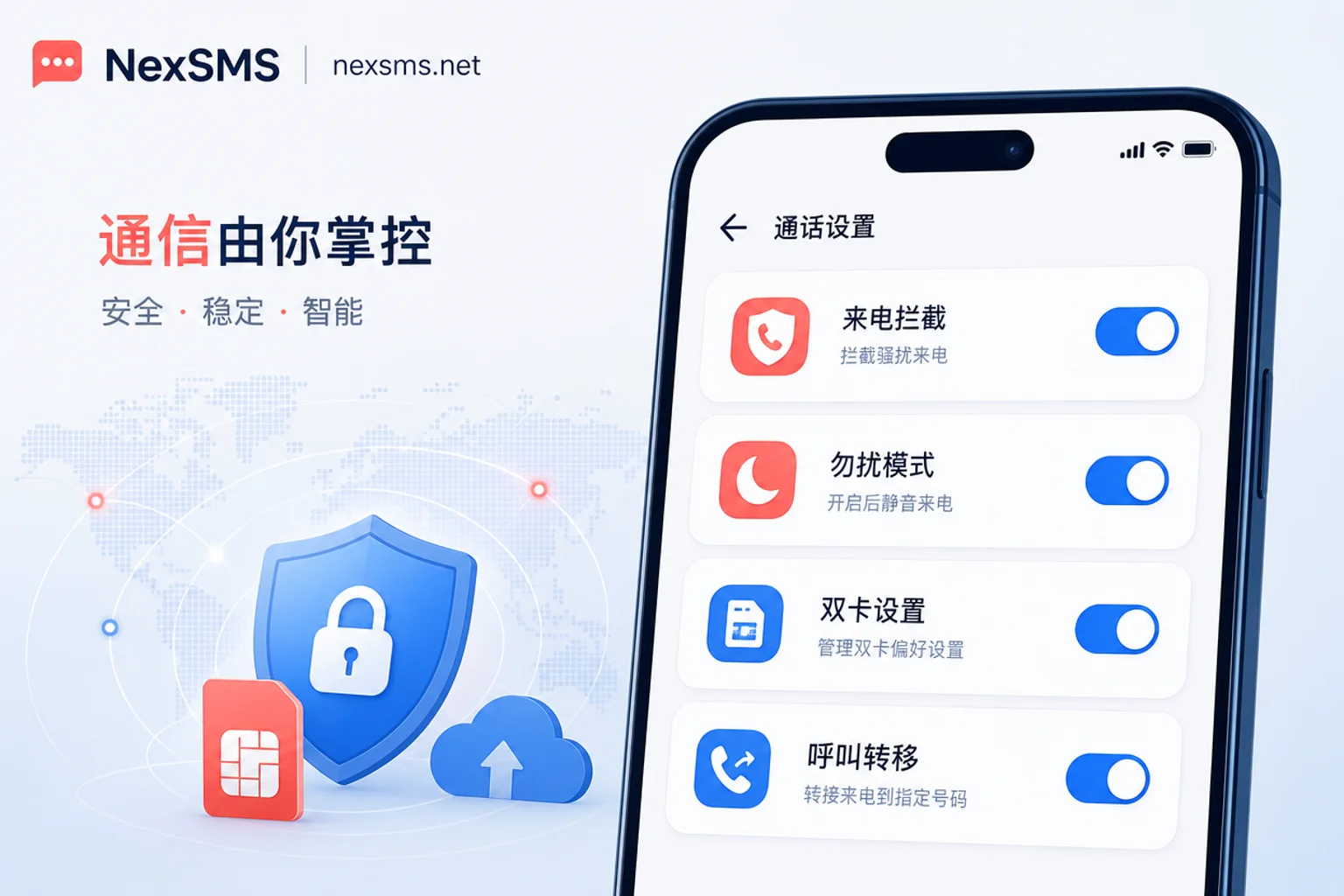
Layer 4: Device settings self-check—four places to check: call blocking, Do Not Disturb, dual SIM, and call forwarding
In many cases, the problem isn't with the platform or the number, but with your device settings. Here are four places to check:
| Setting | What to check | Potential impact |
|---|---|---|
| Call blocking | Whether the system or third-party apps have blacklisted international numbers | Directly rejects Telegram calls |
| Do Not Disturb/Focus mode | Whether silence unknown callers or Do Not Disturb is enabled | Calls come in with no ringtone or are hung up immediately |
| Dual SIM settings | Whether the default call and data SIMs are consistent, and if call answering is occupied | Voice verification may route to the wrong SIM |
| Call forwarding | Whether call forwarding is accidentally set to an unreachable number | Calls are forwarded away, and your phone doesn't ring |
Check each of these settings, especially if you use dual SIMs. Ensure the default call SIM matches the data SIM to prevent the verification call from being split. If you find call forwarding is unexpectedly enabled, disable it immediately; it might be a leftover from previous tests.
Four-layer troubleshooting comparison table: diagnostic signals and corresponding actions (wait / switch channel / change number)
The table below condenses the four-layer conclusions for Telegram voice verification code failure into a quick reference to help you decide within two minutes whether to wait, try another channel, or change the number.
| Layer | Typical symptom | Diagnostic signal | Next action |
|---|---|---|---|
| Platform side | Button is greyed out or tapping it has no response | No countdown, no call | Wait and retry, avoid high-frequency requests |
| Number segment capability | Number only supports SMS | Virtual number can't receive voice calls | Change to a number segment that supports voice |
| Cross-border routing | Multiple attempts but no call | No incoming call record at all | Wait for a full round before retrying, or contact carrier |
| Device settings | Call connects but drops or is silent | Blocking settings or Do Not Disturb enabled | Adjust device settings |
Why voice verification is just a fallback channel on most platforms: from NIST classifying SMS OTP as a restricted authenticator
NIST SP 800-63B Rev 4 categorizes PSTN/SMS OTP as a restricted authenticator and mandates that unrestricted alternatives (such as Passkey) be provided. This means that voice verification, as a supplement to SMS OTP, is considered a weaker method in terms of security and reliability. Therefore, platforms like Telegram invest their main resources in stronger authentication methods, leaving voice verification as a fallback channel, and high failure rates are a structural issue. This explains why voice verification failures are more common than SMS.
If you frequently encounter voice verification failures, you might consider the alternative ideas mentioned in WhatsApp not receiving SMS verification codes? Switch to voice verification, but the core remains choosing a reliable number.
After confirming you must change the number: how short-lived one-time numbers and renewable long-term local numbers divide the work
If after the four-layer diagnostic you confirm it's a number segment capability issue, you need to change the number. When choosing a number, prioritize confirming the target number segment's voice capability and country attribution. For one-time verification scenarios, you can use short-lived one-time numbers. For accounts that need long-term recovery verification, choose renewable long-term local numbers.
NexSMS's official website publicly offers multi-country number options, short-lived one-time numbers, and renewable long-term local numbers, with support for web-based verification code reception and developer APIs. We recommend separating your main phone number from business accounts to avoid privacy exposure. For more on choosing numbers, refer to difference between short-term and long-term numbers to make a more informed decision.
FAQ
How long should I wait before considering Telegram voice verification failed?
Wait for a full call attempt to complete before retrying; don't tap repeatedly while the call is still in progress. If multiple attempts fail and you've ruled out device blocking, then consider changing the number. Avoid frequent tapping to prevent triggering risk controls.
What should I do if I tap "Call me" but no call comes in?
First, rule out device blocking and dual SIM issues, then determine if the number segment supports voice. Voice and SMS use different channels. If your device settings are normal, the number segment might not support voice; try switching to a number that supports voice.
Telegram voice verification call connects but I can't hear anything?
Check signal stability and avoid weak network environments. If it happens multiple times, it might be a carrier routing issue; try switching to a more stable mobile network or moving to a different location before retrying.
Can I use a virtual number to receive Telegram voice verification codes?
Some virtual numbers support voice, but shared number segments may only support SMS. When choosing, confirm that the number segment has voice capability; otherwise, you'll have to use SMS verification or change your number.
Should I change my number if Telegram voice verification keeps failing?
If you've completed the four-layer diagnostic for Telegram voice verification code failure and it still fails, it means the number segment doesn't support voice. We recommend changing the number. Prioritize a long-term number that supports voice, and bind it separately from your main number. For one-time verification, use a short-lived number.


Comments(0)