 NexSms官方博客
The complete steps to bind an overseas virtual number to your Apple ID are as follows, assuming you already have a target number that can receive SMS. The real key is to determine, before binding, which position the system will place the number and how long it will survive. Since 2026, Apple has tightened validation for trusted phone numbers; generic VoIP and public shared numbers are more likely to be flagged as "unverifiable," and short-lived numbers can trap your account outside the login gate once they expire.
Distinguish Two Positions First: One-Time Registration Verification Code vs. Long-Term Trusted Phone Number
Even though both are "binding overseas numbers," there are two entirely different positions with different requirements:
| Position | Purpose | Number Survival Requirement | Typical Number Type |
|---|---|---|---|
| One-time registration verification code slot | Receive SMS verification code during account creation or first verification | Only needs to be valid at the moment of verification; can be discarded afterward | Short-lived one-time number |
| Long-term trusted phone number slot | Carry two-factor authentication (2FA) SMS, account recovery, new device login confirmation | Must be available long-term and able to repeatedly receive verification SMS for the same account | Renewable long-term local number |
Many people fail to bind or encounter issues later because they use a short-lived number from the "one-time verification code slot" as a "trusted phone number." Short-lived numbers are fine for receiving verification codes, but they cannot survive long enough to be attached to the account for 2FA and recovery.
Number Type Determination Before Binding: Which Numbers Are Likely to Be Flagged as Unverifiable by Apple
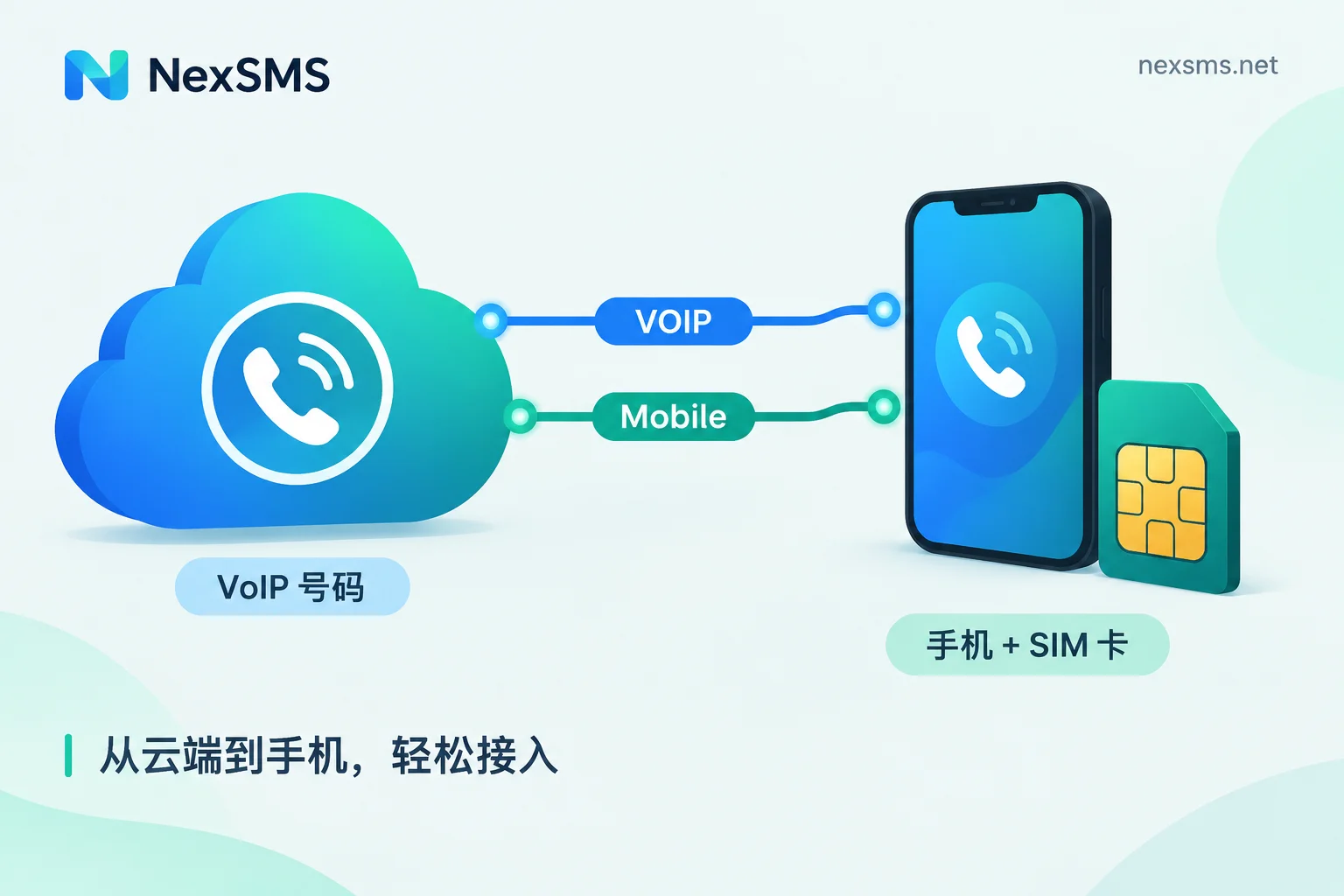
Apple imposes restrictions on number types for two-factor authentication and trusted phone number binding. Actual feedback from 2026 shows that generic VoIP numbers and public free shared numbers are often flagged as unsupported or simply do not receive verification codes. To pre-check if your number works, assess these four dimensions:
- Is it a local mobile number segment?: Local mobile segments in the target region are usually easier to pass validation.
- Is it in a public shared number pool?: Public numbers used by many people are easily recognized as shared resources and blocked.
- Can it be renewed for long-term holding?: One-time short-lived numbers cannot be renewed and are unsuitable for trusted numbers.
- Can it repeatedly receive verification SMS for the same account?: Trusted numbers need to receive Apple's verification codes repeatedly; if the pool cannot guarantee this, frequent "unable to verify this number" errors will occur.
These are trend-based risk control descriptions; Apple has not published an official list of number segments, and actual operation depends on system judgment.
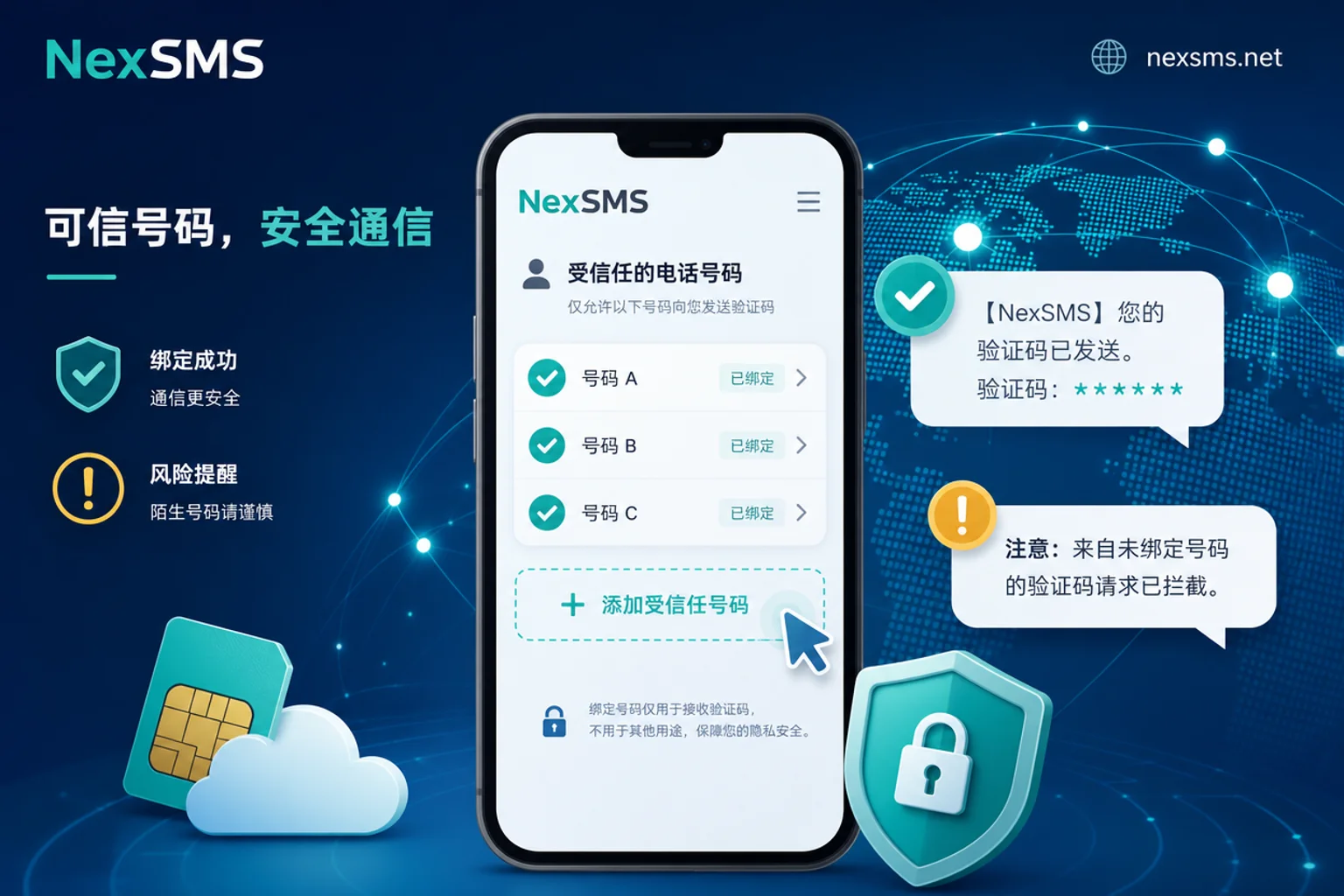
Steps to Bind an Overseas Virtual Number to Your Apple ID: From Settings Entry to Verification Completion
The following is a sequence you can follow directly, provided you already have a target number that can receive SMS. All is done within your own Apple ID's account security settings, without any workarounds.
- Prepare the target number: Confirm that the number works, can receive SMS, and select the corresponding country/region code.
- Go to account security settings: On your device, open "Settings," go to your Apple ID page, and find the "Trusted Phone Number" item under "Sign-In & Security" or "Password & Security." The path may vary slightly depending on your system version; refer to the actual interface.
- Add a trusted phone number: Tap "Add Trusted Phone Number," enter the target number, and select the correct country/region code. A wrong country code is a common reason for not receiving codes.
- Receive and enter the verification code: Apple will send a verification SMS to that number; enter the 6-digit code you receive. If you don't receive it after a while, first check whether the number supports SMS reception or has been flagged as unsupported.
- Confirm the number appears in the trusted list: After verification passes, the number will appear in the "Trusted Phone Numbers" list, indicating successful binding.
- Review the currently logged-in devices: Ensure all your usual devices are logged in and two-factor authentication is enabled to avoid being stuck due to number issues later.
The sign of success is simple: you can see the number in your trusted phone number list and can receive verification codes on it normally. If you encounter "unable to verify this number," it's likely the number type or segment is blocked by the system; try a different, long-term local number.
Adding a Backup Trusted Phone Number and Removing Old Numbers: Why This Step Cannot Be Skipped
Many users only attach one trusted number. Once that number expires, is deactivated, or is recycled, switching devices or resetting passwords will trigger the account recovery process, leaving you powerless. The correct sequence: first add a new number and verify it, then remove the old one.
- Keep at least two working trusted numbers: one primary and one backup, significantly reducing the risk of account lockout due to a single number failure.
- Add before removing: Before removing an old number, ensure the new one has been added successfully; otherwise, you may end up with no working number.
- Store recovery key: Beyond trusted numbers, Apple offers a recovery key feature; enable it and store it securely as an additional recovery method.
This step cannot be skipped because it relates to the long-term usability of your account. For related risks, refer to 2FA SMS verification risks.
Common Failure Branches: What to Do When You Don't Receive Codes, See "Unable to Verify," or Have an Expired Old Number
It's common to encounter issues during binding. Below are troubleshooting steps for each failure branch:
| Failure Phenomenon | Possible Cause | Next Step |
|---|---|---|
| No verification code received | Wrong number format, wrong country code, blocked segment, delivery delay | Re-enter and confirm the country code; try a different number type |
| "Unable to verify this number" | Number is VoIP or public shared, blocked by risk control | Switch to a renewable long-term local number; avoid public pools |
| Number expired or recycled | Short-lived number expired, cannot receive SMS | Add a new number and remove the invalid old one |
| Old number completely invalid and no other recovery method | Cannot verify via SMS | Initiate Apple's official account recovery process; it takes time, and results are subject to official judgment |
If you start the account recovery process, follow Apple's instructions and wait patiently. Do not trust any service claiming to speed up review or recover on your behalf. To avoid such branches, choose the right number type from the start.
Carrying Number Reassignment: Use Short-Lived Numbers for Registration, and Renewable Long-Term Local Numbers for Trusted Phone Number Slots
Let's apply the earlier determination to a long-term plan: Use short-lived numbers for registration and one-time verification, and renewable long-term local numbers for trusted phone number slots. This saves costs without sacrificing account stability.
- Initial registration verification: You can use a short-lived one-time number; receiving the verification code completes the task.
- Trusted phone number slot: Switch to a renewable long-term local number and set renewal reminders to avoid expiration and loss of contact.
- Multi-account or team scenarios: You can use NexSMS's web-based code reception or developer API to unify code reception entry points, select countries based on target regions, and distinguish short-lived vs. renewable long-term local numbers.
For the applicable boundaries of short-term versus long-term numbers, refer to Short-Term vs. Long-Term Numbers. The choice of number type directly determines subsequent stability. For deeper insights into number segment differences across countries, see Virtual Number Country Selection; if you frequently encounter code reception issues, you can also check the troubleshooting in Code Reception Failure: Not Receiving Verification Codes.
Upstream Number Sources Tightening: What FCC's Proposed KYC Rules Mean for Shared Pool Survival
Why are cheap public numbers becoming increasingly unstable? An important upstream variable: The U.S. Federal Communications Commission (FCC) published a proposed rule (FCC 26-27) in May 2026, requiring upstream voice and communications service providers to collect and verify customers' core identity information when activating or renewing services, to combat illegal calls and SMS spoofing. Banks and financial institutions submitted supporting comments from June to July 2026.
It should be emphasized that this rule is still in the proposal and comment phase; the final effective date has not been set. However, it signals a clear direction: shared pools and low-quality number sources will accelerate their exit. Opting for renewable, transparent, long-term compliant sources when selecting numbers is a more robust strategy.
Pre-Operation Self-Checklist
Before executing the steps to bind an overseas virtual number to your Apple ID, go through this checklist:
- [ ] Number type meets long-term holding requirements (use a long-term local number for trusted phone slot, not a short-lived one)
- [ ] Country/region code matches the target region
- [ ] Have prepared a second trusted number as backup
- [ ] Set renewal and expiration reminders
- [ ] Enabled recovery key or recorded other recovery methods
Frequently Asked Questions
Can I bind a virtual number to Apple ID?
Yes, but it depends on the number type. Short-lived virtual numbers are often used for initial registration verification; for the trusted phone number slot, it's recommended to use a renewable long-term local number because Apple has many restrictions on VoIP and public shared numbers, making them prone to "unable to verify" errors.
How do I add a trusted phone number for Apple ID?
In Settings, go to your Apple ID, find "Trusted Phone Numbers" under "Sign-In & Security," tap add, enter the number, select the country code, and verify via code. It's recommended to add two numbers and keep one as backup.
I can't receive a verification code when changing to an overseas number for my Apple ID. What should I do?
Check if the country code is correct, if the number supports SMS, and if it's been flagged as unsupported. If it fails multiple times, try a long-term local number instead, avoiding public shared numbers.
How do I change my Apple ID phone number when I no longer use the old one?
First, add a new trusted number and verify it, then remove the old one. Ensure you keep at least one working number to avoid account verification issues.
How many Apple IDs can one phone number be bound to?
From practical feedback, having the same number on multiple accounts' trusted phone slots may trigger extra verification; Apple hasn't publicly disclosed specific limits, so it depends on the official pages and system judgment. It's recommended to use one long-term number for one primary account and use backup numbers or recovery methods for others.
What happens if the overseas number bound to my Apple ID expires?
If it is a trusted phone number, once expired, you won't receive verification codes, and switching devices or resetting passwords will trigger the account recovery process. It's recommended to add a new number in advance and remove the old one to avoid account lockout.


Comments(0)