 NexSms官方博客
For operators engaged in cross-border e-commerce, overseas social media advertising, or managing multiple pages, the "Security Check" screen that pops up when opening Facebook or Meta Business Manager (BM) often signals a troublesome troubleshooting process.
Entering 2026, Meta Accounts Center has tightened security policies. The once simple "enter phone number to receive SMS" process has now evolved into various blocking scenarios: either the phone shows no response after clicking send; or the system directly sends the verification code to a WhatsApp account that was never registered (or has been banned), leaving you in a dead end where "you can't get the FB verification code without logging into WhatsApp."
This article will break down the core bottlenecks of Facebook verification code reception failures, provide emergency solutions to switch back to normal code reception channels, and explain how to choose appropriate verification solutions based on account usage to avoid ad backend and core asset downtime due to number issues.
I. Three Typical "Blocking" Scenarios of Facebook Verification Code Reception in 2026
Before blindly clicking "Resend," check which of the following three high-frequency scenarios your account is stuck in (multiple consecutive incorrect requests will trigger a 24-hour cooldown lock):
1. The "Chain Lock" of Forced WhatsApp Redirect for Code Reception
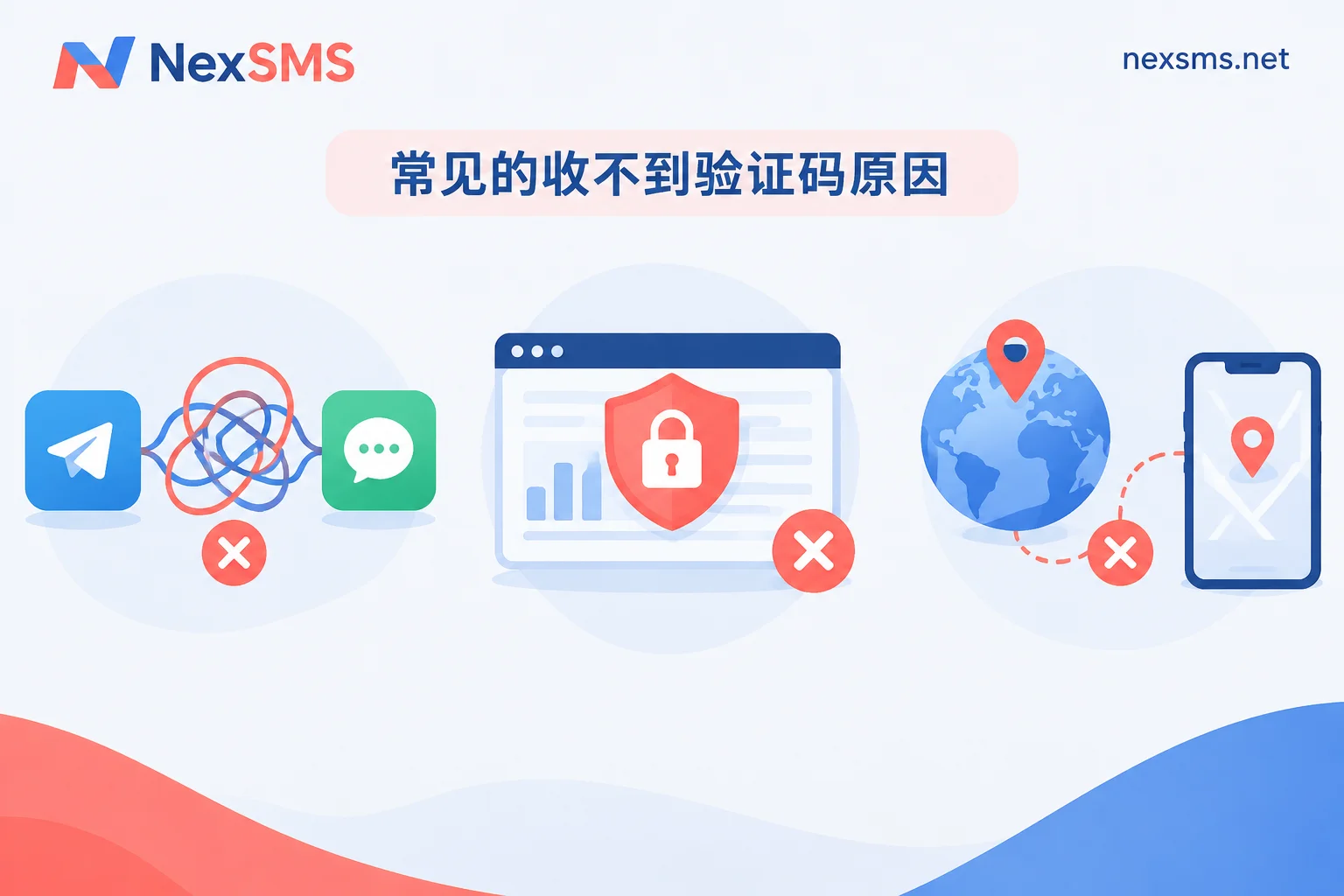
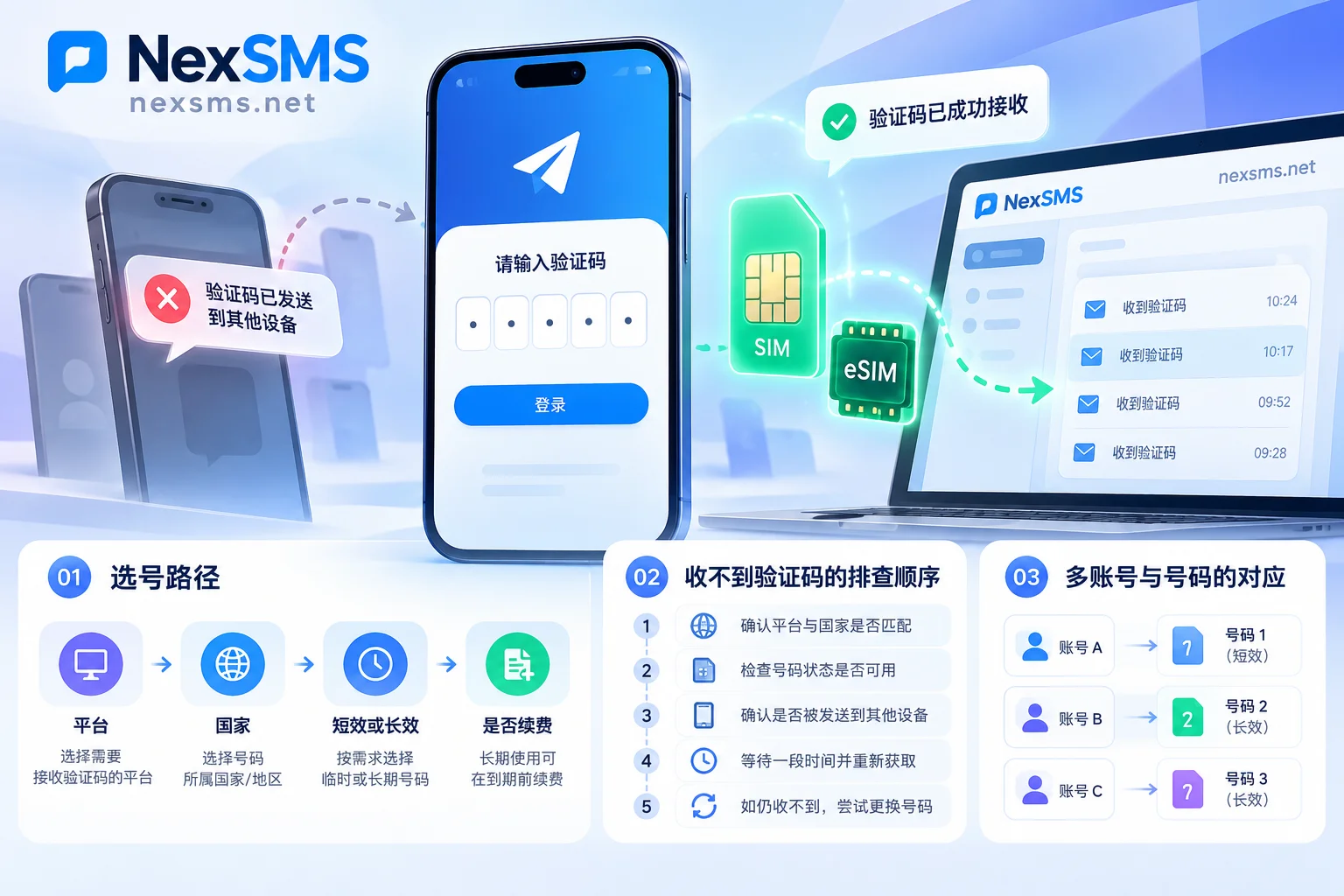
Since Facebook and WhatsApp both belong to the Meta ecosystem, when sending verification codes, the system prioritizes checking whether the phone number is associated with or supports WhatsApp routing. Many users, when logging into a new device, changing passwords, or unblocking accounts, see the interface directly stating "We've sent the verification code to your WhatsApp."
The awkward part is: if this number was just a one-time number used to register FB initially, or the corresponding WhatsApp has long been offline, you simply can't see this message; and on some interfaces, the "Try another way (SMS)" button is hidden very deep or even disappears, completely stalling the verification process.
2. Forced 2FA Re-verification for BM Ad Backend and Accounts Center
Even if you can normally browse feeds with your account password or passkeys, once you involve entering the ad admin backend, authorizing public pages, binding payment methods, or switching devices across regions, Meta's AI risk control will force two-factor authentication (2FA). If the bound phone number has expired or been suspended, or SMS just won't load on the web, the entire advertising and team collaboration will be forced to interrupt.
3. "Silent Blocking" Caused by Mismatch Between Number Attributes and Login Environment
Sometimes the interface clearly says "SMS sent," but the inbox is empty. This is usually not a phone signal issue, but the request being intercepted by Meta before reaching the carrier gateway. The two most common reasons:
- Location Conflict: Your network environment (IP) shows in Europe or America, but you enter a phone number with a Southeast Asian or domestic area code. The risk score spikes instantly, and the system silently drops the code request.
- Number Segment Flagged: Using cheap virtual number segments (VoIP) that have been heavily abused. Such numbers are easily identified and rejected for verification codes under the frequent re-verification mechanisms of social platforms.
II. Stuck at Verification Screen and Not Receiving Code? Step-by-Step Emergency Troubleshooting Checklist
If you are stuck at the verification screen, stop clicking "Resend" repeatedly and try to break through in the following order:
Step 1: Bypass WhatsApp Forced Routing, Switch Back to SMS or Backup Channel
If the screen says the code has been sent to WhatsApp, first carefully check below the input box for small gray text like "Try another way" or "Didn't get a code?". Clicking it will pop up a list of verification methods; manually select "Text message / SMS" or "Voice call".
If you absolutely cannot see the switch button on the computer web version (Meta hides the SMS option in some high-risk web sessions), try triggering verification via the mobile App where you usually log into the account, or go through the "Forgot password/Account recovery" process in incognito mode on a mobile browser. This often refreshes the SMS or email reception options.
Step 2: Align Network Environment and International Area Code Format
Before requesting SMS, check whether your current network node country matches the country code of the phone number you entered. For example, when using a US +1 number for verification, ensure your current network environment is also stable in the US region.
Also, verify the number format in the input box: if the country dropdown already has the area code selected (e.g., +1 or +44), do not repeat the area code in the number field, and do not include spaces or hyphens. Strictly maintain standard plain numeric format.
Step 3: Use Logged-in Device to Extract "Recovery Codes" or Change to a New Number
If you are only stuck logging into BM on a new computer while the Facebook App on your phone is still logged in, do not log out of the mobile app!
Immediately on the mobile App, go to: Settings & privacy → Settings → Accounts Center → Password and security → Two-factor authentication, find your account and view "Recovery codes". Use one of these 8-digit backup codes directly on the computer to pass. After entering the backend, immediately add a new overseas phone number that can reliably receive codes, and replace the expired old number. (For why you should keep a phone number even when using an authenticator, refer to the fallback role of real numbers in risk control re-verification.)
III. How to Choose the Right Overseas Verification Solution for Registering and Maintaining Facebook Accounts?
When your original number cannot receive international SMS, is blocked by the carrier, or you need to configure a batch of new business accounts for a cross-border team, using a professional online verification platform is more efficient.
On the NexSMS Facebook dedicated verification solution page, you can view common verification scenario descriptions and operation steps for this platform. To avoid paying but choosing the wrong number type that leads to subsequent disconnections, it is recommended to select numbers in layers based on the account's business lifecycle:
1. Temporary Testing and One-time Auxiliary Registration: Choose "Short-term Regular Numbers"
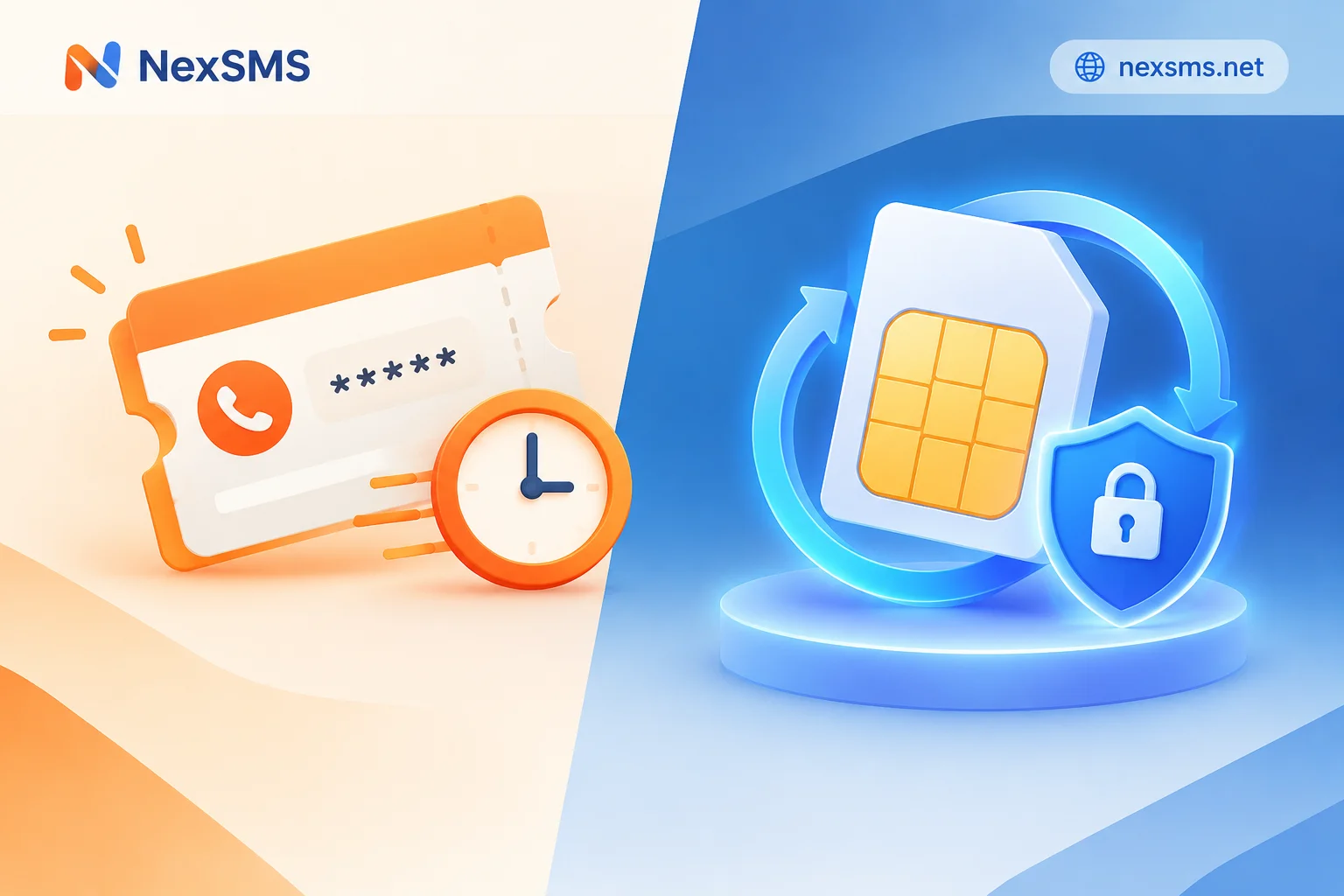
If you are just registering a peripheral test account to browse overseas peer pages or temporarily experience a feature, and do not plan to accumulate long-term assets, you can choose short-term regular numbers.
- Usage Characteristics: Pay-per-use, low cost, real-time display of received SMS verification codes on the web.
- Notes: Short-term regular numbers have a short validity period, can only receive one verification code per number, and do not support renewal or repeated code reception. Therefore, never use short-term numbers to bind core personal accounts, page admins, or enable 2FA two-factor authentication, otherwise once a second re-verification is triggered later, you will not be able to recover with the original number.
2. Core Personal Accounts, BM Admins, and Ad Accounts: Must Choose "Long-term Premium Numbers"
For key accounts that need to mount ad accounts, manage business pages, or integrate Facebook and WhatsApp business linkage, the "authenticity" and "re-receivability" of the number directly determine the account's survival rate.
- Why Choose Long-term Numbers: The long-term premium numbers provided by NexSMS are real carrier local numbers (based on local physical SIM cards and eSIMs, not virtual landing numbers that are easily identified and blocked).
- Handling 2FA and WhatsApp Linkage: Within the validity period, the same long-term number can receive verification codes unlimited times; simply renew before expiration to continue holding it. This means whether it's a 2FA re-verification for remote login six months later, account recovery, or simply using the same real number to register a companion WhatsApp to receive linked verification codes, you can view codes in real-time on the web, completely avoiding the awkwardness of "forced WhatsApp redirect but no number to receive." (If you also maintain a WhatsApp matrix, you might want to read Overseas Social Account Re-verification Dilemmas and Long-term Number Retention Strategies.)
3. Never Use Free Public Numbers for Business Accounts
Some users try to find free verification channels to save effort. Although the NexSMS official website also provides several US free public numbers (visible after login), verification codes received by such numbers are visible to everyone and are extremely likely to be repeatedly bound by hundreds of people, triggering risk control associations. The official website explicitly states: free numbers are only suitable for insignificant process testing; never use them to register or bind any important Facebook accounts (Further reading: Five Types of Risks of Sharing a Number and Allocation Principles).
IV. Practical Steps and Recommendations for Receiving Facebook Verification Codes on NexSMS
Since risk control rules of overseas platforms like Meta adjust dynamically over time, no verification service can promise 100% verification success. The final pass depends on the platform's risk assessment at the time and your own account environment. However, following standard number acquisition procedures can greatly improve the smoothness of code reception:
- Filter Inventory by Country and Application: First go to the Number Selection by Country page (for example, if you need to match a US network environment, you can first check the area codes and descriptions in the US Verification Zone), or go to the Price and Inventory Query page to view current starting prices and available number quantities by Facebook application (number sources change with real-time inventory; please refer to the official website display).
- Recharge and Place Order for Number: Log into the NexSMS User Dashboard. The platform supports Alipay, WeChat, and cryptocurrency (USDT / BTC) recharge, and account balances never expire. Based on your account weight, select "Short-term Regular Number" or "Long-term Premium Number" to complete number acquisition.
- Receive Codes in Real-time on Web: Enter the obtained number into the Facebook verification interface, keep the dashboard web page open, and the verification code will be displayed in real-time once delivered.
- Team Automation Integration: If you are a technical team maintaining a large number of overseas accounts and need to integrate number acquisition and code reception processes into internal programs, NexSMS supports parallel use of developer API and web code reception. Since the platform does not provide public API documentation, for custom integration needs or any questions during use, you can always get support via 24/7 Telegram customer service.
Conclusion
Solving the Facebook verification code reception problem is essentially a coordinated battle between "environment compliance" and "number lifecycle management." When you encounter code reception failure or forced WhatsApp redirect, first calmly switch back to SMS channel or use a logged-in device to retrieve backup codes; and in daily account infrastructure, abandon high-risk cheap virtual number segments. For high-value ad accounts and admin accounts, equip them with local long-term premium numbers that can be renewed and receive codes unlimited times—that is the long-term solution to bid farewell to frequent bans and verification bottlenecks.


Comments(0)