 NexSms官方博客
Managing multiple business phone numbers as a team is not about having many numbers; it's about who holds the verification codes. If you get the following four things right, most broken links and timeouts can be avoided:
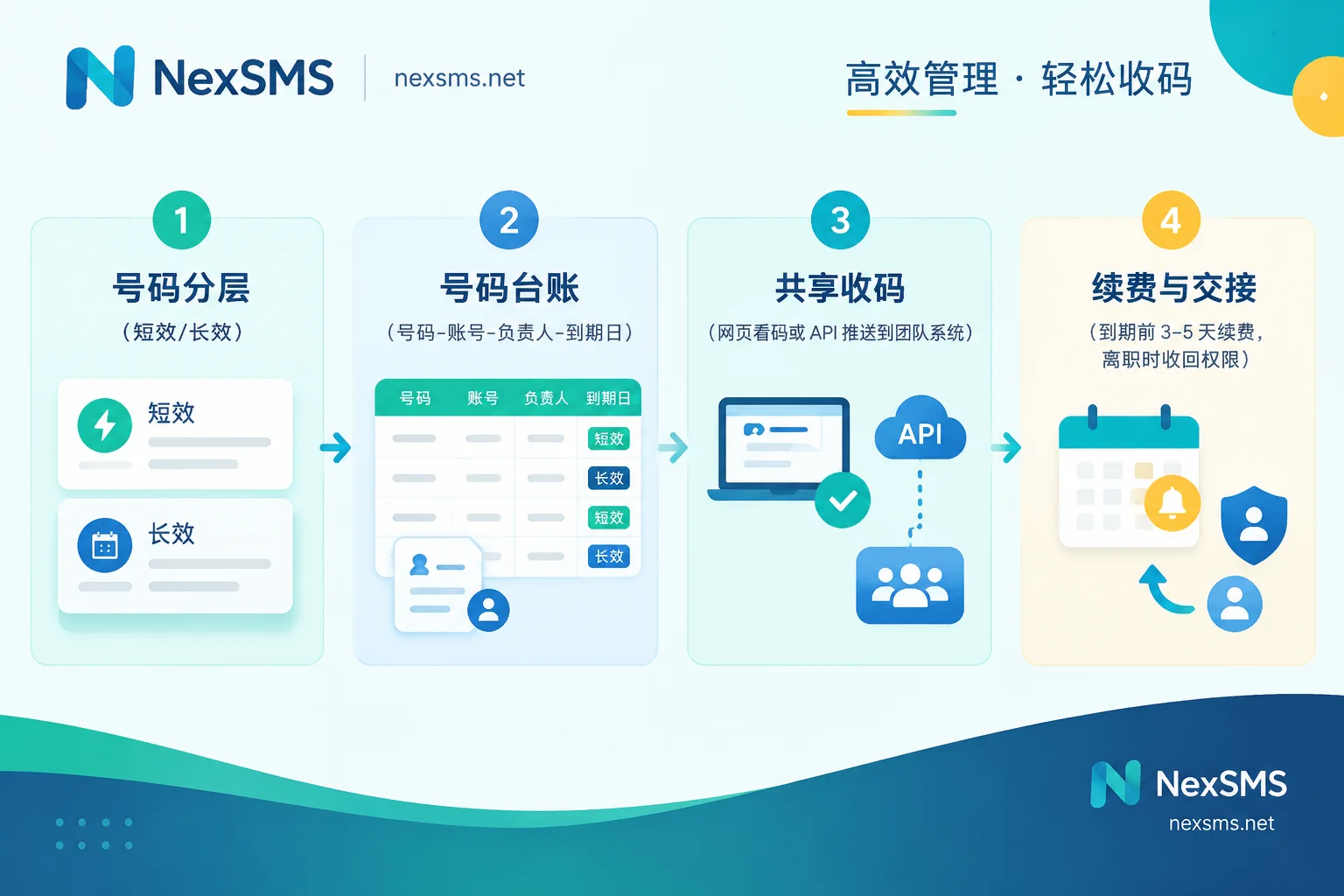
- Tier your numbers: First ask, "Will this account need to receive codes again in the future?" Use short-term numbers for one-time verifications; use renewable long-term numbers for main accounts that require long-term login, password recovery, and two-factor authentication.
- Don't tie code receiving to one person: Remove numbers from employees' personal phones and place them on a team web or API with role-based access to receive verification codes.
- Create a number ledger: Map numbers, accounts, owners, and expiry dates one-to-one, renew in advance, and have records for handovers.
- Numbers only handle code receiving: Use separate tools for browser environments, network egress, and email. Don't expect changing numbers to solve all risk control issues.
The following sections explain each step in order.
Why "One person holds the phone, everyone asks them for codes" will eventually cause problems
Overseas platforms (Google, Amazon, TikTok, PayPal, etc.) commonly use SMS for two-factor authentication, and may additionally challenge logins from new locations or devices. One-time verification codes are usually valid for a few minutes. Relying on private chat forwarding often leads to these situations:
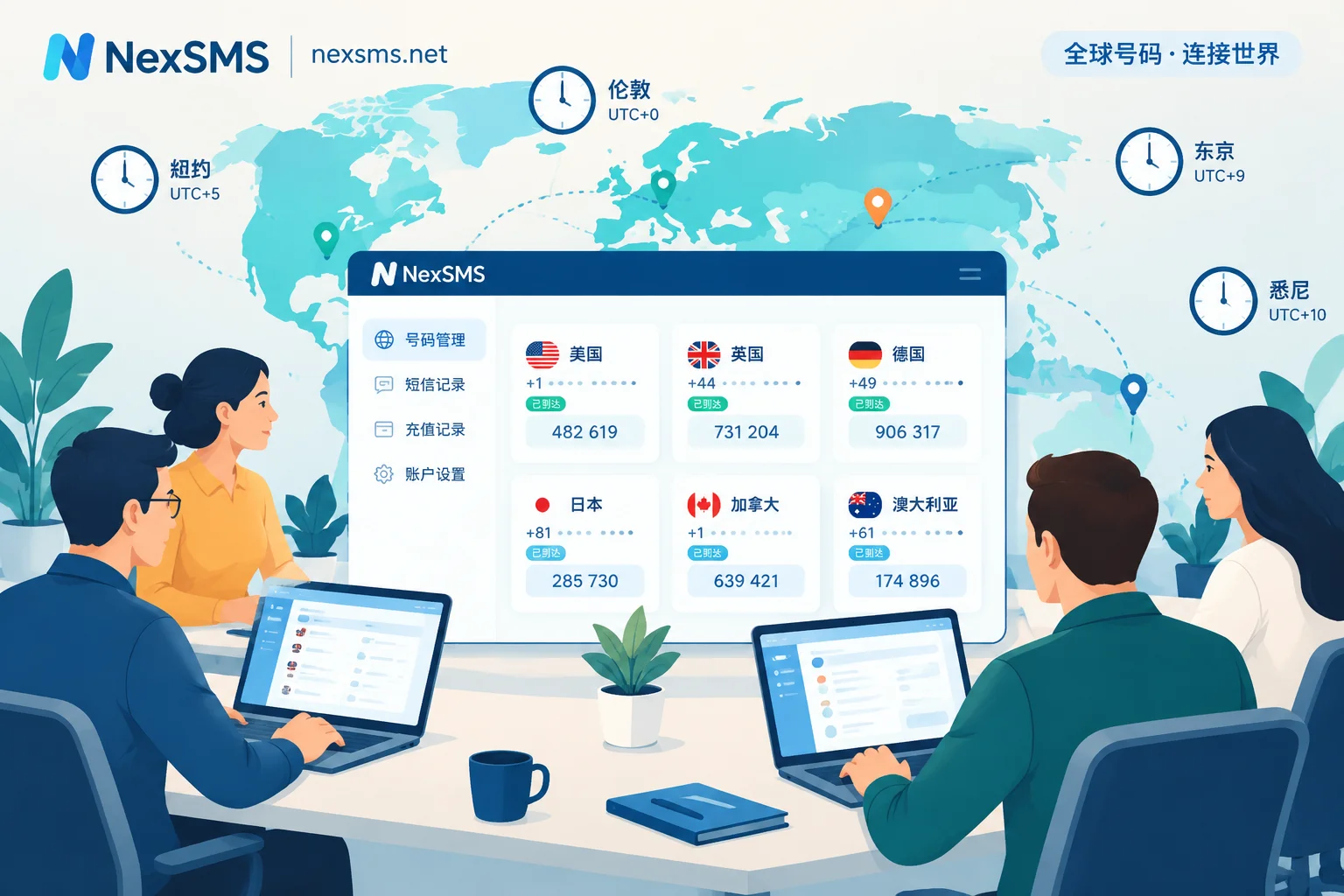
- Can't reach people across time zones: Operations staff log in at dawn, but the colleague holding the phone is asleep. The code expires, and you have to resend. Repeated resends may trigger rate limits from the platform.
- Breaks when an employee takes leave or leaves: The SIM is in a personal phone. When the person leaves, verification codes needed for password changes or account recovery are sent to a card no one can access.
- Physical SIM costs increase with the number of numbers: Multiple phones, multiple SIMs, overseas monthly fees, and number maintenance—each additional number adds procurement and management burden.
The root cause of all these problems is the same: numbers are tied to a specific person or device.
Step 1: Define the purpose of each number
Short-term numbers are suitable for one-time, low-importance scenarios such as testing, short-term research, or temporary verification. They are billed per use and end after use. You cannot get the number back afterward, so do not bind it to accounts you'll need to log into later.
Long-term numbers are suitable for main store accounts, ad accounts, main social media accounts, and accounts related to payments. These accounts will inevitably face login challenges from new locations, password changes, and account recovery. Once a number expires and is released, subsequent verification codes cannot be received, making account recovery very difficult. For a detailed comparison of the two types, see How to Choose Between Short-Term Numbers and Long-Term Premium Numbers.
Also consider line type. Many overseas platforms can identify whether a number is a real carrier number or a VoIP virtual number. Virtual number ranges or abused number pools may be blocked before codes are even sent. For core accounts, prioritize real carrier local numbers. For reasons, see What's the Difference Between Real Carrier Local Numbers and Virtual Landing Numbers.
Take NexSMS as an example: short-term regular numbers are billed by usage with very short validity, ending after one verification; long-term premium numbers are real carrier local numbers (physical SIM or eSIM), renewable, with unlimited code receptions during the validity period, but you must renew before expiry to keep them. For the differences and renewal conditions, see the Feature Description Page. Which country to choose generally depends on the account's market and platform requirements. For what to confirm before paying, see Four Things to Confirm Before Choosing a Number by Country.
Step 2: Create a number ledger
When you have more than five or six numbers, relying on memory gets messy. A shared spreadsheet can solve most problems. Record these fields:
| Field | Purpose |
|---|---|
| Number, country, type (short-term/long-term) | See at a glance which numbers must be renewed |
| Bound platform and account | Know which number to use when a code is needed |
| Account importance | Determines renewal priority and viewing permissions |
| Owner, backup owner | Someone takes over during leave or departure |
| Expiry date, renewal reminder | Avoid number expiry and release |
| Backup verification method location | Alternative verification if the number has issues |
As a rule, one number per account. Binding multiple accounts on the same platform to one number is often restricted and may link those accounts together. Before reusing the same number, distinguish whether it's for the original account to receive codes again or to register a second account. See Can the Same Number Be Used for a Second Verification.
Step 3: Put code receiving where the team can access it
If numbers are not on personal phones, you need a code receiving entry point accessible to the team with permissions. Two common methods:
- Real-time web code viewing: Authorized operations staff view verification codes directly on a web page. Suitable for small teams with few numbers and infrequent logins.
- API integration: Automatically push received SMS to internal systems, tickets, or team chat bots. Suitable for teams with many numbers and multiple people working across time zones. For integration steps, see How to Integrate SMS Verification API. For timeout and retry design, see How to Design Timeout and Retry for SMS Verification API.
Think carefully about permissions: Whoever can see the verification code can complete login verification. So we recommend:
- Divide visibility by account. Not everyone needs to see all numbers.
- The code receiving platform's login account should have a strong password and two-factor authentication enabled.
- Revoke access on the day an employee leaves. What is handed over is access, not a physical SIM.
- Announce in the team before logging in, "I'm logging into account X," to avoid two people triggering code sends simultaneously, where a new code overwrites the old one and both fail verification.
Step 4: Write renewal and handover into the process
Renewal: For long-term numbers, renew 3–5 days before expiry, not on the last day. For reasons, see How to Renew Long-Term Numbers Before Expiry Without Disconnection. Set reminders in the ledger, have the owner renew, and the backup owner as fallback. If the team also has its own overseas physical SIMs, carrier retention rules vary by country; long-term inactivity may lead to recycling, so top up or use them regularly per local carrier requirements.
Handover: When an employee leaves or transfers, at minimum check: code receiving platform access revoked or transferred; owner field in the ledger updated; expiry dates of held numbers confirmed; backup verification methods transferred to the new owner.
Deactivating accounts: Unbind or change the number on the platform first, then let the number expire. Reversing the order may lock the account.
Step 5: Code receiving tools only handle the number part
Numbers only solve the problem of receiving SMS verification codes. Multi-account operations involve other aspects that are best managed separately: browser environments for account operation go to anti-detect browsers like NexBrowser; network egress goes to dedicated IPs like NexIP; email and identity information go to NexMask. Frequent changes in the login environment itself may trigger more platform verifications, and changing numbers won't solve that.
A few exceptions to note
- Whether verification passes is decided by the platform. A number that works today may not work next month. Platform rules change; follow the platform's prompts at the time. If you don't receive a code, first determine if it was sent, then troubleshoot layer by layer. See What to Do When Cross-Border SMS Verification Codes Are Not Received.
- Don't rely solely on SMS for core accounts. If the platform supports authenticator apps or backup codes (e.g., Google Two-Step Verification supports multiple second steps), set them up together and store backup codes in the team's password manager. That way, if the number has issues, you have other ways to verify.
- Use only for accounts your team legally owns. This method is for daily logins and account recovery, not for bypassing real-name or KYC, bulk registration, or receiving codes on behalf of others.
Once the ledger is organized and you've identified which accounts need long-term numbers, you can check the corresponding code receiving instructions for your target platform and then choose numbers: View Code Receiving Instructions by App.


Comments(0)