 NexSms官方博客
Received an unauthorized 2FA verification code SMS? The first step is not to change your password, but to determine which of three categories the code falls into. The FTC's consumer alert repeatedly highlights verification code scams on second-hand trading platforms: scammers ask for the six-digit code you received under the guise of identity verification, then use your number to register virtual communication identities. The correct first step is not to change your password, but to determine whether the code belongs to one of three categories: someone trying to log into your account, someone asking you for the code, or residual binding from a previous number owner. Below is a self-check method and a prioritized handling sequence.
Received an Unauthorized 2FA Verification Code SMS: First Determine If It's “Testing Your Account” or “Scamming Your Code”
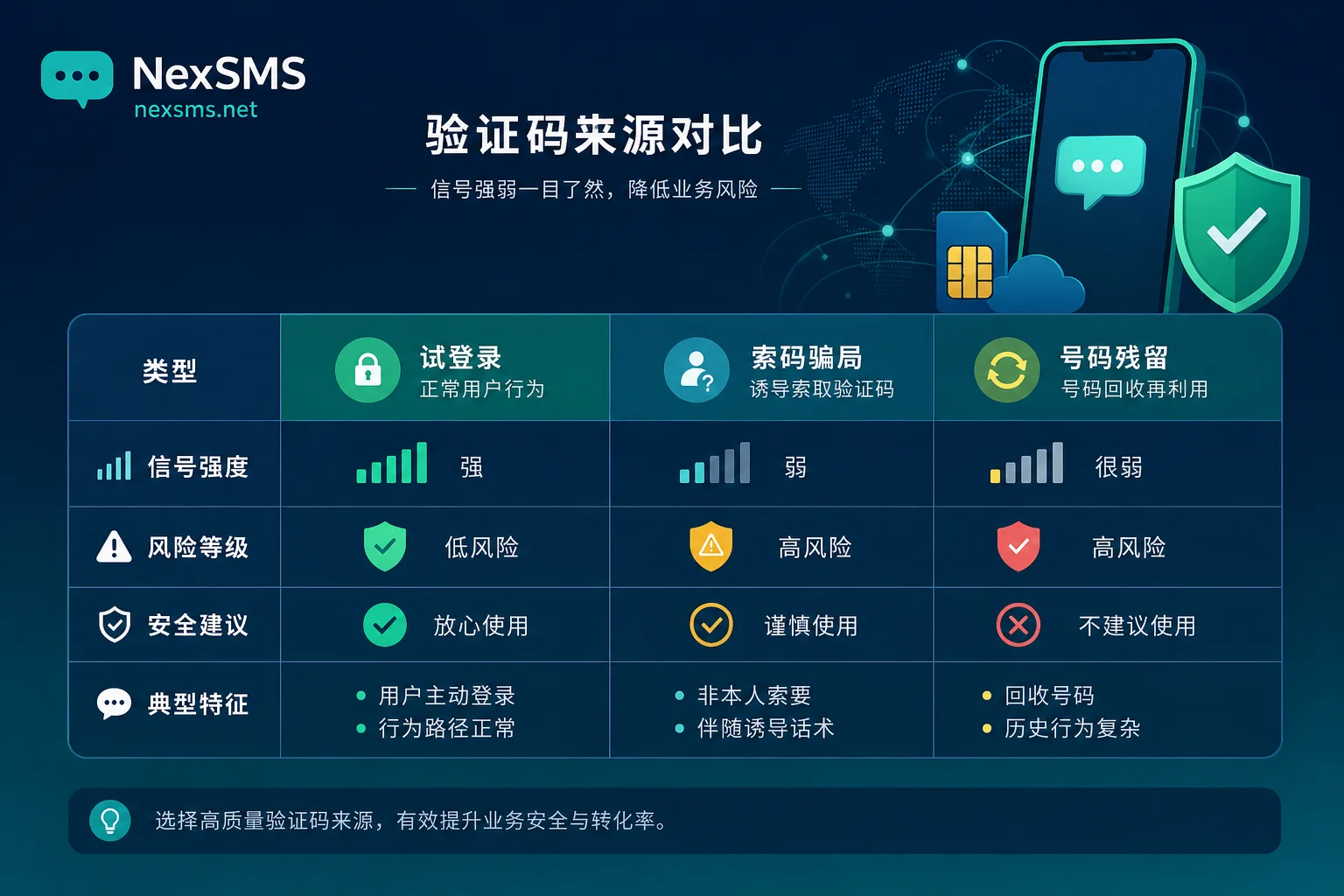
When you receive an unexpected verification code, spend 30 seconds to complete a four-step assessment: Don't click any links in the SMS, don't give the code to anyone, check the platform name and sending time in the SMS, and recall if anyone has recently asked for the code via private message or phone. These four steps help you quickly rule out the most urgent scam risks. In second-hand trading scenarios, the most common tactic is “confirm you are human,” where the other party induces you to share the code you just received—before judging the source, confirm whether someone is asking for the code.
Source 1: Someone Is Trying to Log In or Recover Your Account
If the verification code is from a platform you actually registered on, and it comes with login alerts or remote location prompts, and repeats within a short time, it's likely someone is attempting to log in or recover your account. This means your account has been targeted, but not necessarily compromised; your password is usually still in your hands.
The action sequence is clear: Do not enter any verification code; go to the platform's security center to view login history and active sessions; log out all unknown sessions first; then change your password and check if the linked email and backup verification methods have been altered. Simply receiving a code does not mean your account has been stolen, but if it's an operation you didn't initiate, it's safer to clean up sessions promptly.
Source 2: Someone Is Asking You for This Code
This type of scam is especially common in second-hand trading. The FTC's consumer alert warns that scammers on platforms like Facebook Marketplace and Craigslist claim to verify seller identity, ask you to provide your primary mobile number, send a verification code, and then demand you read the six-digit code to a “customer service” agent—this step is the switch that uses your number to register virtual identities.
Identifying signals are obvious: The code comes from a platform you actually registered on, and simultaneously someone is asking for the code via chat or phone, accompanied by phrases like “prove you're human” or “confirm identity.” Do not share verification codes under any circumstances. If you've already shared it, the remediation is to immediately contact the relevant platform, request to unbind your number, and check if your primary number has been linked to other accounts.
Source 3: Number Reuse and Residual Binding from Previous Owner
If the verification code is from an unfamiliar platform you've never registered on, and it arrives infrequently, irregularly, and no one contacts you, it's likely number reuse—your current phone number is a recycled number from a carrier, and accounts left behind by the previous owner still point to this number, so you occasionally receive irrelevant verification codes.
For this source, the handling is relatively light: Don't click links in the SMS to avoid accidental operations; if it's frequent, you can request to unbind the number from that platform; and avoid using this number for new important bindings.
Source Comparison Table
| Source | Typical Signals | Human Contact? | Risk Level | Change Password? | Change Number? | Check Sessions? |
|---|---|---|---|---|---|---|
| Login attempt/recovery | From a platform you registered on, remote prompts, repeated shortly | Usually none | Medium | Yes | Depending | Required |
| Code solicitation scam | From a real platform, someone asks for the code | Yes, via chat or phone | High | Not immediately, handle scam first | Yes, if leaked | Not immediately, but can check |
| Number residual | Unfamiliar platform, low frequency, irregular | None | Low | No | Optional, can request unbind | Not needed |
Stop-Loss Sequence: Three Things to Do Before Changing Your Password
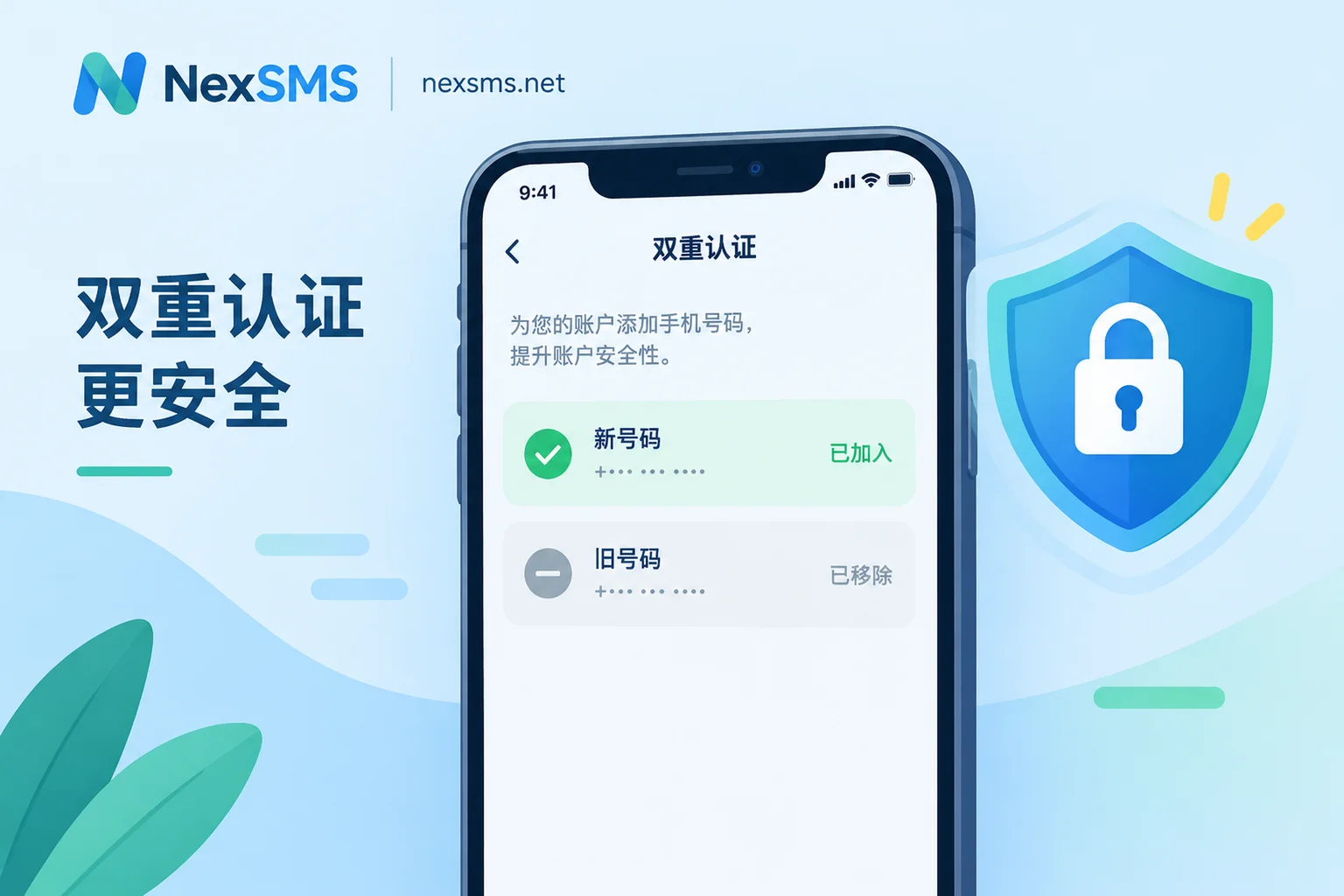
Received an unauthorized 2FA verification code SMS? The order of actions matters more than the actions themselves: changing your password is not the first step. The correct order is: First, log out all active sessions; otherwise, the attacker's login session may still be active after you change your password. Second, verify your account's verification methods—check if your phone number or backup email has been altered. Third, ensure your backup email is secure before changing your password and resetting 2FA.
If your number is being bombarded repeatedly, the carrier side and phone system filtering settings can also serve as temporary stop-loss measures, such as enabling unknown SMS blocking or applying for temporary shielding from your carrier.
Why NIST Lists SMS OTP as a Restricted Authenticator and How It Changes Your Priority
In SP 800-63B Rev 4 (August 2025), NIST explicitly classifies SMS and voice OTP based on public telephone networks as restricted authenticators, requiring service providers to inform users of risks and offer alternatives. Meanwhile, the FCC's FCC 23-95 rules on SIM swapping and port-out fraud require carriers to implement strong identity authentication before SIM changes and porting, and to provide no-cost account locking and immediate alerts.
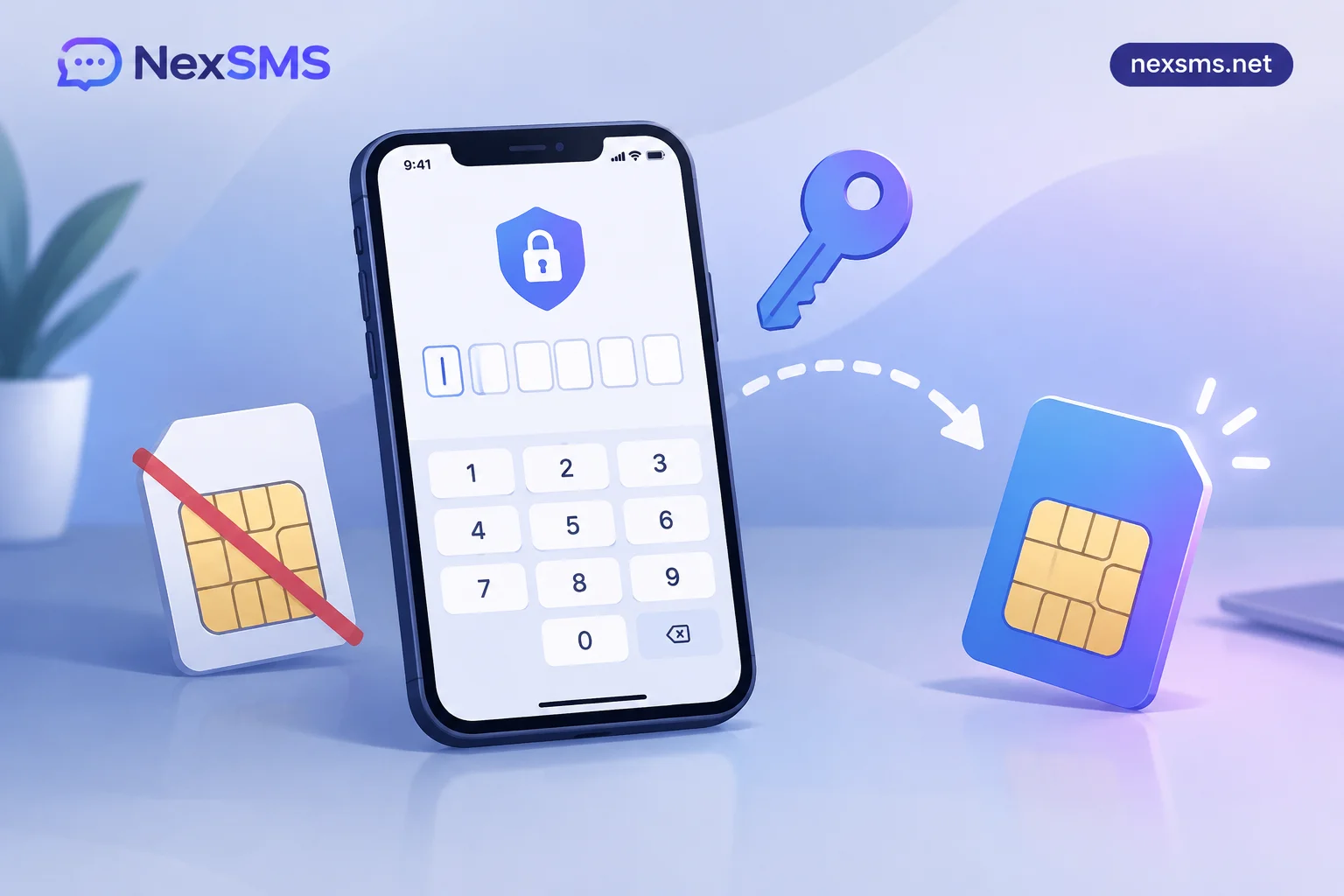
This means your phone number itself could be maliciously swapped. So upgrade your handling priority: Not only change passwords, but also migrate the second factor for high-value accounts from SMS to authenticator apps or security keys, and enable SIM card lock on your carrier account. That way, even if verification code SMS is intercepted, attackers cannot easily take over your number. You can refer to supported virtual number types for bank 2FA verification codes to learn about alternatives.
Root Cause Fix: Keep Only the “Bearer” Role on Your Primary Number, Separate the “Exposure” Role
The root cause of you continuously receiving irrelevant verification codes is often that your primary number simultaneously serves as the registration slot, recovery slot, 2FA slot, and public contact slot. The “slot” refers to the four purposes a phone number serves: registration, account recovery, two-factor verification, and public contact. These slots have different requirements for the number: The exposure slot (second-hand trading, temporary registration, customer service, event sign-ups) needs a number that is disposable and not bothered by spam; login and recovery purposes that require receiving verification codes long-term need a number that can receive two-factor codes and ideally be held long-term; the core 2FA slot should never be exposed, and prefer hardware keys or authenticator apps.
Implement Number Layering with NexSMS
Separating the exposure slot from your primary number is an effective way to reduce unexpected verification codes. NexSMS's website offers multi-country and multi-platform number options, allowing you to receive SMS verification codes via web to achieve one-off registrations and external contact, disposable after use; for long-term login and recovery needs that require repeated code reception, NexSMS also provides renewable long-term local numbers. For team batch scenarios, the developer API allows one-number-per-role assignment, giving each business account an independent code-receiving entry, so the primary number is no longer the sole entry. Related practices can be found in how to prevent your primary mobile number from leaking on the internet and managing numbers for multiple accounts. Note that this does not bypass any platform's real-name authentication or risk control; it simply separates code-receiving entries by purpose.
Frequently Asked Questions
Why did I receive a verification code SMS without logging in?
The most common reasons are someone attempting to log into your account, or your phone number being used for registration on other platforms. First check if the platform name in the SMS is familiar, then match it against the three sources above; do not reply directly.
Is a stranger verification code SMS a sign of account theft?
Not necessarily. If the platform is unfamiliar and no one contacts you, it might be residual binding from number reuse. However, if accompanied by remote login prompts or someone asks for the code, the risk is higher; log out sessions and check your account promptly.
What should I do if someone else used my phone number to register an account?
You can go through the platform's account appeal process, provide proof of phone number ownership, and request to unbind or close the account. Also, ensure your primary number has carrier-level SIM lock enabled to prevent further misuse.
How to deal with verification code SMS bombing?
First, enable unknown SMS blocking on your phone system, or block specific ports on the carrier side. If the bombing is accompanied by requests for codes, immediately cut off contact with the scammer and consider changing the exposed number.
I received a verification code but didn't initiate it; should I change my password?
First determine the source. If it's residual binding (unfamiliar platform, no abnormal logins), you can temporarily not change your password; but if it's from a platform you registered on, even if not compromised, it's advisable to log out sessions and change your password, then check your linked email.
What should I do if I already shared the verification code?
Immediately contact the relevant platform, explain the situation, and request to unbind your phone number; also check your carrier account, enable lock, and watch for unauthorized device bindings; if financial accounts are involved, contact your bank to freeze them first.
What counts as fully handling an unauthorized 2FA verification code SMS?
The signs of complete handling are: All sessions logged out, verification methods checked, and exposed number replaced. If you have completed these three steps and no longer receive similar codes, the handling is complete. Otherwise, continue to check for any missed bindings or leaks.


Comments(0)