 NexSms官方博客
Many people choose verification numbers in the wrong order: they first look at which country is cheaper or has stock, buy, then try it on the target platform, and if it fails, switch to another country. After three or four rounds, money is spent, and the account may even be rate-limited for a while due to repeated verification submissions.
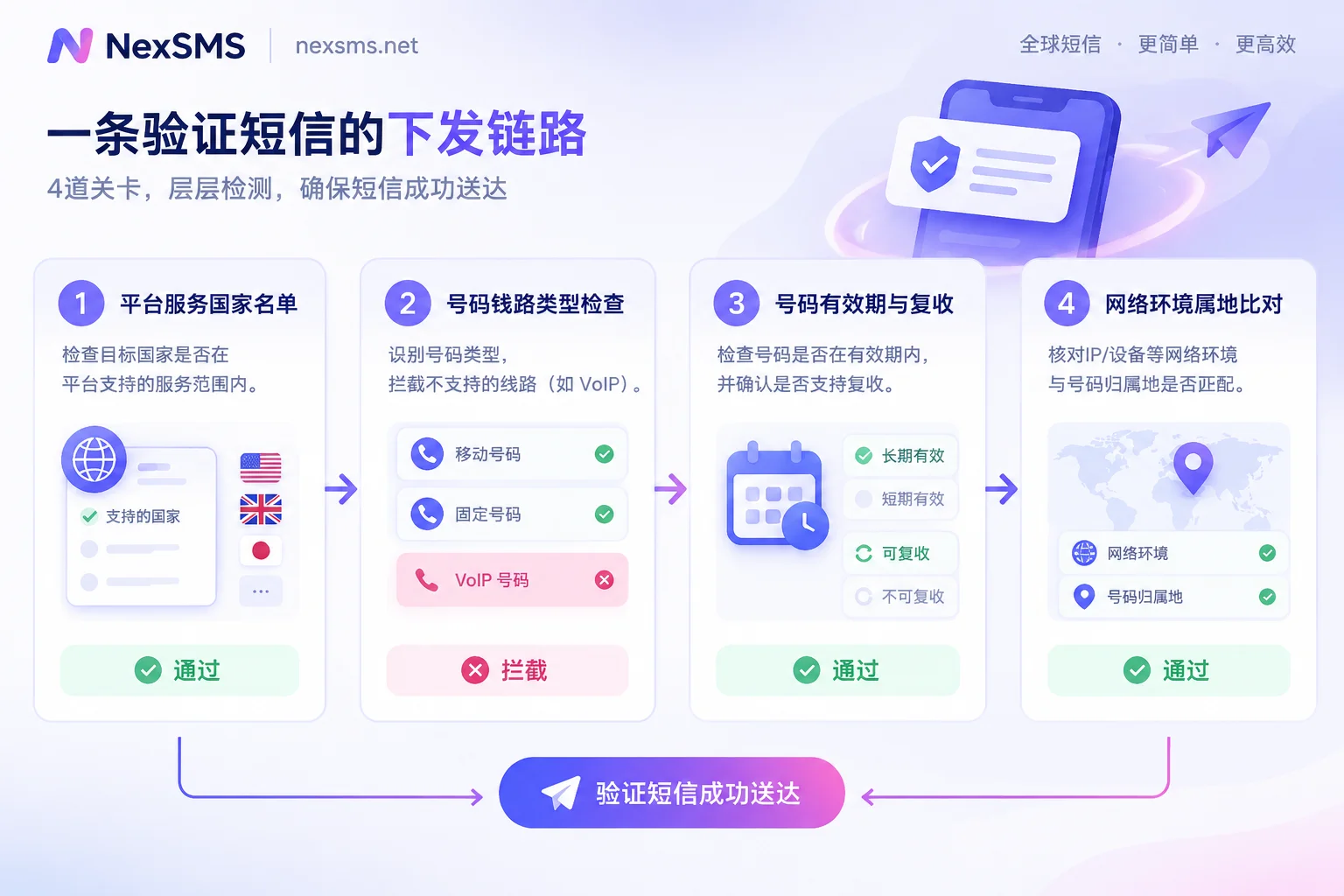
The correct order is from platform back to country: first confirm which regions the target platform operates in and what types of numbers it accepts, then come back to choose a country. The four things below take a few minutes to confirm and are cheaper than buying the wrong number three times.
First: Does the target platform actually operate in this country?
This is the most easily skipped step with the most direct consequences. Most mainstream overseas platforms have a clear list of service countries. OpenAI, for example, publicly lists the countries and regions where ChatGPT is supported in its help center. If the platform itself does not operate in a certain country, registering with a number from that country usually does not result in "not receiving the code"; instead, you are directly rejected at the phone number submission step, or the account is flagged as abnormal after registration.
Check in this priority order: platform official help center > platform announcements > media reports. Third-party articles often lag behind the platform's actual policies. If the official page has terms like "supported countries" or "availability", use that as the authority.
There is another case: the platform operates in a country but tightens restrictions on certain number ranges from certain countries. Such policies are usually not public and can only be judged by actual responses, as discussed in the pre-check method below.
Second: Does the platform allow VoIP and virtual numbers?
This determines what kind of number you should buy, not just which country's number.
WhatsApp, Google, OpenAI's phone verification, and most high-risk financial platforms explicitly exclude VoIP, virtual numbers, and landlines in their official policies, accepting only numbers issued by real mobile carriers (physical SIM or eSIM). OpenAI's help documentation specifically states that phone verification does not support VoIP and special billing numbers; WhatsApp's support documentation likewise lists virtual numbers as unsupported.
The key point: the platform checks the line type behind the number, not whether the area code looks like a local number. Many so-called "US numbers" have normal +1 area codes, but the line is registered under an internet telephony provider, and the platform can tell by checking the number's carrier database. This is why some people try several US numbers and still get the same error—they are all the same type of line. For the underlying principles, see Why VoIP virtual numbers cannot register for ChatGPT and What is the difference between a real carrier local number and a virtual landing number.
So before choosing a country, ask clearly whether the number pool provides virtual landing numbers or real carrier local numbers. If the target platform is one that strictly checks VoIP, a virtual number is a waste no matter how cheap.
Third: Will you need to receive another code later?
This determines whether to buy a short-term or long-term number. It has nothing to do with the country, but often affects the outcome more than the country does.
One-time short-term numbers are billed per use and have a very short validity period; they are released after verification. For scenarios where you never need SMS again after registration, they are sufficient. But if the target platform falls into the following categories, short-term numbers can easily plant landmines:
- Social and communication apps (WhatsApp, Telegram, etc.) that resend codes when logging in on a new device;
- Accounts with payment or fund functions, where changing binding, changing password, or logging in from a different location may trigger verification;
- Platforms that periodically require re-confirming the phone number.
In these scenarios, after the number is released, someone else may get the same number, and you may not receive the code, leaving the account stuck. To receive codes again, you need a long-term number that can be renewed and allows unlimited code reception within its validity period, and remember to handle renewal before expiry. For criteria and boundaries, see How to choose between short-term numbers and long-term premium numbers; for renewal timing, see How to renew a long-term number before expiry to avoid disconnection.
Fourth: Do the network environment and the number's country match?
Many people only think of this after troubleshooting everything else. Many platforms compare the client IP location, time zone, and browser language before sending SMS. If you have a US number but the exit IP shows a region restricted by the platform, common responses are "Cannot send verification code to this number" or "This number cannot be used for verification"—the error points to the number, but the root cause is the network environment. Google's account help troubleshooting for phone number verification also mentions environmental factors.
The method is simple: try the same number again with a network environment consistent with the number's country of origin. If it works this time, the number itself is fine. Network exit is handled by NexIP, and multi-account browser environments by NexBrowser; we won't go into detail here, just know it's an independent variable.
For a more complete layered troubleshooting order, see How to troubleshoot when you never receive the SMS after submitting your number.
How to do a low-cost trial first
After confirming the four things above, there is still an undisclosed variable: the platform may temporarily tighten restrictions on specific number ranges. Such policies are not written in documentation and can only be judged from actual responses.
So before formally buying numbers, especially for bulk configurations, it is recommended to use a free number for a front-end pre-check: enter the number into the target platform's registration interface and see three things—
- Whether the platform accepts the country's number format (some platforms don't even have certain countries in the country dropdown);
- Whether it immediately reports "This number type is not supported" after submission (this means the line type is blocked, unrelated to the country);
- Whether it shows "Verification code sent" (this means the sending path is at least working, and this country's number range is not globally blocked).
Note that the pre-check only verifies the platform's front-end validation and sending logic. Public numbers themselves usually cannot receive the actual verification code—many people use them, the platform has long records of these numbers, and often the code is never sent. For details, see Why free public verification numbers cannot receive verification codes. Using them to try registration is meaningless; using them to test "does the platform accept numbers from this country" is meaningful.
NexSMS's free public US number page can be opened without registration and is suitable for this kind of front-end check.
Choose country by app, not country by luck
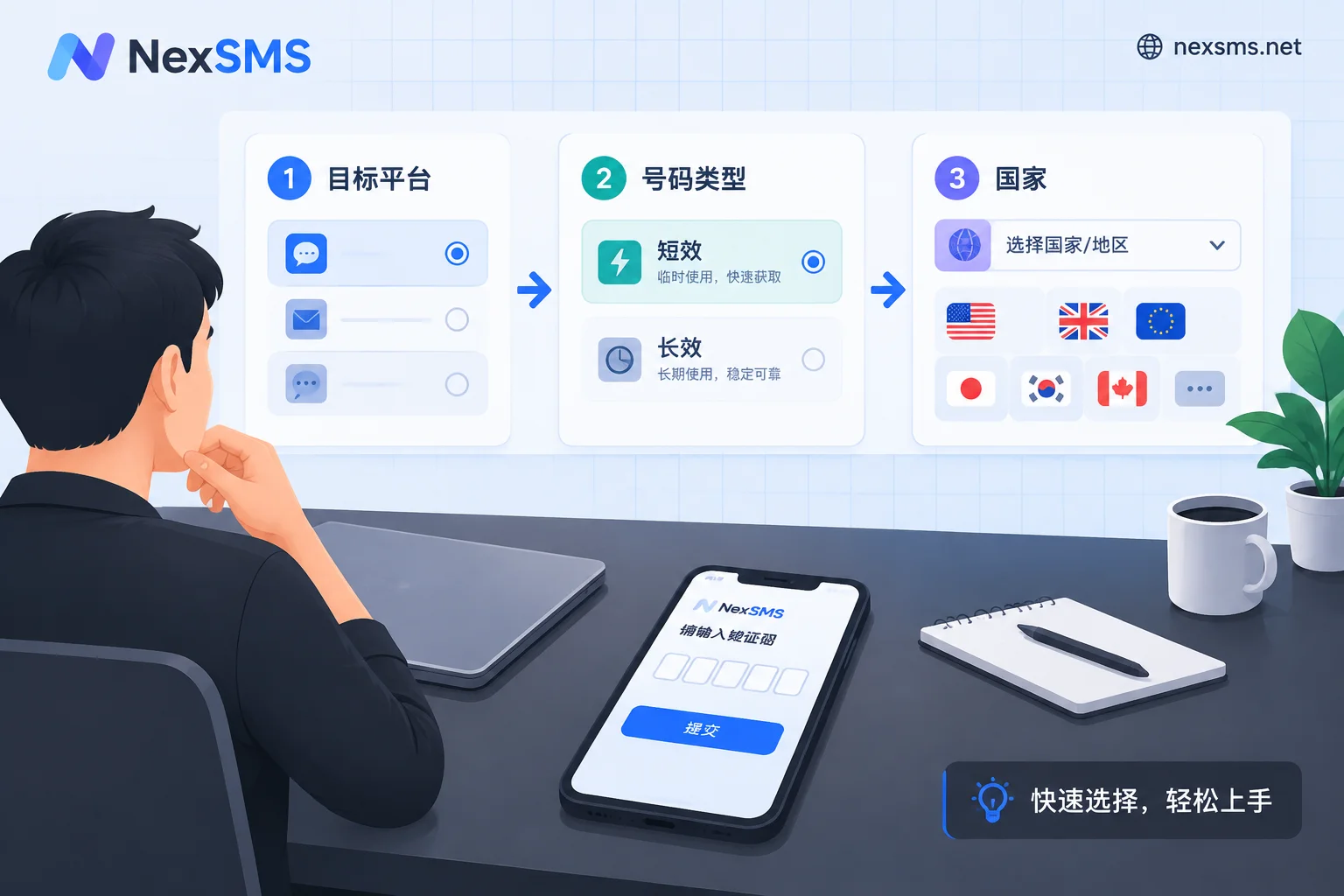
Combining the four steps into one action: first decide the platform, then decide the number type (virtual / real carrier, short-term / long-term), and finally pick among eligible countries.
In practice, rather than trying country by country yourself, it is easier to directly check the verification instructions organized by app—they usually clearly state the currently available country lines and number type requirements for that platform. NexSMS's verification instructions by app works this way: first find the page for the target platform, confirm what number it needs, then go to choose numbers by country (replace with the corresponding /sms/{country}/ page for other countries). The difference between short-term and long-term, and renewal conditions, are on the feature description page. Stock and prices change at any time; refer to the current display on the official website.
It should be noted: doing these four steps only eliminates obviously impossible combinations. Whether you can pass a certain platform's verification is ultimately determined by that platform's current rules. No verification number service can guarantee it on behalf of the platform.
Several commonly reversed judgments
"Try another country" is not always useful. If the error is "This number type is not supported", changing country won't help; you need to change the number's attributes. Only when the error explicitly points to a regional restriction is changing country the right remedy.
"Using the same number again" requires clarifying the purpose first. Receiving a verification code again for an existing account and using it to register a second account are handled completely differently by the platform. See Can the same number be used for a second verification.
Don't repeatedly click resend when you haven't received the code. Most platforms have rate limits on resending; clicking too much triggers a temporary cooldown, which may block the one code that could have arrived. Wait a full cycle first, then follow the troubleshooting order for verification code delays.
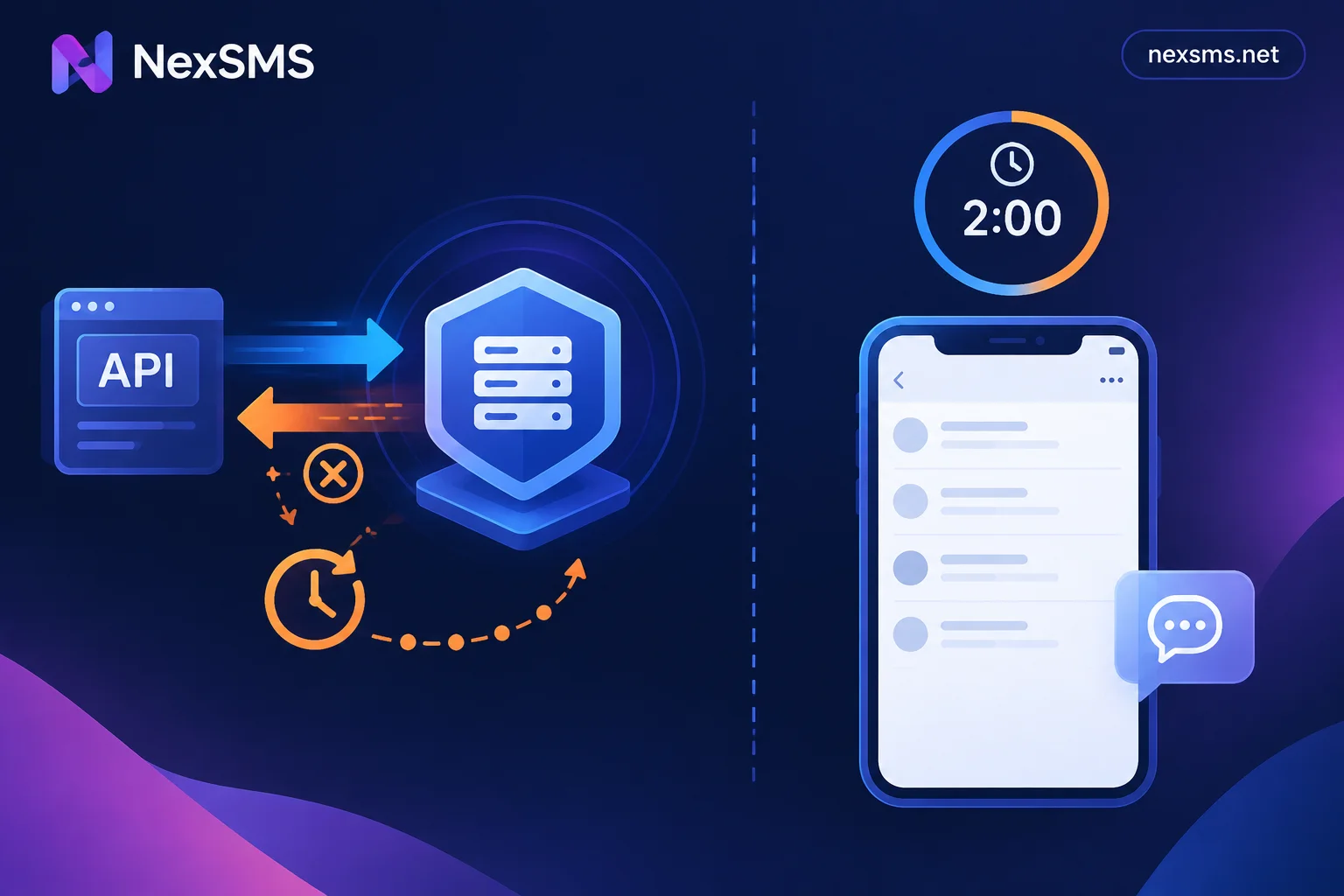
For automation, write timeout judgments clearly. In a program, "no code received" could be an HTTP request timeout or the SMS genuinely not arriving; the retry strategies differ. See How to design timeout and retry for verification code API code reception.
Final reminder: the above methods are only for verification needs of accounts you legally own.


Comments(0)