 NexSms官方博客
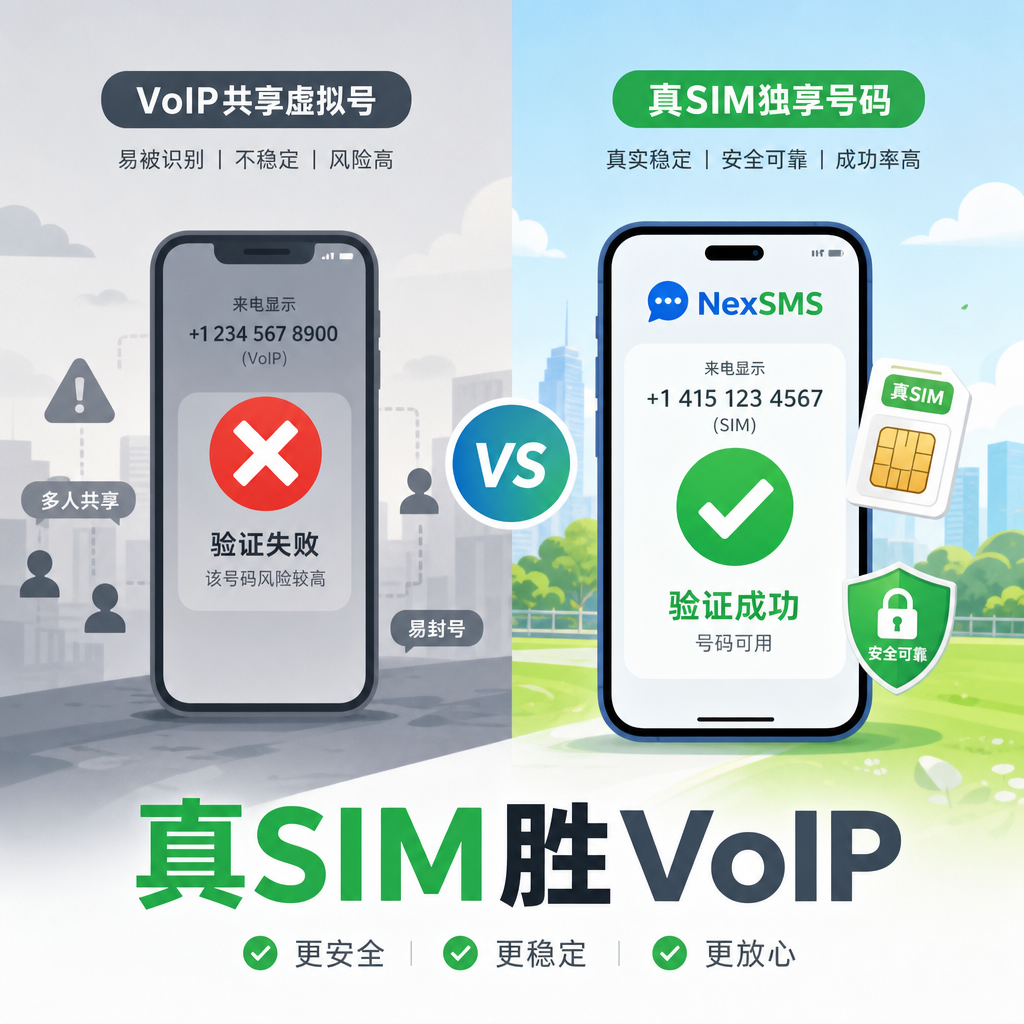
When registering a new account, entering your phone number only to get an "Invalid Number" error or never receiving a verification code is a frustration many know well. Especially around 2026, major platforms have been tightening detection of virtual numbers, with HLR lookups and carrier type identification becoming standard. The system sees Fixed VoIP and immediately blocks it; free shared numbers are the hardest hit.
Why do platforms do this? Mainly to prevent spam registrations and bulk abuse. Temporary numbers are often used for farming, and once their history is dirty, they get flagged. Users who genuinely want to protect privacy and manage multi-scenario accounts become collateral victims. The good news is that not all platforms enforce a blanket ban. By understanding compatibility patterns and a few practical tricks, success rates can significantly improve.
First, roughly categorize platforms. Lax ones, like some food delivery rider apps, basic instant messaging registrations, and e-commerce loyalty programs, usually accept virtual numbers as long as the number is relatively clean. The middle ground is tricky: WhatsApp Business accounts, Google accounts, and some dating apps hate free burner numbers, but paid, newer numbers with the right approach often work. Strict ones—large banks, some payment tools, and government services—basically only accept real SIM cards; don't bother with virtual numbers.
The key lies in "number type" and "usage method." Many platforms now use carrier lookup APIs to check if you're using a real mobile phone or VoIP. Non-VoIP numbers based on real SIM cards have higher pass rates; shared public pools often fail. Free numbers get recycled, and previous users may have spammed, ruining the reputation score. For long-term use or critical accounts, opt for exclusive or relatively new allocations instead of cheap options.
A few practical tips are especially effective. First, prioritize "voice call" over SMS. SMS routes are often blocked. When the countdown ends, click "Call me" or "Receive voice verification code," and a robot will read out the digits. Success rates can roughly double. Second, match IP addresses. If you verify with a US number but have a Southeast Asian VPN on, the system sees a mismatch and raises alarms. Turn off weird VPNs or make sure the IP roughly matches the number's region. Third, don't rush to verify ten accounts in a row. First create one main account, let it sit for a few days, then slowly expand, mimicking normal user behavior.
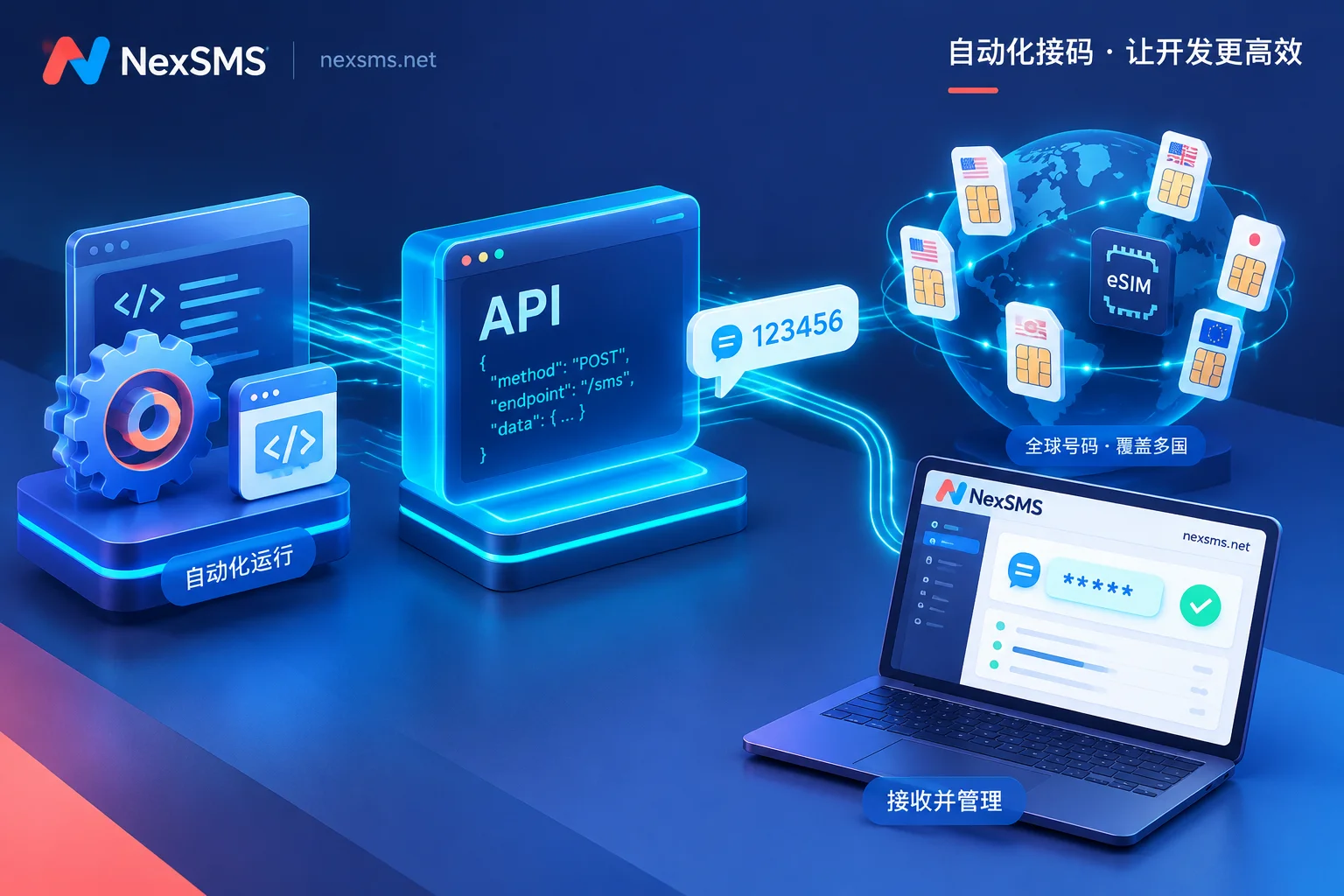
Apps like WhatsApp especially require "warming up." After getting a new number, don't immediately bind it to multiple services. Let it idle for a few days, occasionally send normal messages, then officially activate. Some people prepare multiple numbers, each rested for 5–7 days, with noticeably more stable results. AI tool registrations are similar—ChatGPT, Claude, etc., often require phone verification. Use temporary virtual numbers to receive codes, then discard them; your real number stays hidden. Some automated setups even let AI agents apply for numbers and read verification codes themselves, fully hands-off.
For business trips or digital nomad scenarios, it's even more direct. Upon arriving in a new country, food delivery, ride-hailing, local markets, and cashback platforms all require numbers. Give your real number once, and it quickly ends up in spam SMS lists. Temporary virtual numbers get discarded after receiving codes, keeping your real number clean. A US number travels with you; you can receive verification codes in your browser and manage domestic accounts even abroad.
Common pitfalls to avoid: First, don't assume "free means usable." Public numbers are often snatched by others or already blacklisted. Second, don't ignore number freshness. Old numbers have dirty histories and are useless. Third, don't have mismatched IP, device fingerprint, and number region—this looks like bulk fraud. Fourth, don't bind the same shared number to sensitive financial accounts; when you need to re-verify later, the number may have changed hands. For long-term 2FA needs, consider renewable or exclusive numbers to avoid losing access after expiration.
When choosing a service, check coverage countries, delivery speed, API availability, and automatic refunds. Some platforms offer both temporary code reception and longer rentals, allowing flexible switching. Services like NexSMS are suitable for daily use: quickly obtain virtual numbers to receive verification codes, covering multi-scenario registration with good privacy protection, no need to bind a real phone. They're convenient for one-time verifications or short-term needs, and can handle complex multi-account setups.
The actual process is simple. Open the SMS reception platform, select a country/service, get a number, fill it in on the target site, and refresh to see if the code arrives. If it times out, switch numbers or try voice. After success, record which number is bound to which account for future management. Start testing with small platforms to confirm stability before moving to critical services.

The privacy benefits are clear. Your real number is no longer cross-linked across services, reducing tracking and spam. Freelancers working with international clients, operating multiple social accounts, or testing apps can keep things separate. Integrating SMS reception into AI agent workflows increases automation. Of course, always comply with platform rules—don't engage in prohibited bulk activities, or both numbers and accounts will be banned.
Detection will only get stricter in 2026, but demand is also rising. Virtual numbers aren't a master key, but they are a practical tool for privacy and efficiency. Understand compatibility, use the right tricks, and pair with a reliable SMS reception platform—then registration verification becomes a controllable process instead of a guessing game. Next time you see "Invalid Number," first check if it's a VoIP flag, if the IP is correct, and if voice option is available; it will likely solve the issue.
NexSMS provides stable virtual number reception capabilities for such scenarios, helping you quickly get verification codes and focus on your business. Try it a few times and you'll find that protecting your real phone number while managing online accounts becomes much easier. In practice, accumulate your own successful combinations—which country's number ranges are friendly to specific platforms—and you'll gradually develop a feel.
In short, the stricter the platform, the more refined your number usage must be. Practice on lax platforms, then use warming and voice for stricter ones, and prioritize real SIMs for sensitive services—layered handling is safest. The value of virtual numbers isn't in "bypassing everything," but in flexibly and controllably protecting privacy and expanding operational space. Master these, and registration verification is no longer a roadblock.



Comments(0)