 NexSms官方博客
Handling SMS verification code timeouts on overseas platforms can be summarized in four steps: wait within the validity period, resend after the window, switch channels when resend limits are reached, and only change numbers when no channel solution works. First, confirm whether the SMS actually arrived: if it arrived but shows expired when entering, the issue is timing; if it never arrived, the issue is the channel. The handling paths for these two cases are completely different. Let's proceed in this order.
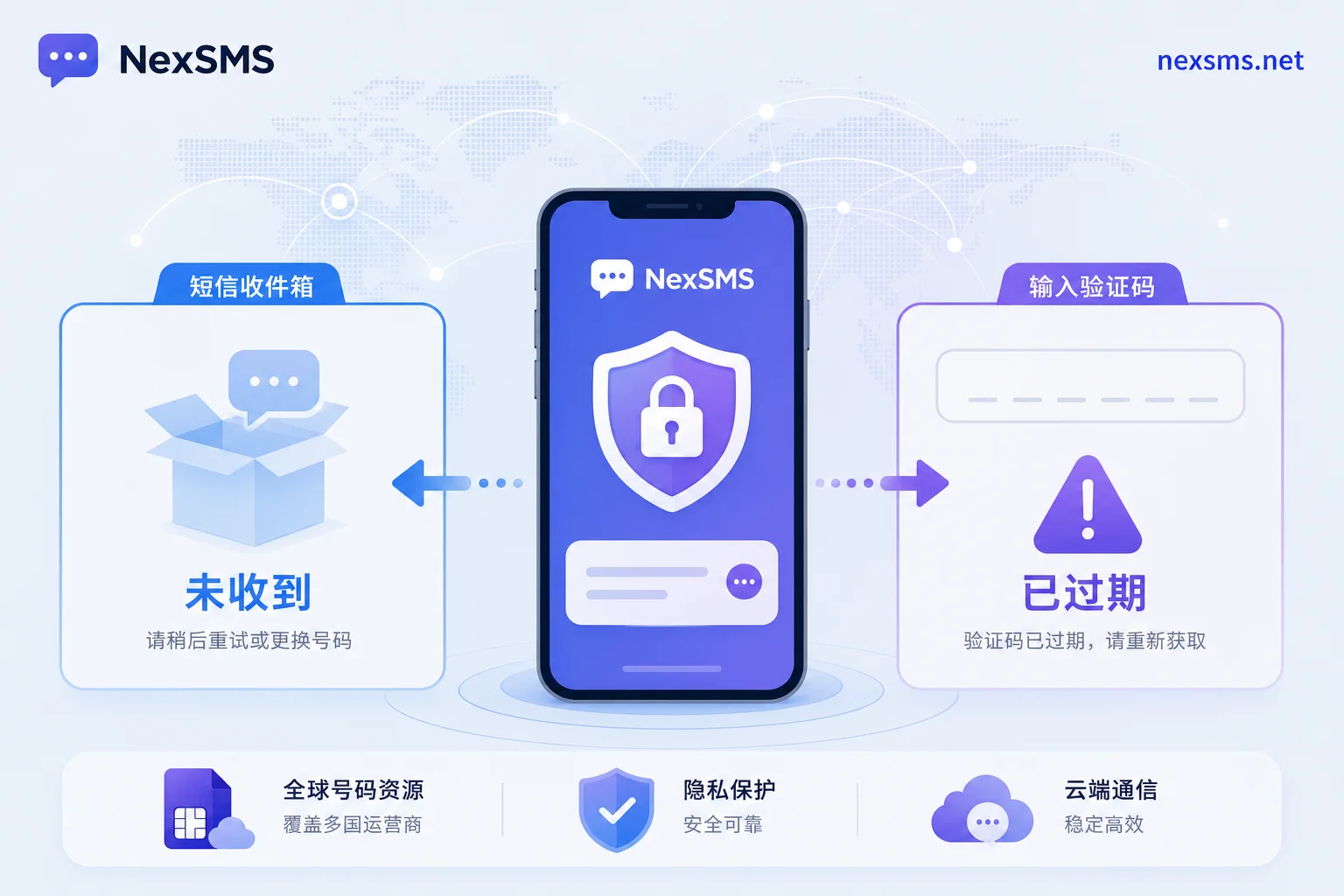
Distinguish Two Kinds of Failures: Code Not Received vs. Code Received But Expired
"Timeout" actually encompasses two distinct scenarios with opposite handling approaches.
Scenario A: SMS never received. Here, the page shows the code was sent, but nothing appears in the inbox (including spam or blocked messages). This may relate to cross-border SMS routing. The UK communications regulator Ofcom, on July 15, 2026, issued new regulations to combat SMS fraud, requiring network operators to establish unified blocking mechanisms to intercept calls from overseas spoofing UK mobile numbers (CLI Spoofing) and SIM farm traffic. This can cause longer routing paths and more retries for some cross-border routes, manifesting as long delays or silent loss of verification codes.
Scenario B: SMS received, but during entry the prompt says "Verification code expired" or "Invalid code." This indicates the code itself was valid but exceeded the platform's validity period. In this case, there's no need to change channels; simply request a new one and enter it immediately upon receipt.
To determine which scenario you're in, only one action is needed: after sending, watch your inbox for 30 seconds, also noting whether the page has a "Resend" countdown. If the countdown resets but no SMS arrives, it's basically Scenario A.
How Long Are SMS Verification Codes Valid: What the 10-Minute Out-of-Band Constraint Means
To judge how long to wait, you need a baseline. The U.S. National Institute of Standards and Technology (NIST), in its official SP 800-63B Rev 4 specification, sets a hard constraint of a maximum 10-minute validity period for out-of-band verification codes. Note this is a specification ceiling, not what each platform actually implements—most platforms set shorter periods, and the exact value should be based on the page countdown or prompt text.
The direct implication of this constraint is: from the moment you click send, if a code hasn't arrived after about 10 minutes, even if it arrives later, it will likely have already surpassed the validity period. Continuing to wait is pointless; move to the resend step.
In practice, rely first on the page's displayed countdown or prompt text. If the page says 5 minutes, use 5 minutes. If no indication, use the 10-minute scale as a conservative upper bound.
Why Some Overseas Number Segments Are Always "Late": The Chain Reaction of Tightened Cross-Border SMS Routing Filters
The Ofcom regulation mentioned earlier does not only affect UK local numbers. Its core is to require operators to intercept calls from overseas spoofing UK mobile numbers and SIM farm traffic. Once this mechanism is in place, filters for cross-border SMS become stricter overall—all SMS routed from overseas to UK numbers must undergo more rigorous checks.
Consequences: some real, legitimate cross-border verification SMS will also be treated as suspicious traffic and undergo extra validation layers, significantly increasing delivery time. This creates the scenario you've seen: waiting seven or eight minutes for a verification code, only to find it expired.
This isn't a problem with your number; it's the cross-border route becoming slower. Understanding this helps avoid bouncing between "change number" and "resend."
Handling Step One: How Long to Wait Within Validity and Which Signals Indicate Hopes
These situations indicate it's worth waiting longer rather than rushing to resend:
- The page countdown hasn't ended, and other notifications from the same platform (like marketing emails or pushes) arrive normally;
- Signal is normal, roaming is normal, and no blocking notification from the carrier has been received;
- It's been less than 3 minutes since clicking send.
These situations indicate it's no longer worth waiting; proceed directly to resend:
- The page countdown has reached zero or shows "Resend";
- You've received a carrier blocking notice or SMS center bounce notification;
- More than 10 minutes have passed without arrival.
| Signal | Judgment | Action |
|---|---|---|
| Countdown not ended, other notifications OK | Still hope | Continue waiting |
| Countdown reset, SMS not arrived | Likely lost | Proceed to resend |
| Received blocking notice | Filtered | Switch channel or number |
| Arrived after 10 minutes | Likely expired | Resend and enter quickly |
Handling Step Two: How to Resend After Crossing the Validity Period: Intervals and Signals of Hitting Limits
Resending is not about sending as fast as possible. Before resent, close and reopen the page to ensure you receive a fresh, valid code; old codes become invalid the moment you resend. If the page has a "Resend" button, follow its minimum allowed interval; don't spam click, as it only accelerates triggering risk control.
When resend limits are hit, common signals include:
- Button grays out, and the countdown becomes noticeably longer;
- Prompt says "Please try again later" or "Operation too frequent";
- Page offers email verification or voice code as alternatives;
- Direct message "Daily quota used up."
Regarding "how many times can you resend before being restricted," there is no uniform number; each platform sets its own policy. NIST only limits validity, not resend counts. It's recommended to follow page prompts and not challenge platform throttling.
Handling Step Three: When Repeated Resends Time Out, Determine Whether It's a Channel or Number Segment Issue
If after two or three resends it still times out, perform cross-tests to identify the problematic layer.
| Test | Method | Interpretation |
|---|---|---|
| Number side | Request a code from another platform using the same number | If also not received or delayed, issue is with number or routing |
| Platform side | Request a code from the same platform using a different number | If normal, issue is with your number segment |
| Channel side | Switch to email or voice verification | If normal, indicates SMS channel point failure |
Considering the tightened cross-border routing under Ofcom: when the same number segment shows long delays or non-delivery across multiple platforms and multiple resends, it's likely a number segment and routing issue, not temporary jitter. Continuing to resend is pointless; move to channel switching.
If the platform offers in-app or voice backup channels, use them to complete verification first; for specific reception methods, refer to Telegram verification code reception.
Handling Step Four: When It's Confirmed You Must Change Numbers, What Kind of Number Won't Repeat the Timeout?
This is the final step in handling overseas platform SMS verification timeouts. Changing numbers doesn't mean grabbing any unused number. The longer the cross-border routing path, the higher the probability of delayed arrival and expiration. Switching the verification entry point to a local number segment aligned with the target platform's service region is the most direct way to shorten the route.
Before changing, confirm three items:
- Whether the platform allows changing the bound phone number;
- Whether there's a cooling-off period after change; refer to platform help center for specific days;
- Whether you need a short-term number for one-time verification or a long-term one for login, account recovery, and two-factor authentication.
For the choice between short-term and long-term, directly refer to Difference between short-term and long-term numbers: for one-time registration, short-term suffices; for core accounts, a renewable long-term local number is necessary to avoid account loss after number recycling. If involving high-frequency social platforms like Facebook verification code reception, long-term local number segments are more suitable.
After changing, run through the registration process again with the new number on the same platform to confirm normal code delivery before abandoning the old one.
Associated Risks Beyond Timeout: Risks of Repeated Resends and Overloading a Primary Number with Many Accounts
Repeated resends not only trigger frequency limits but may also be flagged by platform risk control as abnormal behavior, further reducing success rates for subsequent verifications. Therefore, resending is not the solution but a process to identify the problem.
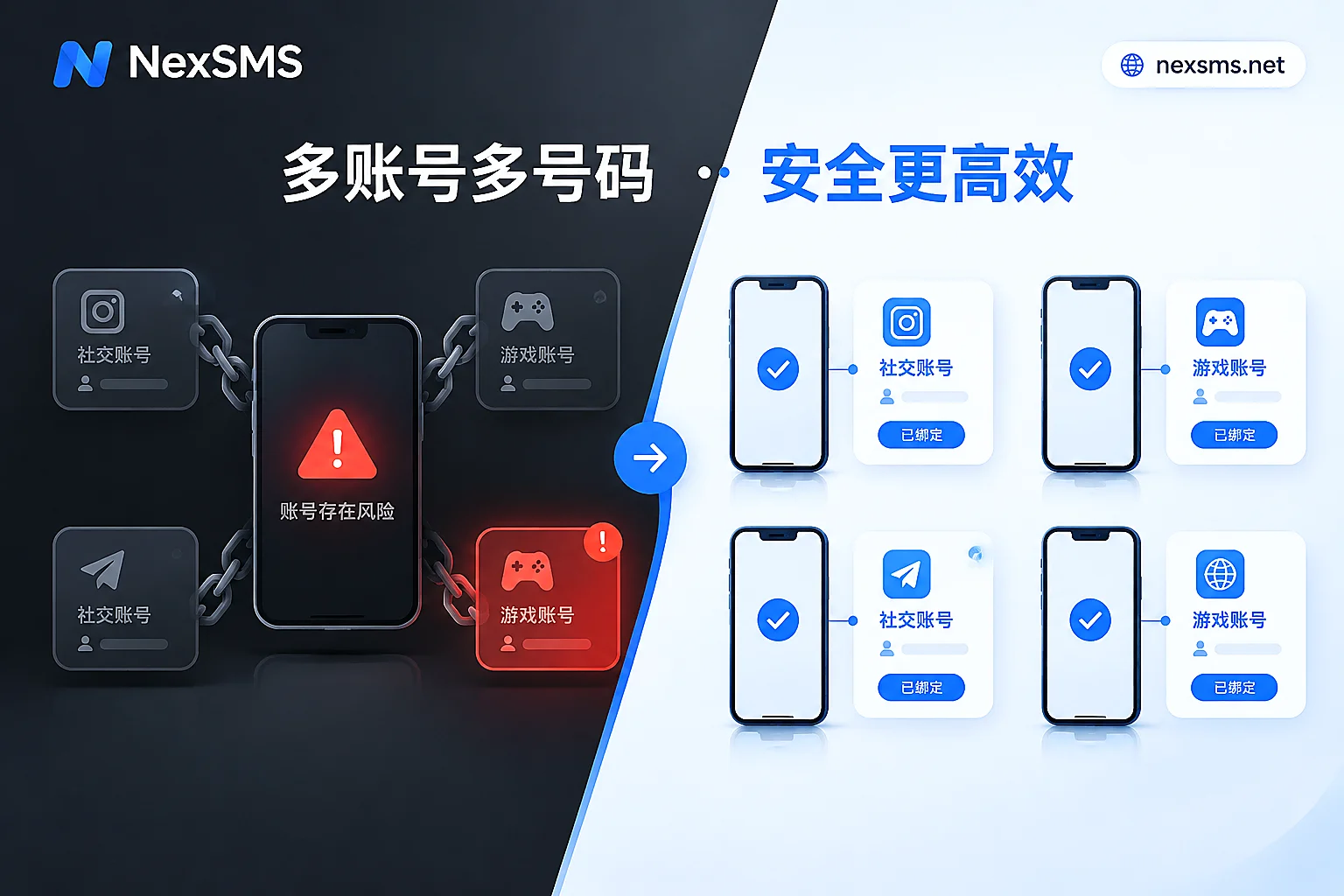
On a deeper level, NIST SP 800-63B Rev 4 classifies PSTN-based out-of-band authentication (including SMS OTP and voice) as a Restricted Authenticator, explicitly noting threats from SIM swapping, number porting, and SS7 signaling interception. This reminds us: It's unwise to place all critical accounts on the same primary mobile number, because if that number is compromised or suspended, all linked accounts become inaccessible. For protection ideas against SIM swapping, refer to SIM swap attack protection.
A wise approach is number isolation and division of labor: primary number only for necessary contacts, and separate dedicated numbers for cross-border platform verification.
Implementing with NexSMS: Local Number Segments for Target Markets, Web-Based Code Reception, and Short/Long-Term Division
If you confirm the problem is at the number segment and routing level, consider services like NexSMS when changing numbers. Its official website discloses capabilities including: multiple country number selection to shift verification entry to local number segments in target markets, shortening cross-border routing; SMS verification codes viewable instantly via web, avoiding delays from switching devices; and offering short-term numbers for one-time registration and renewable long-term local numbers for core accounts needing ongoing code reception, with API support for batch needs.
It's important to note: no number service can bypass a platform's own validity settings or resend frequency limits. NexSMS's value is to reduce the probability of delayed arrival, not to solve timing.
Self-Check Checklist for Overseas Platform SMS Verification Timeout Handling
Compress the above into a checkable checklist; before resending or changing numbers, confirm item by item:
- [ ] Confirm whether it's "not received" or "received but expired"
- [ ] Record actual time from click send to expiration prompt
- [ ] Confirm page countdown value
- [ ] Resend once at the minimum interval, observe limit signals
- [ ] Conduct cross-platform test with same number and cross-number test with same platform
- [ ] Determine issue layer: channel / number segment / platform
- [ ] Choose short-term or long-term number based on use case
- [ ] Confirm platform number change rules and cooling-off period
FAQ
What does "verification code expired" mean?
It means the SMS was successfully delivered but exceeded the platform's validity period during entry. Handling: resend to get a new code, enter immediately, don't do other operations first.
How long are SMS verification codes valid?
NIST sets a maximum validity period of 10 minutes for out-of-band codes, but actual platform settings are often shorter; refer to page countdown or prompt text.
If an overseas verification code arrives after ten minutes, can it still be used?
Likely expired. NIST's hard constraint for out-of-band codes is a maximum of 10 minutes, with actual platforms being shorter. Codes arriving after this window, even if displayed as valid, may be rejected upon entry.
How many times can you resend a verification code before being restricted?
No uniform number; each platform sets its own frequency control policy. Common signals include grayed-out buttons, longer countdowns, or "Please try again later" prompts. Follow page prompts, don't click continuously.
Verification code arrived but input says invalid—what to do?
First check if it's due to resending, which invalidates old codes immediately. If it's fresh and still invalid, check for extra spaces or try reloading the page to get a new code. If still invalid, run cross-tests to check number segment issues.


Comments(0)