NexSms官方博客
1. WhatsApp Overview
WhatsApp is no longer just a messaging app.
- Launched in 2009
- Acquired by Meta in 2014
- As of 2025, approximately 2.93 billion global active users
For those in foreign trade, it serves as:
- Customer communication tool
- Quotation and negotiation tool
- After-sales service tool
- Private traffic management tool
When driving traffic from TikTok, Shopify, or Alibaba Group, the final transaction often moves to WhatsApp.
Therefore, the first step is always to register an account.
2. Preparation Before Registration
1️⃣ Network Requirements
Core principle: Stable, single-country IP address, avoid frequent changes.
Recommendations:
- Remove Chinese SIM card
- Turn off location services
- Set region to target country
- Ensure IP address remains stable for long periods
You can check via IP lookup websites; as long as the displayed city does not change frequently, it should be fine.
2️⃣ Using a Phone Number (Key Point)
Chinese phone numbers can absolutely be used for registration.
China Mobile, China Unicom, and China Telecom all work.
Real-world tests in 2025 show:
- SMS may often fail to be received
- Voice verification codes have a higher success rate
But many people encounter:
"Unable to send SMS to your number. Please try again later."
In this case, do not repeatedly request SMS.
⚠️ A Safer Alternative
If your number:
- Has repeatedly failed to receive verification codes
- Shows as restricted
- Frequently prompts to wait 1 hour before retrying
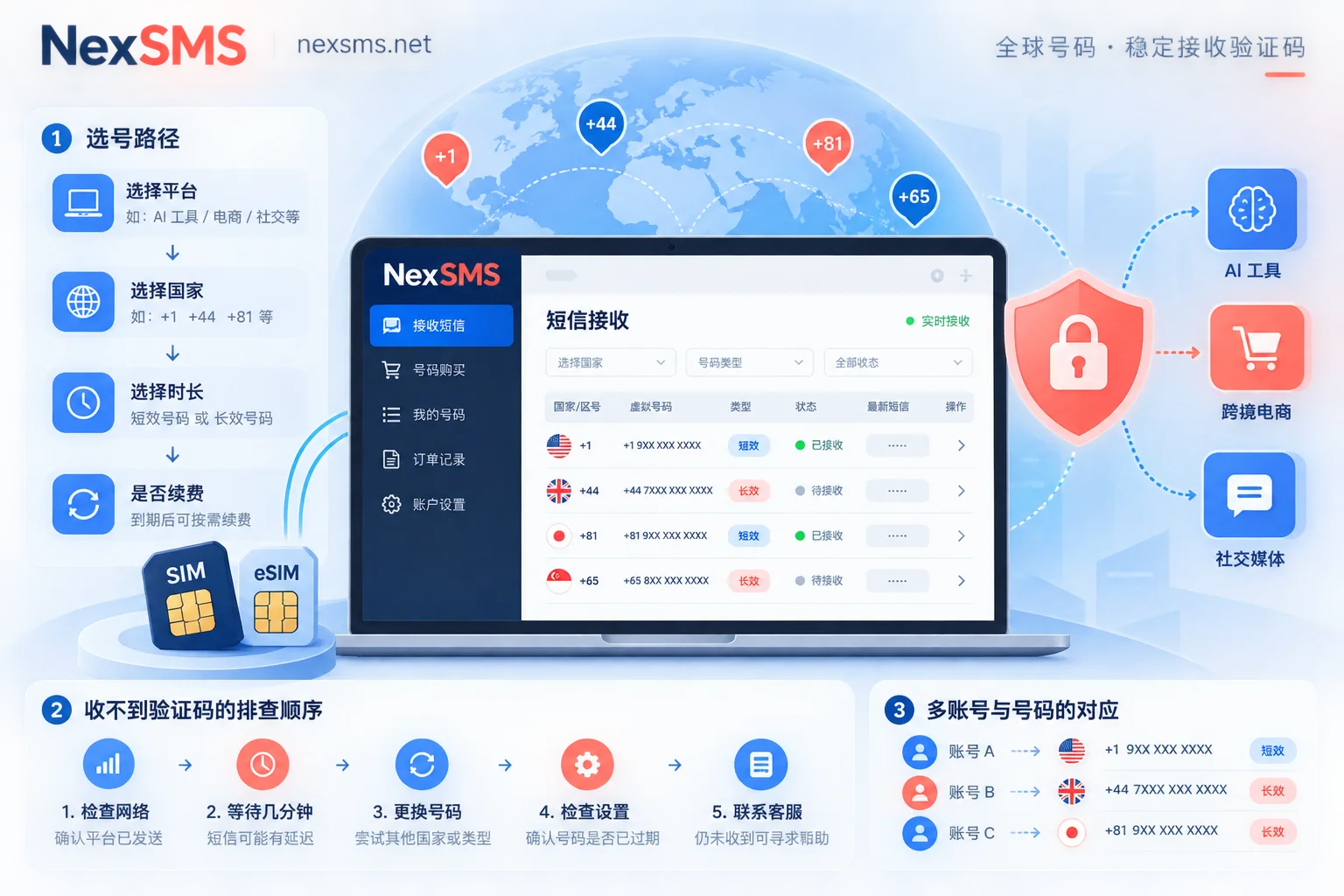
Consider using a professional SMS verification service for assistance.
I recommend a platform I have personally tested:
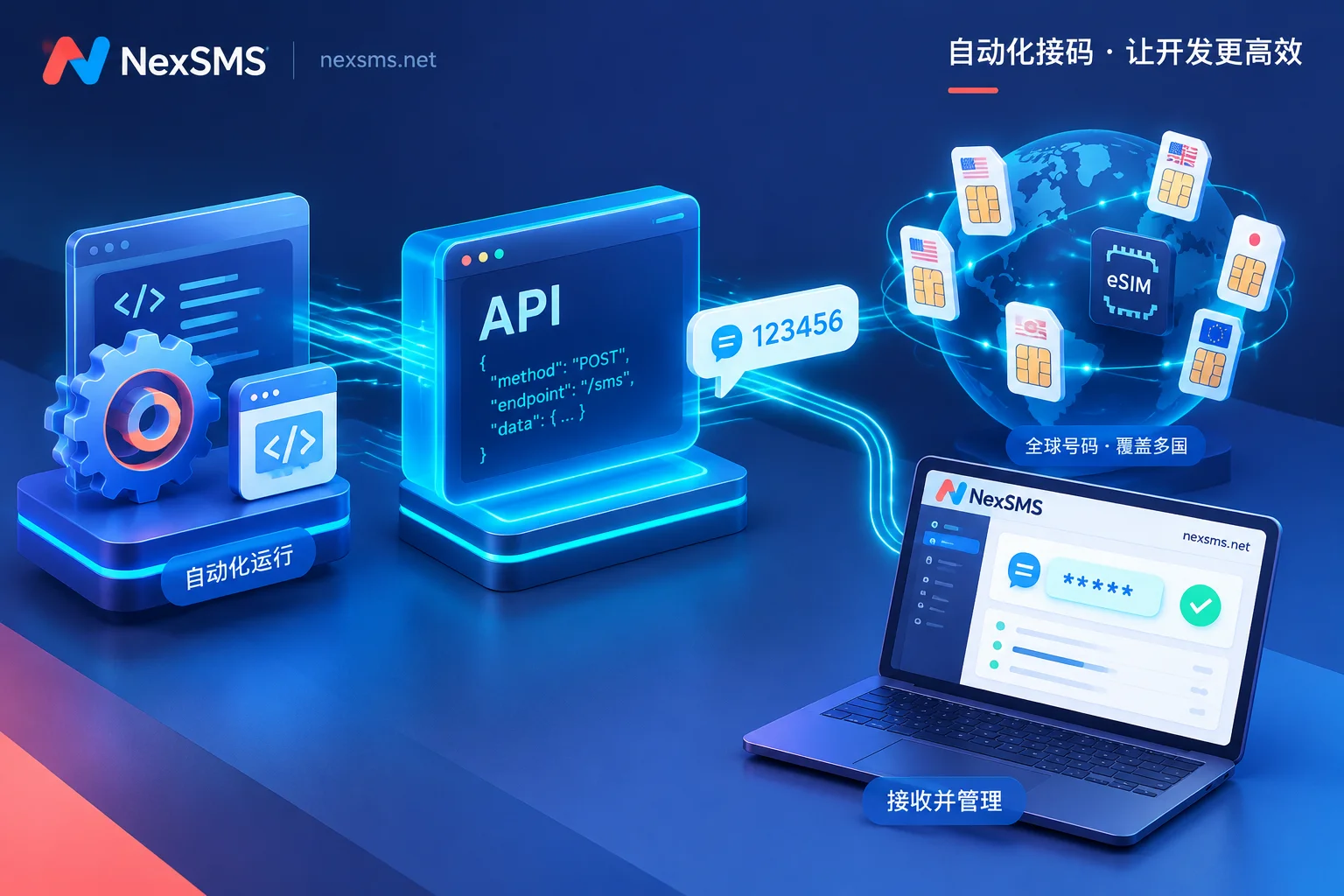
👉 NexSMS
Its advantages include:
- Supports receiving verification codes via global numbers
- Designed specifically for WhatsApp verification
- Fast verification
- High success rate
- No long-term binding, pay-per-use
Ideal for:
- Batch registration
- Backup account registration
- When original number is restricted
For those managing multiple foreign trade accounts or employee sub-accounts, this is very practical. Of course, if your Chinese number can normally receive voice verification codes, using your own number is preferred for maximum stability.
3️⃣ Download WhatsApp
iPhone
Require a foreign Apple ID
Search and download from the App Store.
Android
Need:
- An external network environment
- Google Play account
Or download the APK directly from the official website.
3. Registration Steps Tested in 2025
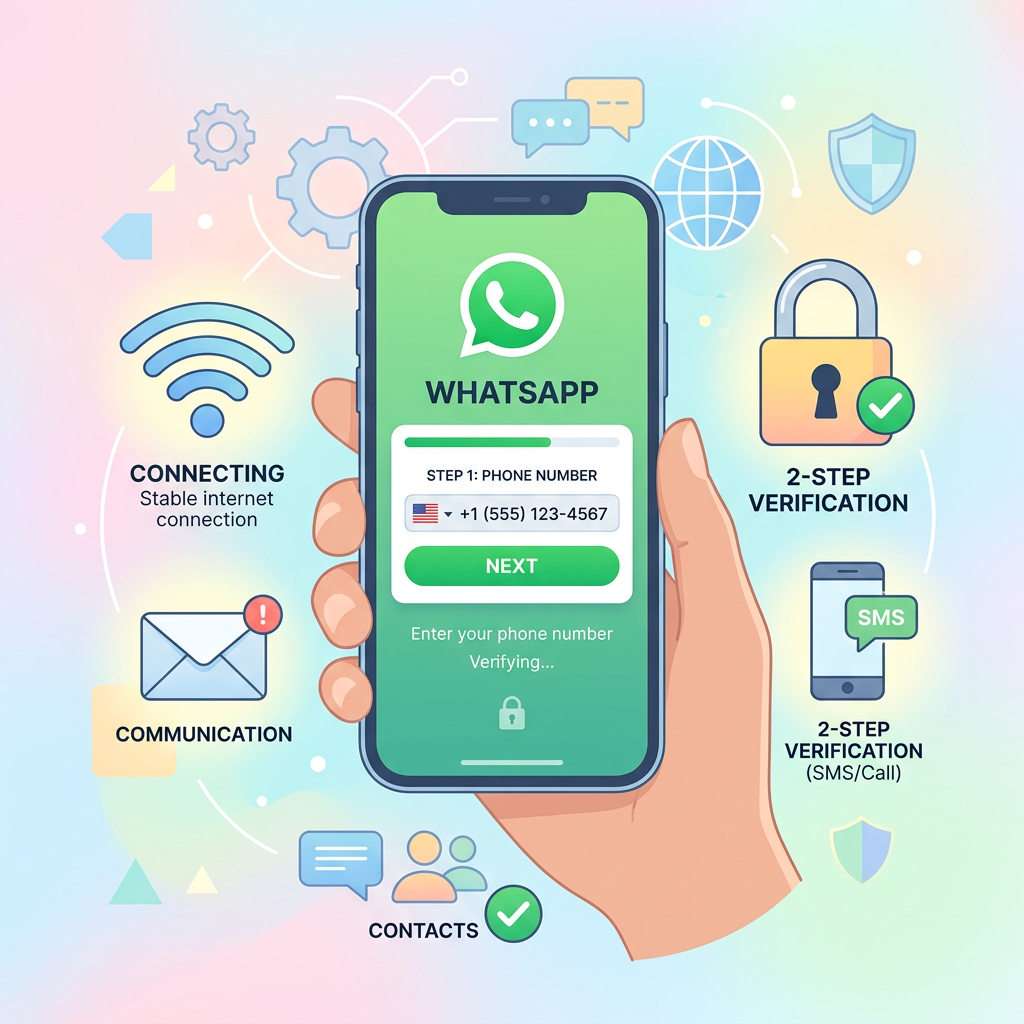
Step 1: Agree to Terms
Open the app → Agree and continue
Select country: China +86
Step 2: Enter Phone Number
After confirming it is correct, tap "Yes."
Step 3: Verification Code Step (Critical)
Common scenarios include:
- SMS delivery failed
- Prompt to try again later
Directly tap:
"Didn't receive the verification code?" → Select voice call
You will receive a call starting with 021.
Follow the prompt to enter digits, and the system will read a 6-digit verification code (repeated twice).
Fill it in quickly.
If prompted to wait 30 minutes?
Wait until the time is up, then select voice call again.
Avoid frequent operations to prevent being flagged by the system.
Step 4: Profile Setup
- Set profile picture
- Set nickname
- If previously used, restore chat history from iCloud or Google Drive
Registration complete.
4. Security Settings After Registration (Mandatory)
Enable Two-Step Verification
Path:
Settings → Account → Two-step verification
- Set a 6-digit PIN
- Bind an email address
To prevent:
- Malicious number changes
- Account theft
5. Risks of Changing Numbers
WhatsApp allows you to change the bound number at any time.
While convenient, it also poses risks:
- Lost phone
- Employee turnover
- Device taken by others
As long as you can receive verification codes, you can directly change the number.
Recommendations:
- Manage accounts centrally at the company level
- Bind corporate email
- Enable two-step verification
- Do not let personal phones hold important accounts for long periods
Summary
In 2025, registering WhatsApp with a Chinese number:
✔ Is possible
✔ Is stable
✔ Voice verification has a higher success rate
If you encounter risk controls or cannot receive verification codes:
- First try voice call
- If that fails, consider using a professional SMS verification platform (like NexSMS) for assistance
In foreign trade, tool stability directly impacts business stability.
Build a solid account foundation to better retain customers.