 NexSms官方博客
When registering a new account, you're always asked for a phone number. Mixing business and personal numbers causes trouble. Customer messages, promotional texts, and verification codes all pile up on your main number, and privacy is easily compromised. Especially if you want a separate WhatsApp business account for client communication, selling, or joining work groups, exposing your main number puts you in a passive position.
Temporary virtual numbers solve this. They are not physical numbers tied to your SIM card but virtual lines that can receive SMS. Use them and discard them, keeping your main number clean. By 2026, this need will be even more common as data brokers and spam messages become more aggressive. Ordinary people also start getting separate numbers for side hustles, testing, or short-term registrations.
First, distinguish between two common types. One is free shared numbers: websites list a bunch of public numbers that anyone can see the inbox of. The code is public; others might use your verification code first. Moreover, these numbers have been heavily registered, so platforms easily blacklist them, leading to low success rates. Privacy is also nonexistent; anyone can view your OTP. The other type is private temporary numbers: the platform assigns a number exclusively to you, the code is only visible in your account, the number is fresh, and the risk of blacklisting is low. Many services support country selection and automatically refund on failure. In practice, private numbers have significantly higher success rates on platforms like Google, WhatsApp, Instagram, and Amazon, sometimes over 90%.
The most practical use case in business is creating an independent WhatsApp. Keep your main number for family and friends, and use the business number exclusively for client communication or communities. The process is straightforward: find an SMS verification service that supports private numbers, choose a suitable country (USA, UK, or a common target market), get the number, immediately enter it on WhatsApp's registration page, and trigger the SMS. The code usually arrives within tens of seconds; enter it and you're done. After that, this number is only used for business chats and status updates, completely isolating your main number. When selling, you can also attach this number to ads, and after closing deals, spam messages won't reach your main number. The same applies to work groups or customer groups; use this number to avoid exposing your personal contact.

Developers and testers also use this frequently. Apps need OTP verification, and you can't swap real SIM cards every time. Temporary numbers let you quickly simulate multi-user registration without maintaining multiple physical SIMs. Cross-border registration is also convenient; some services only accept numbers from certain countries, and virtual numbers do it in minutes without roaming or buying local SIMs.
Pay attention to a few details during operation to greatly improve success rates. First, prepare before getting the number. Open the registration page, fill in all fields except the phone number, paste the number immediately after obtaining it, and send. Don't let the session timeout. Second, match the country. Platforms are more lenient with local numbers; try US numbers for US services, UK or German numbers for European services. If it fails, switch countries and retry. Third, one number per use. Temporary numbers are designed for one-time verification; reusing the same number repeatedly for the same platform may trigger risk controls. Fourth, act quickly. Verification codes usually expire in 2 to 5 minutes; enter them as soon as you see them. Fifth, don't rely on temporary numbers for long-term 2FA. They are suitable for initial registration; for subsequent logins, switch to authenticator apps or hardware keys.
Common misconceptions also exist. Some think free shared numbers are sufficient, but then codes are snatched or never received, wasting time. Others try to use virtual numbers for bank or government high-security services, which often require real operator numbers and directly reject them. Legal uses are fine as long as you don't engage in fraud or spam. When choosing a platform, check if it offers private allocation, multi-country support, and refunds on failure. Platforms like NexSMS provide SMS verification services with private virtual numbers and multiple country options, suitable for quick business registration without exposing your main number.
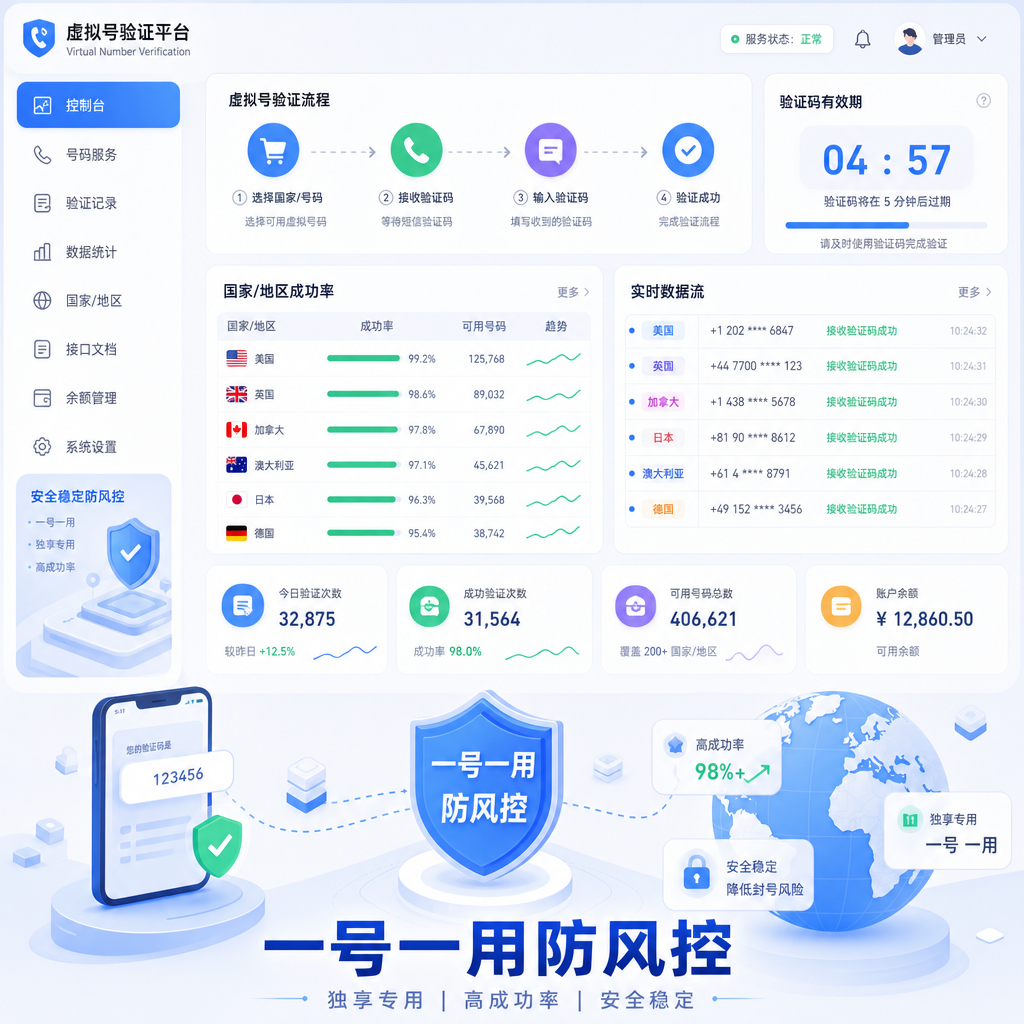
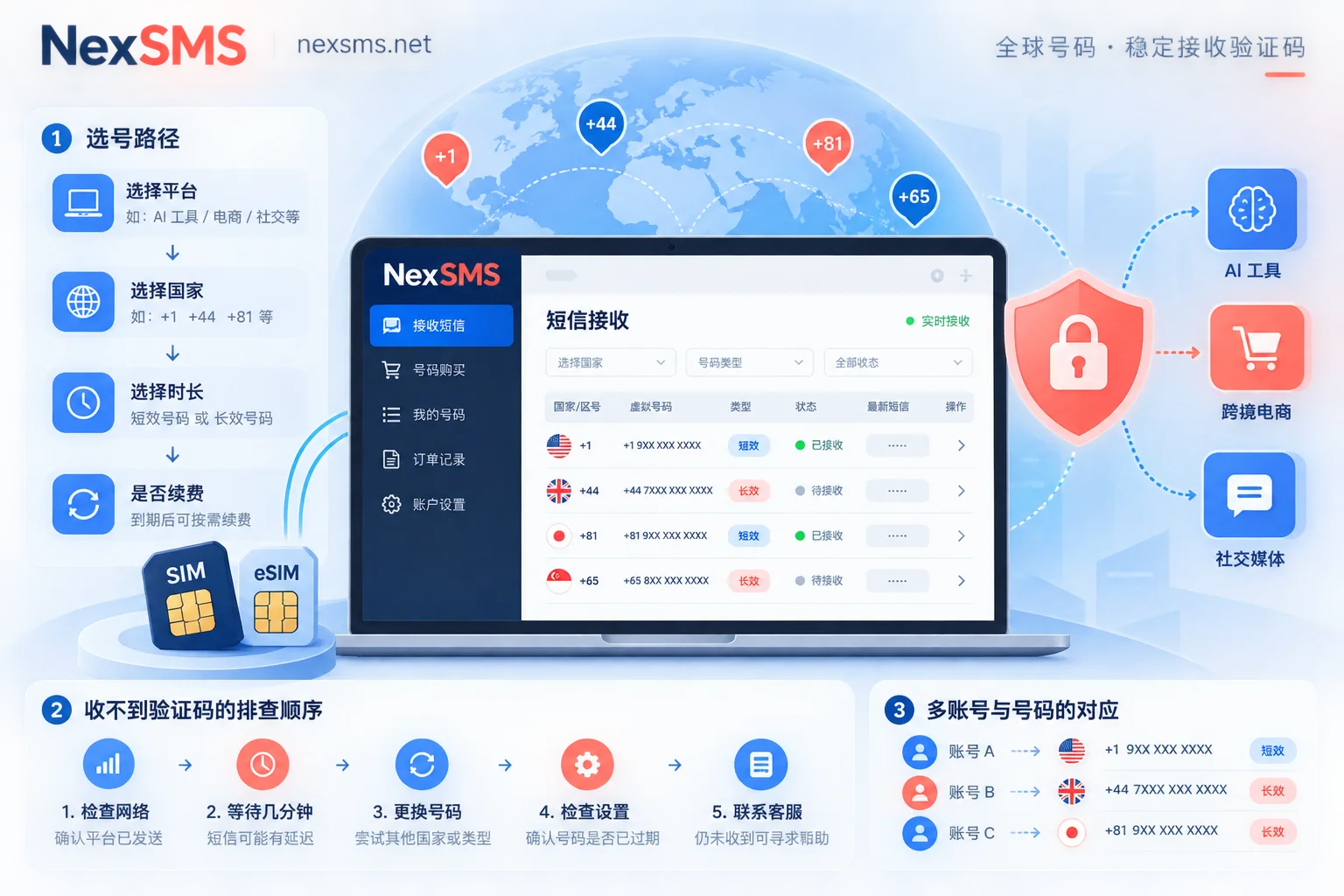
A practical workflow: register an account on the SMS verification platform (usually only needs email), recharge a small amount, search for the target service like WhatsApp, select a country, get the number, enter it in the app, refresh the page to wait for the code, and enter it. The whole process takes a few minutes. After that, your business WhatsApp runs independently, your main number stays clean, and spam messages and cross-tracking are reduced.
Side hustles selling goods, content creators contacting brands, small teams assigning roles, all can use this approach. Keep your main number for truly important matters, and swap business numbers anytime. By 2026, privacy awareness will rise, and temporary numbers will shift from "hacker tools" to daily essentials. The key is choosing the right type—prioritize private temporary numbers, follow the details above, and your SMS verification success rate will naturally increase.
If you need a long-term business number, you can later convert it to a renewable virtual number, but for initial verification, temporary ones are the most hassle-free. Try it once and see—your main number no longer has to pay for every new service. Tools like NexSMS simplify the acquisition process, making it straightforward for daily business isolation needs. Try multiple countries to find the "sweet spot" for your commonly used platforms, and future registrations will be much easier.



Comments(0)