 NexSms官方博客
Recently, many developers have encountered login barriers when using the Codex desktop client under ChatGPT. Even with a valid subscription and seamless web login, the client still forces a jump to the phone verification page. Faced with sudden security verification, using a reliable SMS receive platform to obtain overseas temporary numbers has become an effective way to quickly cross this threshold.
This verification barrier has stumped many developers who are used to logging in only with email or third-party accounts. Especially in regions where overseas SMS is not directly accessible, the inability to provide a compliant contact method means that even after paying, they cannot start the local programming assistant. This not only delays project progress but also frustrates engineers who pursue efficient coding.
Why Codex Client Suddenly Mandates Phone Verification
According to feedback from multiple developer communities, OpenAI has recently upgraded the security policy of the Codex client. Since the tool interacts directly with local code repositories, the official introduction of stricter device and account binding mechanisms aims to prevent malicious API calls and protect code assets. This change has locked out many early registrants who did not bind a phone number or bound an invalid number.
Moreover, many users who already enabled advanced account security settings were also forced to trigger this verification mechanism after updating the client version. The system defaults to sending SMS verification codes to historical numbers associated with the account. But if the number has long been deactivated or lost, users fall into a deadlock where they cannot modify the binding themselves, watching the software interface stuck at the first verification step.
Additionally, regional restrictions during verification trouble some users. For example, numbers in certain regions may experience format recognition errors when receiving verification codes, or due to domestic operators' SMS interception policies, regular verification SMS cannot be delivered at all. This means users urgently need a clean overseas number that complies with verification rules to break this login loop.
Specific Steps to Use SMS Receive Platform to Solve Verification Stuck
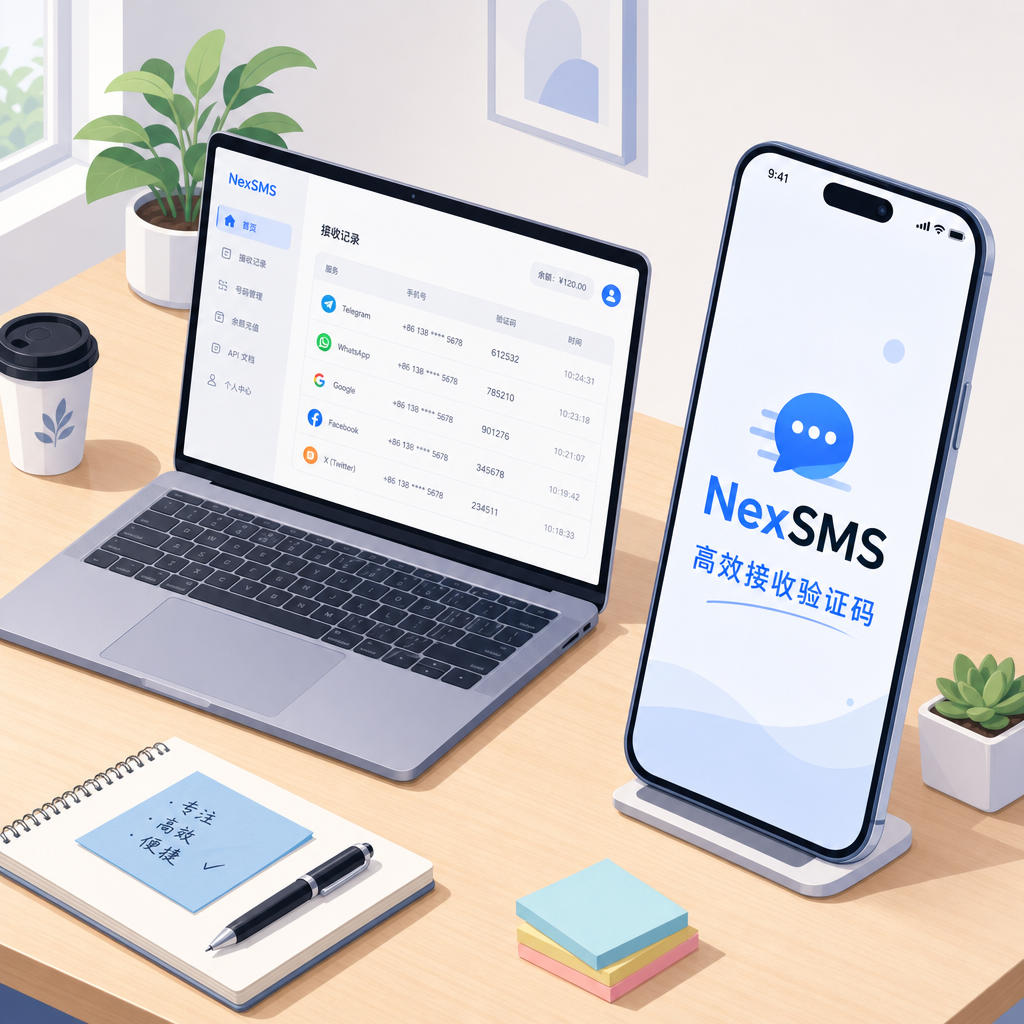
Developers facing this issue can use temporary number services to complete two-factor verification. The whole process is not complicated, focusing on number selection and real-time code reception. To ensure a one-time pass, follow these steps for investigation and operation:
- Choose a stable overseas service region that supports verification, such as Japan, the UK, or Sweden.
- Check the number type, avoid VoIP segments easily flagged as virtual numbers, and choose physical card segments.
- Enter the assigned number accurately in the system input box, removing extra country codes and spaces.
- Return to the verification interface, click send, and patiently wait for the six-digit SMS code in the reception window.
- Copy the received code to complete client login, then unlock local coding assistance functions normally.
When selecting an SMS receive platform, developers need to pay attention to the number's region and operator type. Because the system has strict anti-cheat detection, low-quality platforms are easily flagged as abnormal and refused to send verification codes, wasting time and money. High-quality platforms usually provide dedicated channels to ensure high success rates.
Practical Tips to Avoid SMS Interception and Recognition Failure
During actual verification, many users report sending verification codes but never receiving them. This is often because domestic operators have enabled overseas spam SMS interception services by default, filtering out verification SMS from the system. This interception occurs at the operator gateway level, and users cannot see any interception records on their phones.
At this point, using the SMS verification service provided by NexSMS can effectively bypass domestic operators' interception mechanisms. Since the verification code is sent directly to the real base station network in the overseas destination country, users can read the content directly in the web backend, bypassing local network link interference. This method significantly reduces verification failure rates due to interception.
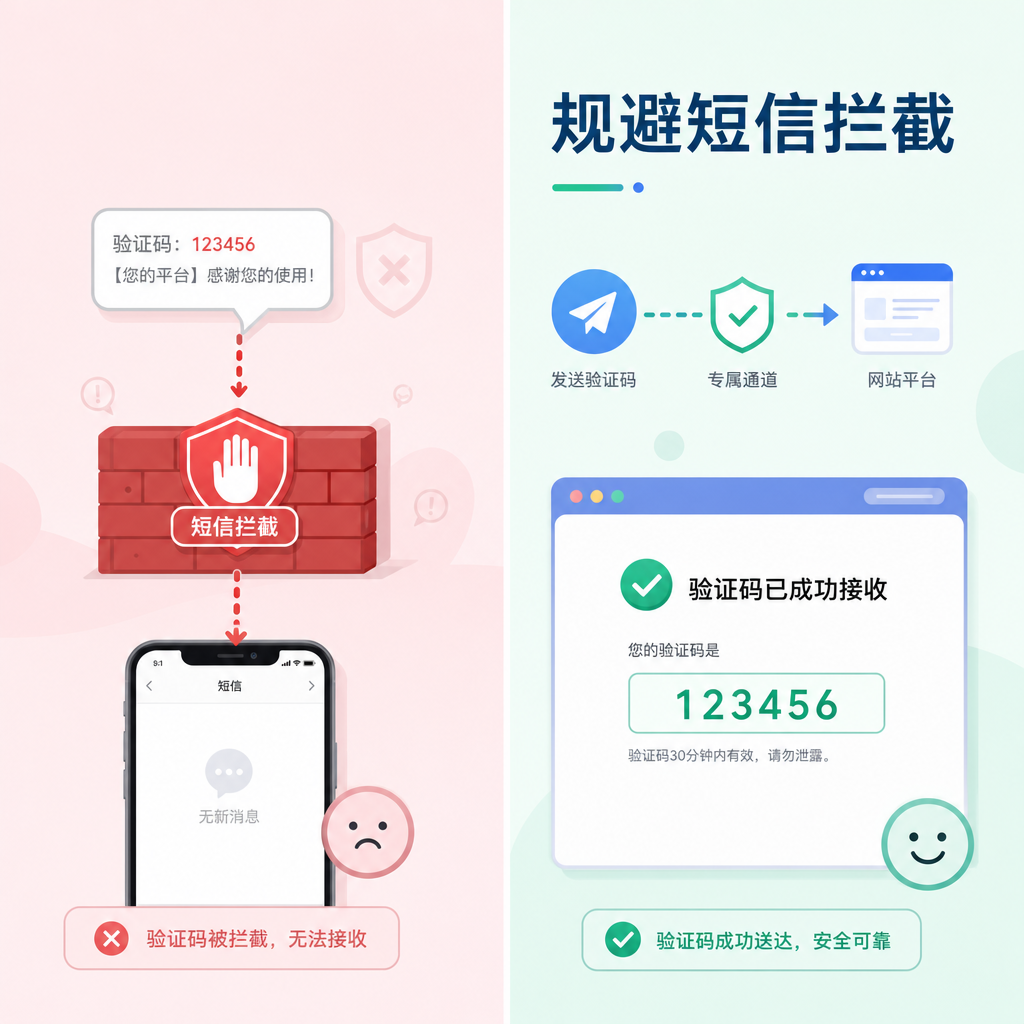
Furthermore, the official firewall has extremely high requirements for IP cleanliness. If the network node used during phone verification is already blacklisted, the system directly prompts "Unable to send verification code to this number." Before verification, be sure to switch to a clean exclusive node and clear browser cache to ensure a clean verification environment.
Security Usage and Maintenance Suggestions After Verification
Successfully logging into the Codex client does not mean letting your guard down. To prevent triggering two-factor verification again, it is recommended to maintain a stable login state during daily development. Frequently switching between different network environments or devices can easily reactivate the security system's risk assessment, leading to another phone verification request.
If subsequent verification is needed due to security changes, high-quality overseas numbers obtained through NexSMS can smoothly pass detection, helping developers quickly resume coding work. Properly managing development account security strategies not only improves work efficiency but also avoids project delays caused by login issues.
Finally, after binding a new number, developers should enable two-factor authentication (2FA) applications, such as common authenticators, in account settings. This way, when the client requires secondary authorization, dynamic passwords can replace phone SMS verification, further enhancing account security and convenience, and avoiding second lockout due to number invalidation.



Comments(0)