 NexSms官方博客
Recently, many developers in major tech communities have encountered obstacles when registering or upgrading Claude accounts. Especially since Anthropic officially launched the Persona-based real-name and facial recognition verification policy on July 8 this year, many developers seeking to avoid privacy leakage risks have turned to overseas virtual numbers as the first line of isolation protection. However, after entering the number into the input box, they often encounter the system prompt "unsupported phone type" and get stuck at the activation step.
This is mainly because Anthropic's security system performs real-time database lookups on numbers, filtering out low-cost Voice over Internet Protocol (VoIP) numbers. To help everyone successfully complete registration while protecting privacy, this article will explain in detail how to obtain high-purity numbers that can pass the detection and provide step-by-step solutions to resolve registration bottlenecks.
Why Do Ordinary Numbers Fail Claude's Security Screening?
When a user submits a phone number to the platform, the backend immediately runs a database lookup, reading Caller ID Name (CNAM) and Home Location Register (HLR) data. These underlying technologies read the line type attribute. If it shows as a VoIP number, the security system directly blocks the issuance of verification codes.
In the past, many temporary SMS receiving services used such VoIP numbers. Due to the lack of physical SIM cards, they are easily used for bulk registration and have been blacklisted by major platforms. For Claude, the risk control strategy behind it has recently tightened significantly. Especially after its partner Persona introduced stricter real-name mechanisms, the platform's blockage rate for non-physical card numbers has reached unprecedented levels.
In this case, to successfully receive the verification code, you must find mobile number segments issued by real mobile operators and bound to physical SIM cards. At this point, you need to use professional non-VoIP virtual numbers to bypass the system's underlying filtering of number attributes.
How to Obtain Compliant Virtual Numbers Step by Step to Complete Activation?
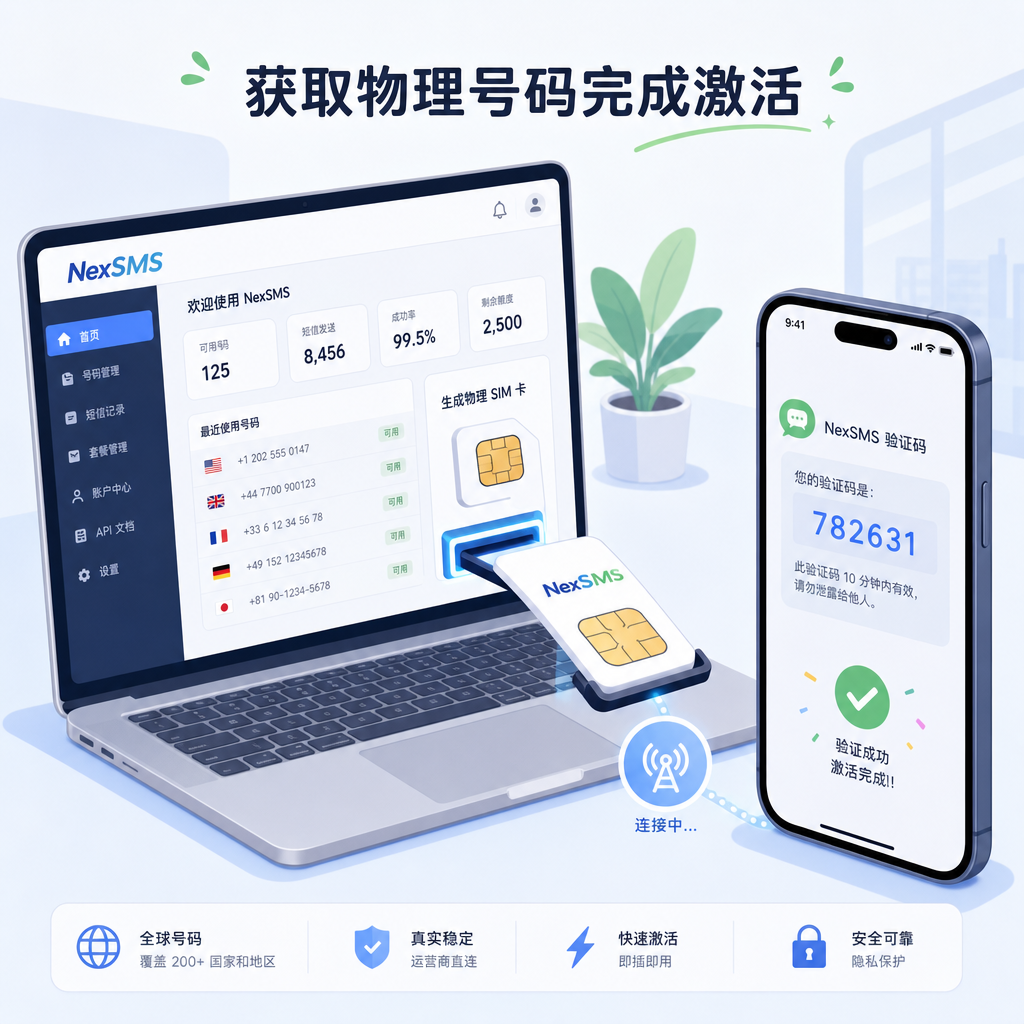
To complete registration under strict risk control mechanisms, the entire operation process must ensure high consistency between the network environment and number purity. The following are the specific operation steps:
The first step is to configure a clean network environment. Use a residential proxy IP corresponding to the target country (usually the United States or the United Kingdom). If your proxy IP belongs to an abused public data center segment, even if the number itself is fine, the system may refuse to send SMS due to detection of high-risk access.
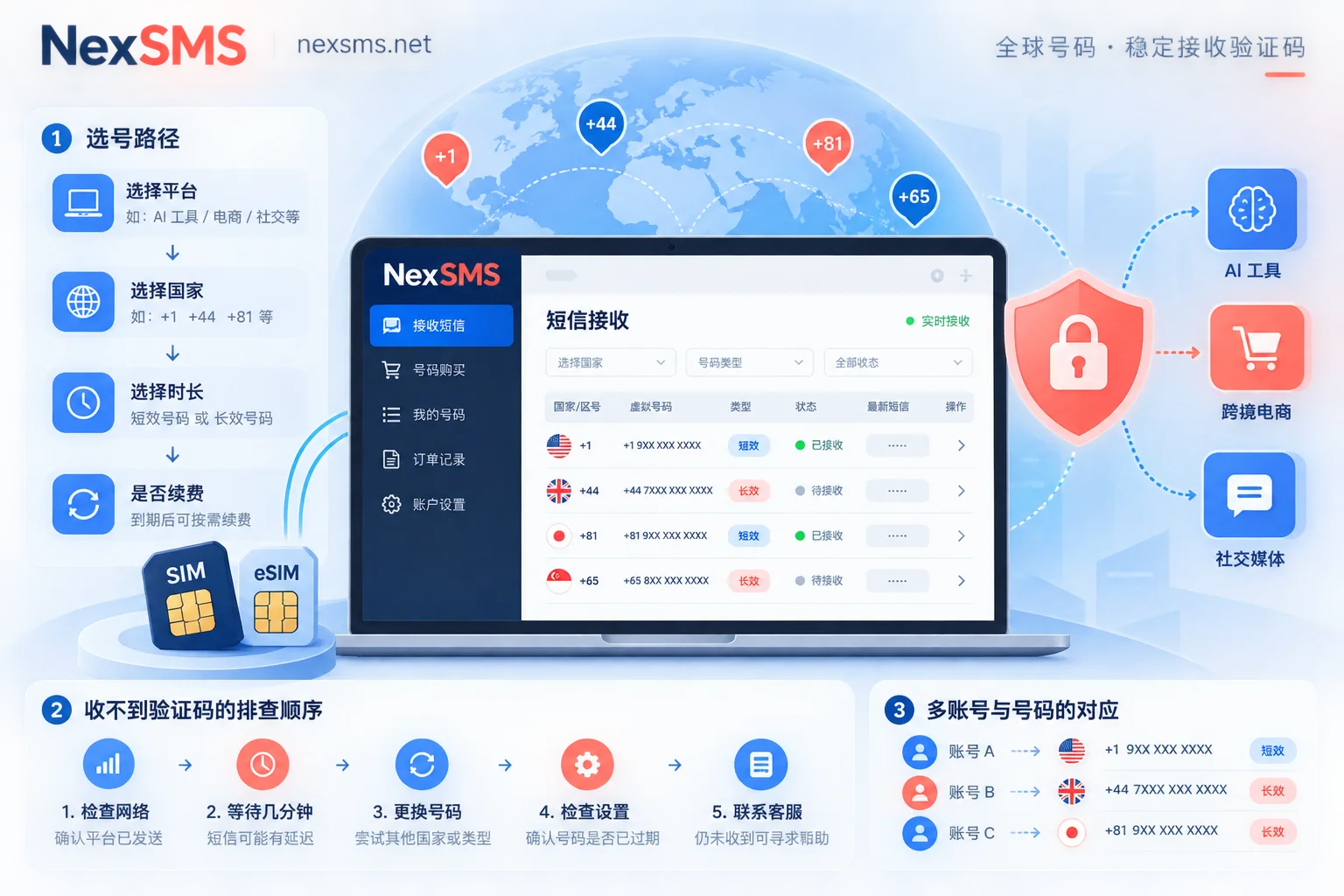
The second step is to obtain a real physical channel. In the NexSMS control panel, select the mobile physical card number segment of the corresponding country based on the registration location you need. Numbers obtained through NexSMS originate from real physical card channels, which can effectively avoid VoIP database flag screening.
The third step is to enter the obtained number on the official website page. Accurately select the country code in the input box, remove extra spaces from the number prefix, and paste. Confirm it is correct and click send verification code. At this point, since the number attribute is recognized as a compliant mobile SIM card, the backend will directly send the SMS through the carrier's SMS channel.
The fourth step is to complete security verification. Wait a few seconds on the receiving panel, and the system will automatically display the One-Time Password (OTP). Enter this code into the Claude activation box, and you will smoothly pass this step. At this point, the first stage of account isolation is completed, and there is no need to worry about subsequent harassment caused by primary number leakage.
Key Details to Avoid Account Ban Risks During Registration
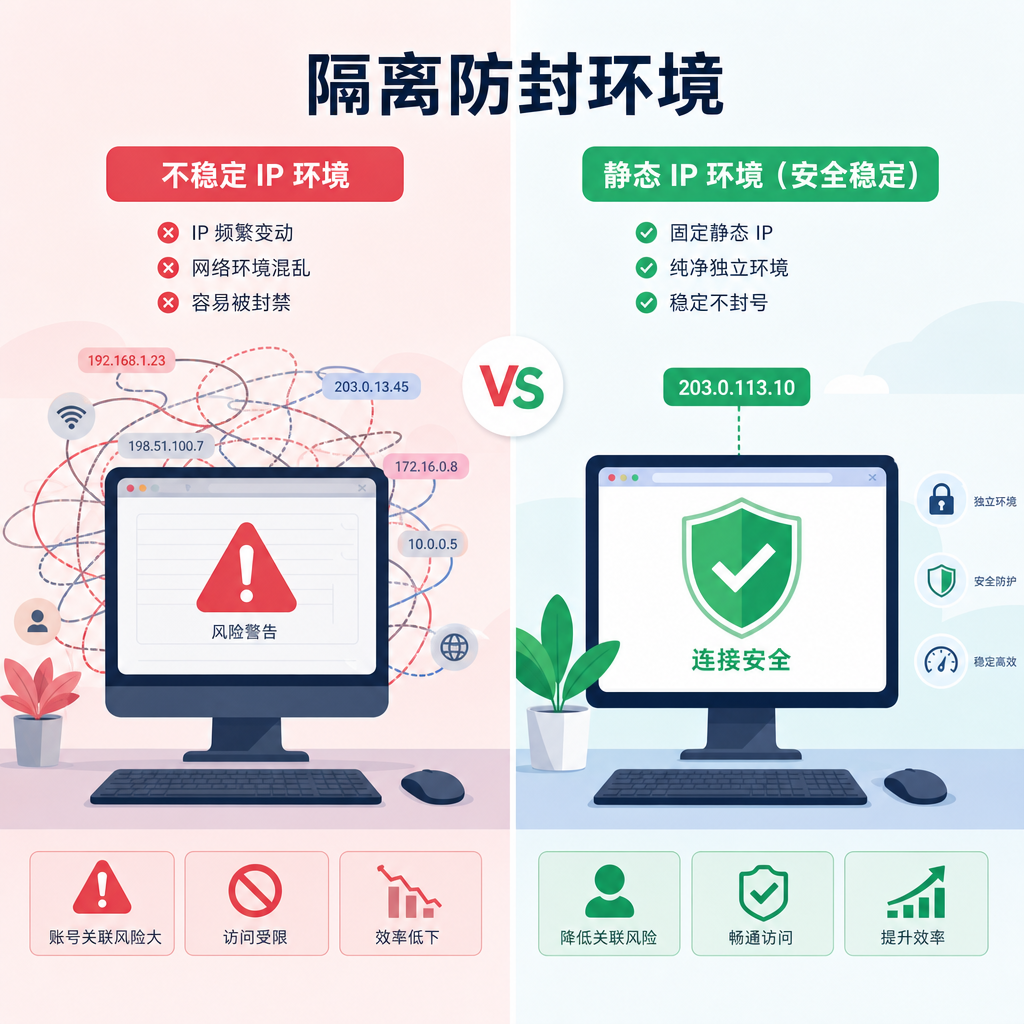
Using high-quality virtual numbers for account binding can greatly reduce the risk of primary number privacy exposure. However, in the context of network attack prevention and platform anti-cheat systems, to ensure the long-term stable operation of the account after registration, some easily overlooked issues need to be avoided during operation:
- Use a dedicated static proxy IP, and try to avoid frequently switching network routes between different countries or regions during registration;
- Enable incognito mode in the browser and clear old caches. If necessary, use a fingerprint anti-association browser to completely isolate the environment;
- Absolutely avoid clicking Resend frequently; if two attempts to receive the verification code fail, wait a few minutes before retrying;
- Try to use mainstream and reputable email accounts for registration, avoiding temporary email boxes that are easily rejected;
- If the system still prompts that the number type is not supported, you can directly request a new number segment on the NexSMS platform.
Security Maintenance and Subsequent Management After Account Activation
Successful account registration is only the first step. As the platform has recently increased detection of account behavior patterns, the network behavior during subsequent use also determines the account's lifespan. The IP used for each login should be kept as consistent as possible. If the system detects frequent switching between different countries within a short period, even accounts that have passed phone binding may be flagged as abnormal and forced to verify again.
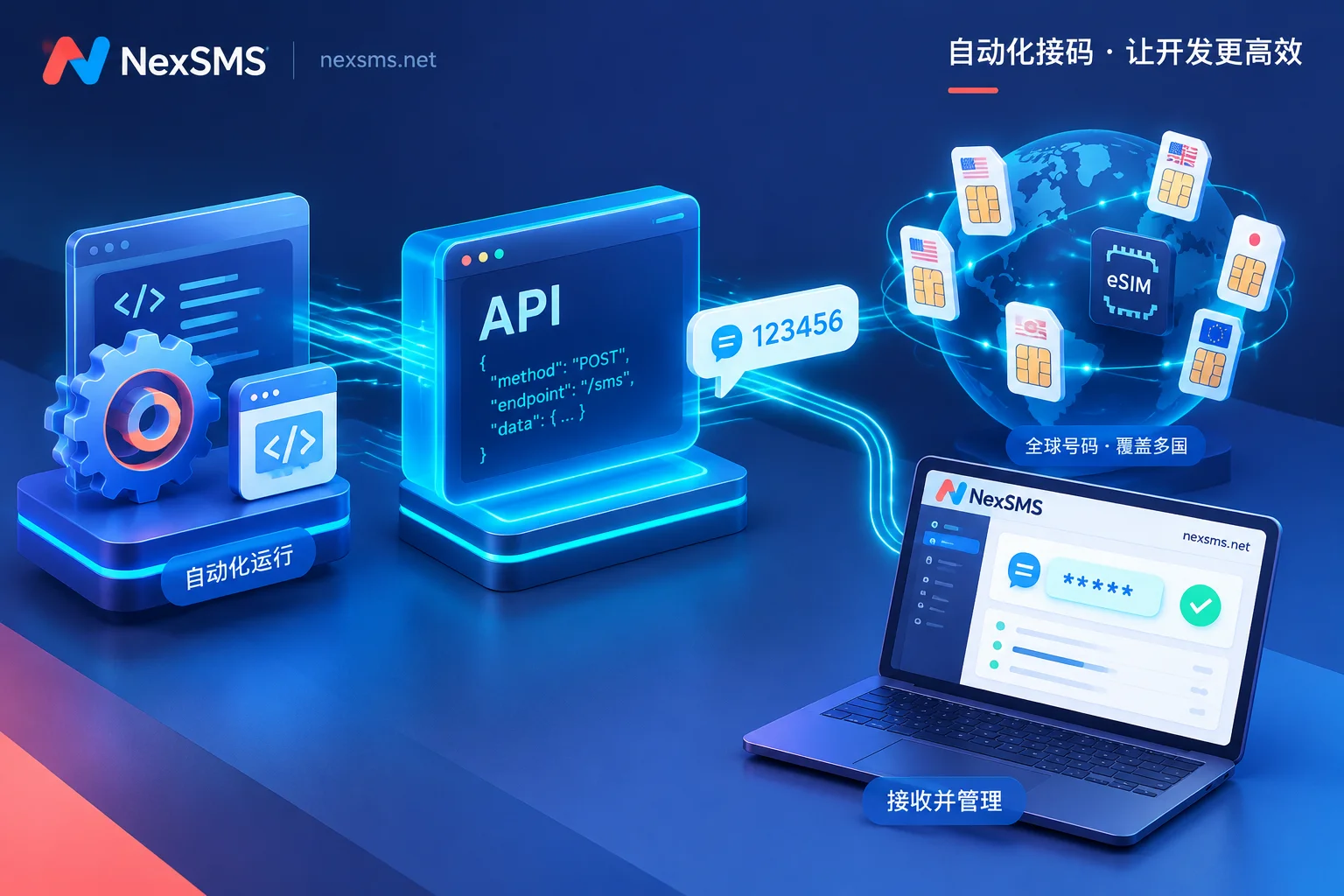
For developers, although directly calling the API can bypass some tedious facial verification steps, the initial number binding step cannot be ignored. When registering with a virtual number, ensure the number information is recorded completely so that when the system randomly checks or requires resetting security keys later, you can provide corresponding security auxiliary credentials.



Comments(0)